swapon
Activates swap partitions and swap files, and shows which swap areas are in use.
swapoffdeactivates them.
Syntax
swapon [OPTION]... [DEVICE | FILE]
Options
| Option | Description |
|---|---|
--show |
Show the active swap areas with usage and priority |
-a |
Activate all swap areas from /etc/fstab |
-p N |
Priority: higher numbers are used first |
swapoff DEVICE |
Deactivate a swap area |
swapoff -a |
Deactivate all swap areas |
Examples
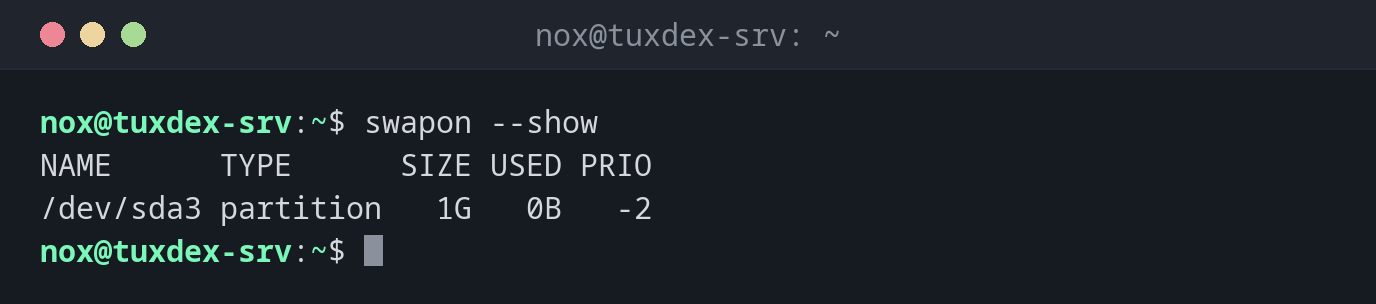
Show the active swap areas:
swapon --show
NAME      TYPE      SIZE USED PRIO
/dev/sda3 partition   1G   0B   -2
Activate a new swap file:
sudo swapon /swapfile
swapon --show
NAME      TYPE      SIZE USED PRIO
/dev/sda3 partition   1G   0B   -2
/swapfile file        2G   0B   -3
The swap file is active as well. The partition has the higher priority (-2 is higher
than -3) and is used first.
Deactivate the swap file again:
sudo swapoff /swapfile
swapon --show
NAME      TYPE      SIZE USED PRIO
/dev/sda3 partition   1G   0B   -2
When do I need it?
- After
mkswap, to use the new swap space - To check how much swap is used and which area
- Before removing or enlarging a swap file
Check after changing /etc/fstab
sudo swapon -a activates everything from /etc/fstab. If it reports no error, the
line is correct and also works after a reboot.
swapoff needs free memory
swapoff moves everything from swap back into memory. If there is too little free
memory, it fails or the OOM killer ends processes. Check with free first.