netplan
Configures the network on Ubuntu from YAML files in
/etc/netplan/. Netplan generates the configuration for systemd-networkd or NetworkManager from them.
Syntax
netplan COMMAND [OPTION]...
Options
| Command | Description |
|---|---|
try |
Apply the configuration and roll back after 120 seconds unless you confirm |
apply |
Apply the configuration immediately |
generate |
Only check and generate, don't apply |
get [KEY] |
Show the merged configuration, or one key like ethernets.ens18.addresses |
status |
Current state of all interfaces: addresses, routes, DNS |
Examples
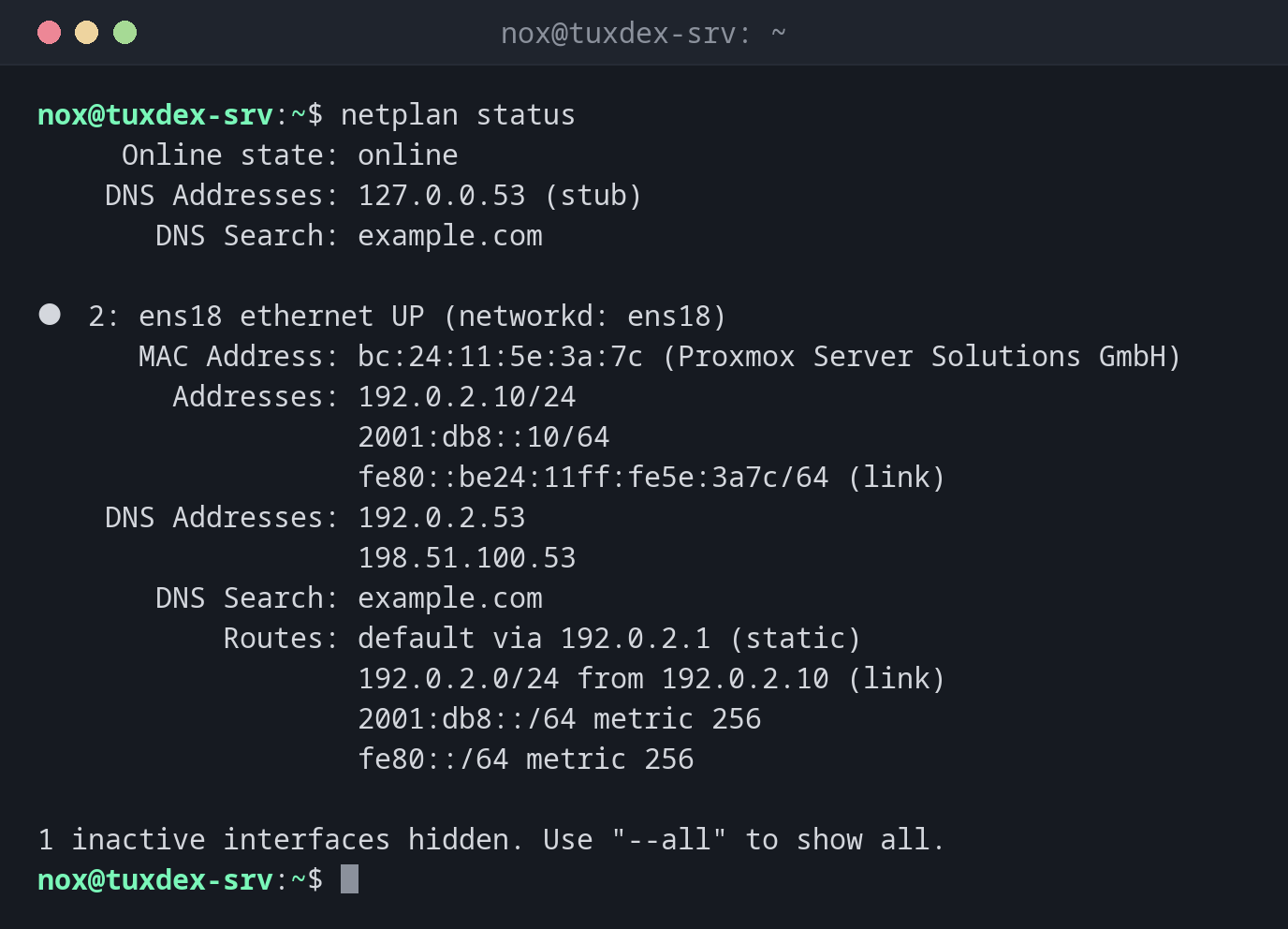
Show the current state of the network:
netplan status
     Online state: online
    DNS Addresses: 127.0.0.53 (stub)
       DNS Search: example.com

●  2: ens18 ethernet UP (networkd: ens18)
      MAC Address: bc:24:11:5e:3a:7c (Proxmox Server Solutions GmbH)
        Addresses: 192.0.2.10/24
                   2001:db8::10/64
                   fe80::be24:11ff:fe5e:3a7c/64 (link)
    DNS Addresses: 192.0.2.53
                   198.51.100.53
       DNS Search: example.com
           Routes: default via 192.0.2.1 (static)
                   192.0.2.0/24 from 192.0.2.10 (link)
                   2001:db8::/64 metric 256
                   fe80::/64 metric 256

1 inactive interfaces hidden. Use "--all" to show all.
A static configuration:
sudo cat /etc/netplan/50-cloud-init.yaml
network:
  version: 2
  ethernets:
    ens18:
      addresses:
        - 192.0.2.10/24
        - "2001:db8::10/64"
      routes:
        - to: default
          via: 192.0.2.1
      nameservers:
        addresses: [192.0.2.53, 198.51.100.53]
        search: [example.com]
Indentation matters in YAML: always use spaces, never tabs. Make the file only readable
for root: sudo chmod 600 /etc/netplan/50-cloud-init.yaml.
Test a change safely:
sudo netplan try
Do you want to keep these settings?


Press ENTER before the timeout to accept the new configuration


Changes will revert in 120 seconds
Configuration accepted.
If you lose the connection, you can't press Enter, and netplan restores the old configuration after 120 seconds.
A typo in the YAML file:
sudo netplan generate
/etc/netplan/50-cloud-init.yaml:12:9: Invalid YAML: did not find expected key:
        nameservers:
        ^
Line 12, column 9: nameservers is indented by one space too many.
Read a single value:
sudo netplan get ethernets.ens18.addresses
- "192.0.2.10/24"
- "2001:db8::10/64"
When do I need it?
- On Ubuntu servers to set a static IP address, the gateway or DNS servers
- To add a second address, a VLAN or a bridge
- After cloning a VM, when the interface name or the address has to change
Always try instead of apply over SSH
netplan try rolls back automatically if the new configuration cuts you off. With
apply, you would need the hosting console.
Cloud images overwrite the file
On cloud servers, cloud-init often creates 50-cloud-init.yaml and can overwrite it
on the next boot. Put your own settings into a separate file such as
60-static.yaml, or disable the network configuration of cloud-init.
Distribution differences
| Debian | Ubuntu | RHEL | Arch | |
|---|---|---|---|---|
| Network configuration | ifupdown, netplan only in cloud images | netplan | NetworkManager | systemd-networkd or NetworkManager |
Related commands
ip · resolvectl · nmcli · ifup