who
Shows who is currently logged in to the system, on which terminal and from where.
Syntax
who [OPTION]... [FILE | am i]
Options
| Option | Description |
|---|---|
-H, --heading |
Print a line with column headings |
-b, --boot |
Print the time of the last system boot |
-u, --users |
Also print idle time and PID of each login |
-q, --count |
Print only the login names and the number of logged-in users |
-m |
Print only your own session (same as who am i) |
-r, --runlevel |
Print the current runlevel |
-a, --all |
Print all information (same as -b -d --login -p -r -t -T -u) |
Examples
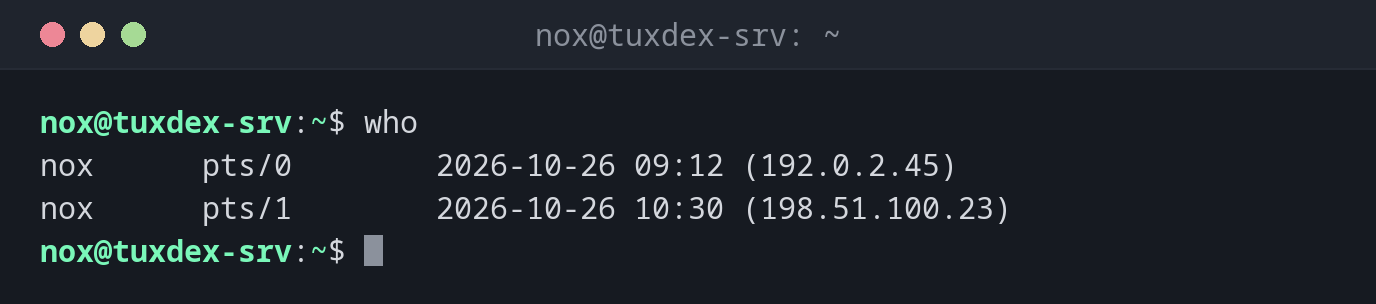
Show who is logged in:
who
nox      pts/0        2026-10-26 09:12 (192.0.2.45)
nox      pts/1        2026-10-26 10:30 (198.51.100.23)
pts/0 and pts/1 are pseudo terminals, typically SSH sessions. The address in
brackets shows where the login came from.
Show the same list with column headings:
who -H
NAME     LINE         TIME             COMMENT
nox      pts/0        2026-10-26 09:12 (192.0.2.45)
nox      pts/1        2026-10-26 10:30 (198.51.100.23)
Show only your own session:
who am i
nox pts/0 2026-10-26 09:12 (192.0.2.45)
Count the logged-in users:
who -q
nox nox
# users=2
Show the time of the last boot:
who -b
system boot 2026-10-14 07:37
When do I need it?
- Before a reboot or maintenance: is anyone else working on the server right now?
- To spot unexpected logins, for example from an IP address you don't know
- To find out from which address you are connected yourself (
who am i), for example to add it to a firewall rule - To find the terminal (
pts/1) of another session before you send it a message withwriteor end it
Good to know
who am i shows the user who logged in to the terminal, even after sudo -i
or su. whoami shows the user you are working as right now.
Unknown logins
If who shows a session from an address you don't recognise, check it right away
with w (what is it doing?) and the SSH logs. Note user, terminal, address and
time before you end the session, so you can investigate later.