trivy
Scans container images, directories and configuration files for known vulnerabilities, secrets and misconfigurations.
Syntax
trivy image | fs | config | repo [OPTIONS] TARGET
Options
| Option | Description |
|---|---|
image NAME |
Scan a container image, local or from a registry |
fs DIRECTORY |
Scan a project directory (dependencies, secrets) |
config DIRECTORY |
Check Dockerfiles, Kubernetes manifests and Terraform for misconfigurations |
--severity HIGH,CRITICAL |
Only these severities |
--ignore-unfixed |
Hide vulnerabilities without an available fix |
--exit-code 1 |
Return 1 if something is found, for CI pipelines |
-q, --quiet |
No progress messages |
-f json |
Output as JSON (also sarif, cyclonedx) |
The first run downloads the vulnerability database to ~/.cache/trivy; later runs update it automatically.
Examples
Critical vulnerabilities with a fix in an image:
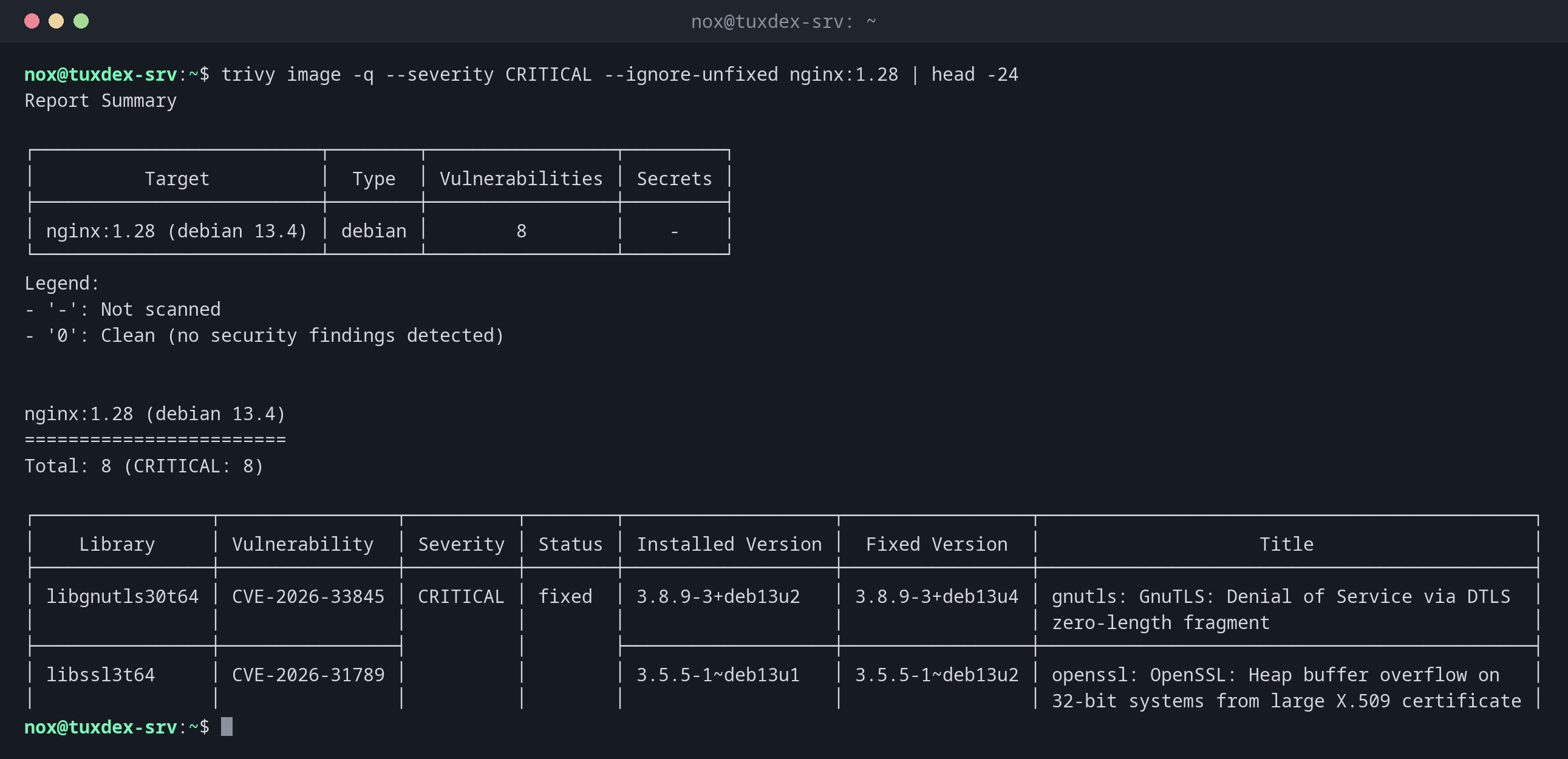
trivy image -q --severity CRITICAL --ignore-unfixed nginx:1.28 | head -24
Report Summary

┌──────────────────────────┬────────┬─────────────────┬─────────┐
│          Target          │  Type  │ Vulnerabilities │ Secrets │
├──────────────────────────┼────────┼─────────────────┼─────────┤
│ nginx:1.28 (debian 13.4) │ debian │        8        │    -    │
└──────────────────────────┴────────┴─────────────────┴─────────┘
Legend:
- '-': Not scanned
- '0': Clean (no security findings detected)


nginx:1.28 (debian 13.4)
========================
Total: 8 (CRITICAL: 8)

┌────────────────┬────────────────┬──────────┬────────┬───────────────────┬─────────────────┬─────────────────────────────────────────────┐
│    Library     │ Vulnerability  │ Severity │ Status │ Installed Version │  Fixed Version  │                    Title                    │
├────────────────┼────────────────┼──────────┼────────┼───────────────────┼─────────────────┼─────────────────────────────────────────────┤
│ libgnutls30t64 │ CVE-2026-33845 │ CRITICAL │ fixed  │ 3.8.9-3+deb13u2   │ 3.8.9-3+deb13u4 │ gnutls: GnuTLS: Denial of Service via DTLS  │
│                │                │          │        │                   │                 │ zero-length fragment                        │
├────────────────┼────────────────┤          │        ├───────────────────┼─────────────────┼─────────────────────────────────────────────┤
│ libssl3t64     │ CVE-2026-31789 │          │        │ 3.5.5-1~deb13u1   │ 3.5.5-1~deb13u2 │ openssl: OpenSSL: Heap buffer overflow on   │
│                │                │          │        │                   │                 │ 32-bit systems from large X.509 certificate │
Fixed Version shows that Debian already has updates for these packages: a newer image or a rebuild solves them.
Check a Dockerfile:
trivy config -q .
Dockerfile (dockerfile)
=======================
Tests: 27 (SUCCESSES: 25, FAILURES: 2)
Failures: 2 (UNKNOWN: 0, LOW: 1, MEDIUM: 0, HIGH: 1, CRITICAL: 0)

DS-0002 (HIGH): Specify at least 1 USER command in Dockerfile with non-root user as argument
════════════════════════════════════════
Running containers with 'root' user can lead to a container escape situation. It is a best practice to run containers as non-root users, which can be done by adding a 'USER' statement to the Dockerfile.

See https://avd.aquasec.com/misconfig/ds-0002
────────────────────────────────────────


DS-0026 (LOW): Add HEALTHCHECK instruction in your Dockerfile
════════════════════════════════════════
You should add HEALTHCHECK instruction in your docker container images to perform the health check on running containers.

See https://avd.aquasec.com/misconfig/ds-0026
────────────────────────────────────────
Stop a pipeline on critical findings:
trivy image -q --exit-code 1 --severity CRITICAL nginx:1.28 >/dev/null
echo "exit code: $?"
exit code: 1
When do I need it?
- Before deploying an image, to know which known vulnerabilities it contains
- In the CI pipeline, so that images with critical vulnerabilities are stopped
- To check Dockerfiles and Kubernetes manifests for typical mistakes like running as root
As a step in the pipeline
trivy image --exit-code 1 --severity CRITICAL --ignore-unfixed IMAGE after the build
stops the pipeline when there is a critical vulnerability that could be fixed by an
update. See the chapter CI/CD.
Many findings are normal
Even fresh official images show dozens of findings, many without a fix. Focus on
CRITICAL and HIGH with a fixed version, and rebuild images regularly so they get the
fixes.
Distribution differences
| Debian | Ubuntu | RHEL | Arch | |
|---|---|---|---|---|
| Install | repository of Aqua Security, then sudo apt install trivy |
repository of Aqua Security, then sudo apt install trivy |
repository of Aqua Security, then sudo dnf install trivy |
sudo pacman -S trivy |