pacman
The package manager of Arch Linux: installs, updates and removes packages, and queries both the repositories and the installed packages, all in one tool.
Syntax
pacman OPERATION [OPTION]... [PACKAGE]...
The first capital letter selects the operation: -S works with the repositories (sync),
-Q with the installed packages (query), -R removes.
Options
| Option | Description |
|---|---|
-Syu |
Refresh the package lists and install all updates |
-S PACKAGE |
Install a package |
-Ss WORD |
Search the repositories |
-Si PACKAGE |
Show details of a package in the repositories |
-Q |
List installed packages (-Qe: only those installed explicitly) |
-Qi PACKAGE |
Show details of an installed package |
-Qo PATH |
Find the package that owns a file |
-Qdt |
List orphans: dependencies that nothing needs anymore |
-R PACKAGE |
Remove a package (-Rns: also unneeded dependencies and configuration) |
-Sc |
Remove old package files from the cache |
Examples
Install a package:
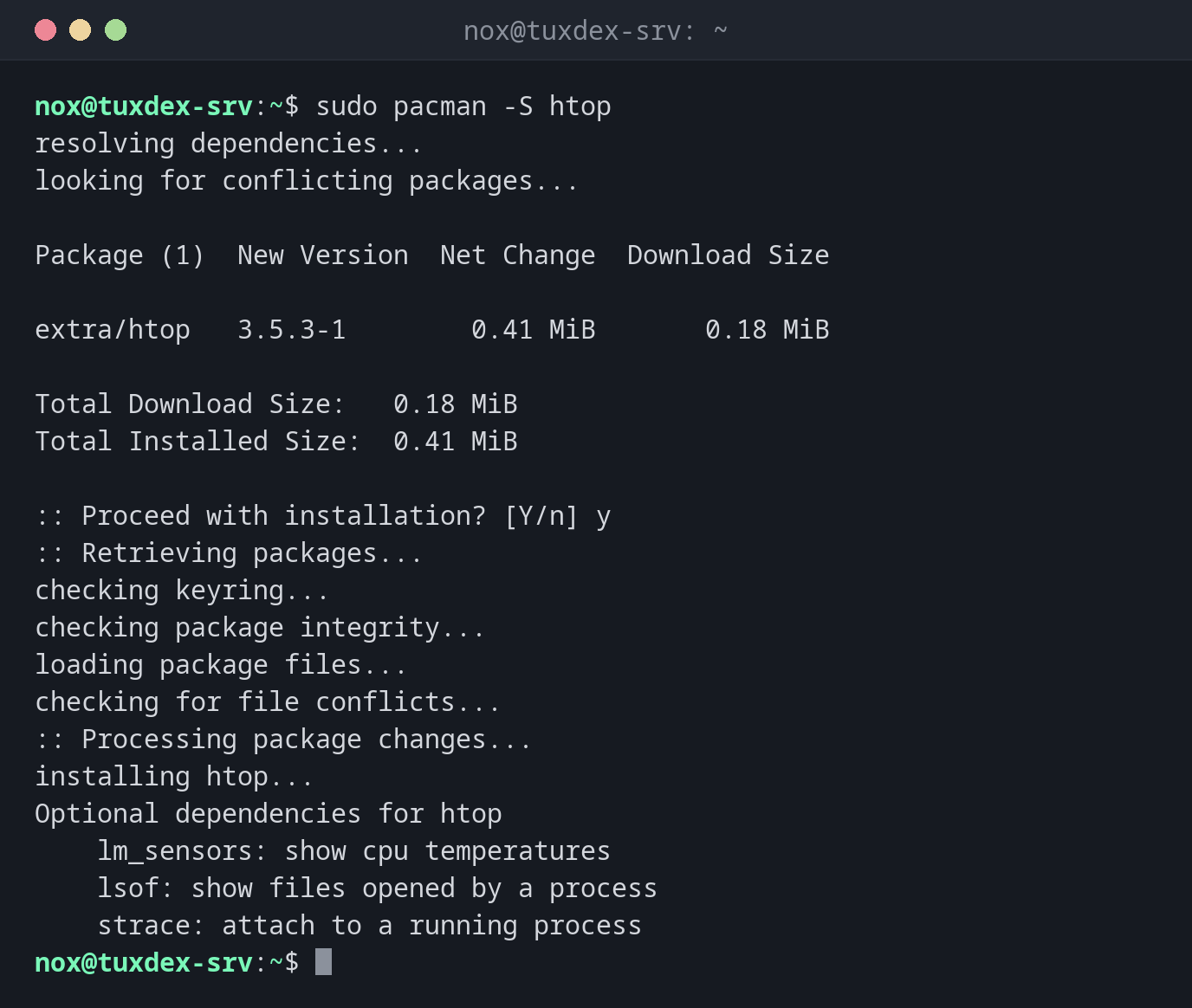
sudo pacman -S htop
resolving dependencies...
looking for conflicting packages...

Package (1)  New Version  Net Change  Download Size

extra/htop   3.5.3-1        0.41 MiB       0.18 MiB

Total Download Size:   0.18 MiB
Total Installed Size:  0.41 MiB

:: Proceed with installation? [Y/n] y
:: Retrieving packages...
checking keyring...
checking package integrity...
loading package files...
checking for file conflicts...
:: Processing package changes...
installing htop...
Optional dependencies for htop
    lm_sensors: show cpu temperatures
    lsof: show files opened by a process
    strace: attach to a running process
Update the whole system:
sudo pacman -Syu
:: Synchronizing package databases...
 core downloading...
 extra downloading...
:: Starting full system upgrade...
 there is nothing to do
Search the repositories:
pacman -Ss "^nginx$"
extra/nginx 1.30.6-2 [installed]
    Lightweight HTTP server and IMAP/POP3 proxy server
Find out which package a file belongs to:
pacman -Qo /usr/bin/nginx
/usr/bin/nginx is owned by nginx 1.30.6-2
Find and remove orphaned dependencies:
pacman -Qdt
mailcap 2.1.54-3
mailcap was installed as a dependency of nginx. After removing nginx, nothing needs it
anymore. sudo pacman -Rns $(pacman -Qdtq) removes all orphans.
Remove a package:
sudo pacman -R nginx
checking dependencies...

Package (1)  Old Version  Net Change

nginx        1.30.6-2      -1.68 MiB

Total Removed Size:  1.68 MiB

:: Do you want to remove these packages? [Y/n] y
:: Processing package changes...
removing nginx...
When do I need it?
- On Arch for every installation and every update
- To find out which package a file belongs to, or which packages are orphaned
- To keep the system clean on a rolling release, where packages change often
Read the news before updating
Arch sometimes needs manual steps during an update. They are announced on
https://archlinux.org/news/. Check the news before every pacman -Syu on a server.
No partial updates
Never run pacman -Sy PACKAGE: it refreshes the package lists but only updates one
package. That can break libraries. Always use pacman -Syu, also before installing.
Services aren't started
On Arch, a new service is neither enabled nor started after installing. Use
sudo systemctl enable --now nginx.
Distribution differences
| Debian | Ubuntu | RHEL | Arch | |
|---|---|---|---|---|
| Available | no, use apt |
no, use apt |
no, use dnf |
yes |
| Repository configuration | not applicable | not applicable | not applicable | /etc/pacman.conf, mirrors in /etc/pacman.d/mirrorlist |