namei
Follows a path step by step and shows type, permissions and owner of every directory on the way.
Syntax
namei [OPTION]... PATH...
Options
| Option | Description |
|---|---|
-l, --long |
Long format: permissions, owner and group (like -m -o) |
-m, --modes |
Show the permissions |
-o, --owners |
Show owner and group |
-n, --nosymlinks |
Don't follow symbolic links |
-x, --mountpoints |
Mark mount points with D |
Types in the output: d directory, - file, l symbolic link.
Examples
Find out why the web server gets "Permission denied":
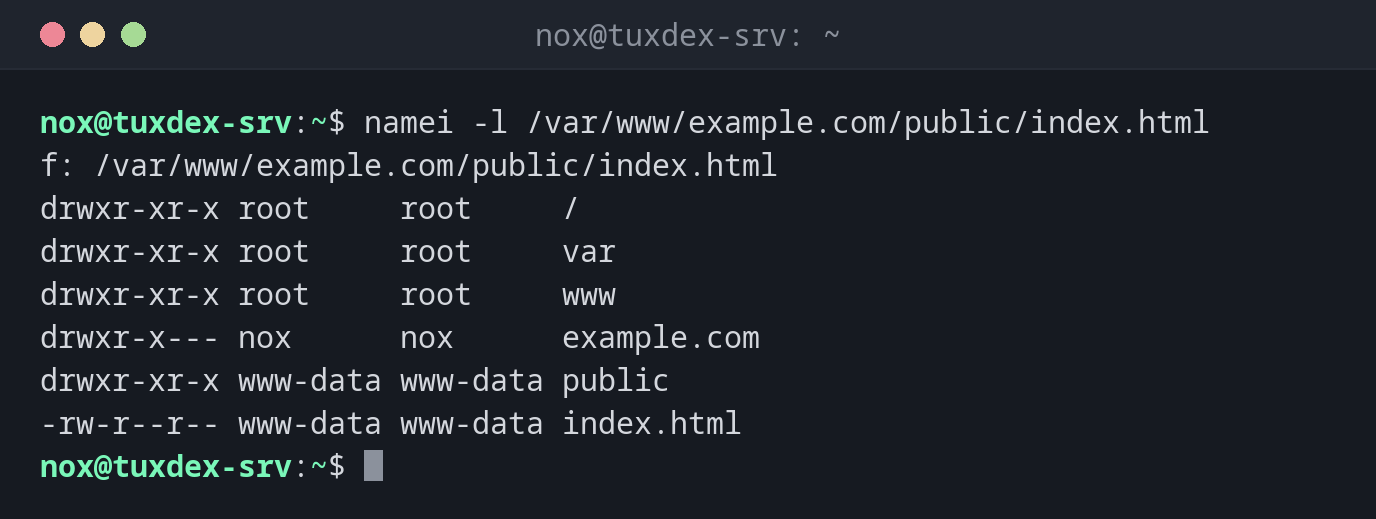
namei -l /var/www/example.com/public/index.html
f: /var/www/example.com/public/index.html
drwxr-xr-x root     root     /
drwxr-xr-x root     root     var
drwxr-xr-x root     root     www
drwxr-x--- nox      nox      example.com
drwxr-xr-x www-data www-data public
-rw-r--r-- www-data www-data index.html
The file itself is readable, but www-data is not allowed to enter example.com
(rwxr-x---, owner and group nox). nginx answers with 403 Forbidden.
Only show the permissions:
namei -m /etc/ssl/private/example.com.key
f: /etc/ssl/private/example.com.key
 drwxr-xr-x /
 drwxr-xr-x etc
 drwxr-xr-x ssl
 drwx--x--- private
 -rw-r----- example.com.key
Follow a symbolic link to its target:
namei /etc/nginx/sites-enabled/example.com
f: /etc/nginx/sites-enabled/example.com
 d /
 d etc
 d nginx
 d sites-enabled
 l example.com -> /etc/nginx/sites-available/example.com
   d /
   d etc
   d nginx
   d sites-available
   - example.com
Find the part of a path that doesn't exist:
namei -l /etc/nginx/sites-enabled/exmaple.com
f: /etc/nginx/sites-enabled/exmaple.com
drwxr-xr-x root root /
drwxr-xr-x root root etc
drwxr-xr-x root root nginx
drwxr-xr-x root root sites-enabled
                      exmaple.com - No such file or directory
The typo is in the last part of the path.
When do I need it?
- When a service reports
Permission deniedor403 Forbiddenalthough the file permissions look right: often a directory on the way is missing thexpermission - To check the whole path to keys, sockets or upload directories at once
- To see where a chain of symbolic links really leads
Test as the service user
To test access directly, run a command as the user of the service:
sudo -u www-data cat /var/www/example.com/public/index.html. If that fails, nginx
can't read the file either.
Every directory needs x
To reach a file, a user needs the x permission on every directory of the path.
namei -l shows all of them in one view.