kubectl port-forward
Forwards a local port to a pod or service in the cluster, without making it public.
Syntax
kubectl port-forward TYPE/NAME [LOCAL:]REMOTE [-n NAMESPACE]
Options
| Option | Description |
|---|---|
svc/NAME, deploy/NAME, POD |
Target in the cluster |
8080:80 |
Local port 8080 to port 80 of the target |
:80 |
Pick a free local port automatically |
--address 0.0.0.0 |
Also accept connections from other machines (default: only localhost) |
-n NAMESPACE |
Namespace |
Examples
Make a service reachable locally:
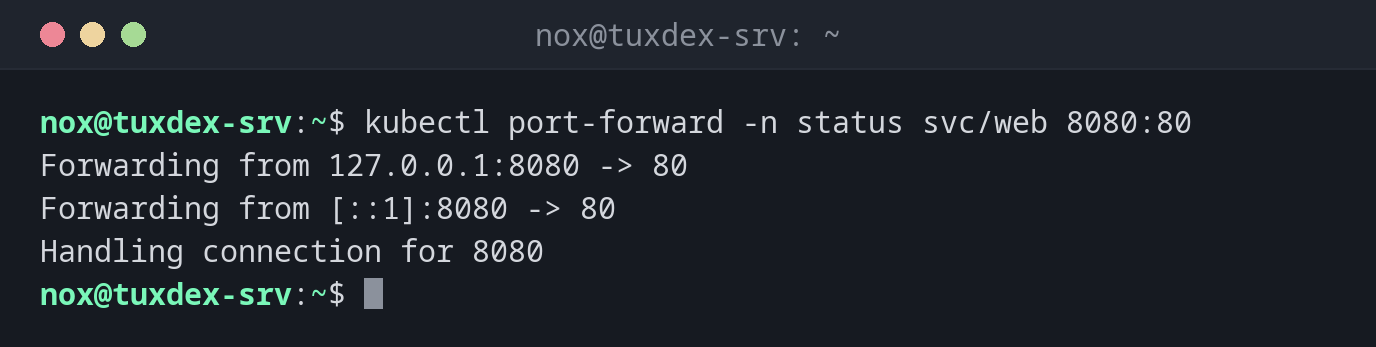
kubectl port-forward -n status svc/web 8080:80
Forwarding from 127.0.0.1:8080 -> 80
Forwarding from [::1]:8080 -> 80
Handling connection for 8080
The forwarding runs until you end it with Ctrl+C. Meanwhile, curl http://localhost:8080 reaches nginx in the cluster.
Test from a second terminal:
curl -s http://localhost:8080 | grep title
<title>Welcome to nginx!</title>
A local port picked automatically:
kubectl port-forward -n status deploy/web :80
Forwarding from 127.0.0.1:38615 -> 80
Forwarding from [::1]:38615 -> 80
When do I need it?
- To test an application before it gets an ingress
- To reach a database or an admin interface in the cluster without exposing it
- To compare one pod directly with others while searching for an error
Through an SSH tunnel
From your own computer: ssh -L 8080:localhost:8080 nox@tuxdex-srv, and run
kubectl port-forward on the server. Then http://localhost:8080 works locally.
Related commands
kubectl exec · kubectl get · ssh · curl