ansible-inventory
Shows the inventory as Ansible understands it: groups, servers and their variables.
Syntax
ansible-inventory [-i INVENTORY] --graph | --list | --host HOST
Options
| Option | Description |
|---|---|
--graph [GROUP] |
Groups and servers as a tree |
--list |
Everything as JSON, including all variables |
--host HOST |
The variables of one server |
--vars |
With --graph: also show the variables |
-i FILE |
Use this inventory instead of the configured one |
-y, --yaml |
YAML instead of JSON |
Examples
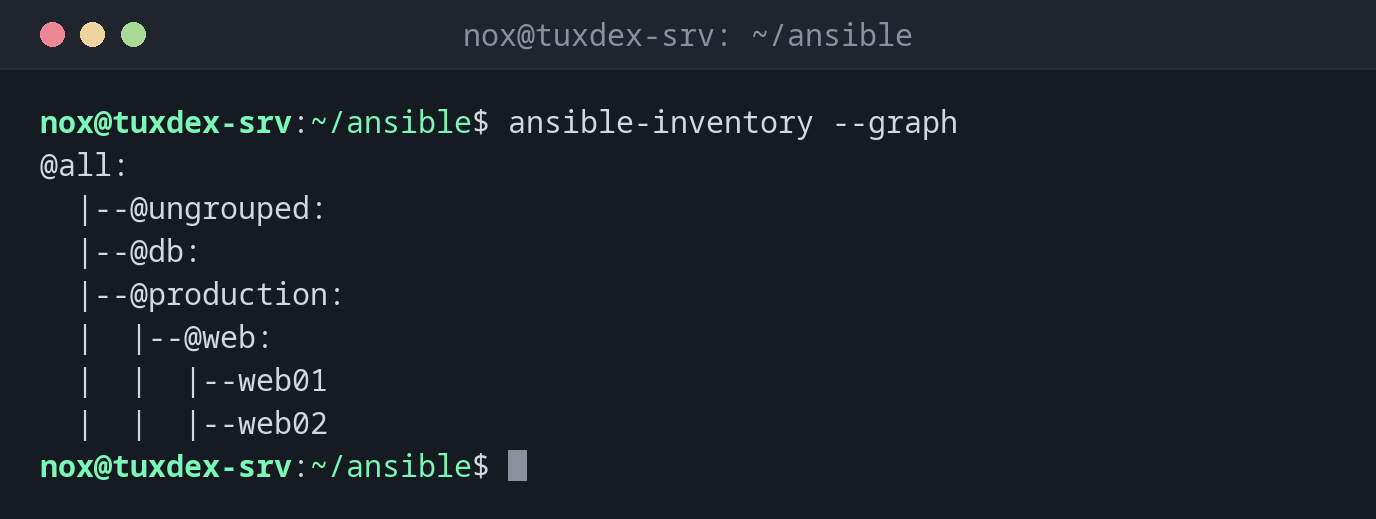
Groups and servers as a tree:
ansible-inventory --graph
@all:
  |--@ungrouped:
  |--@db:
  |--@production:
  |  |--@web:
  |  |  |--web01
  |  |  |--web02
The variables of one server:
ansible-inventory --host web01
{
    "ansible_host": "192.0.2.21",
    "nginx_worker_connections": 1024
}
nginx_worker_connections comes from group_vars/web.yml, because web01 is in the group web.
The whole inventory as JSON:
ansible-inventory --list | head -20
{
    "_meta": {
        "hostvars": {
            "web01": {
                "ansible_host": "192.0.2.21",
                "nginx_worker_connections": 1024
            },
            "web02": {
                "ansible_host": "192.0.2.22",
                "nginx_worker_connections": 1024
            }
        },
        "profile": "inventory_legacy"
    },
    "all": {
        "children": [
            "ungrouped",
            "db",
            "production"
        ]
When do I need it?
- To check that new servers ended up in the right groups
- To find out which value a variable has on a server, and from which file
- To test a dynamic inventory, for example from a cloud provider
Patterns for targets
web:db means both groups, web:!web02 the group without one server, web:&production
only servers in both groups. The same patterns work with ansible and --limit.