docker pull
Downloads an image from a registry, by default from Docker Hub.
Syntax
docker pull [OPTIONS] NAME[:TAG]
Options
| Option | Description |
|---|---|
NAME |
Image name, such as nginx or registry.example.com/nox/status-page |
:TAG |
Version, such as 1.28; without a tag, latest is used |
@sha256:… |
An exact image by its digest instead of a tag |
-a, --all-tags |
Download all tags of the image |
-q, --quiet |
Only print the name of the image |
--platform PLATFORM |
Another architecture, such as linux/arm64 |
Examples
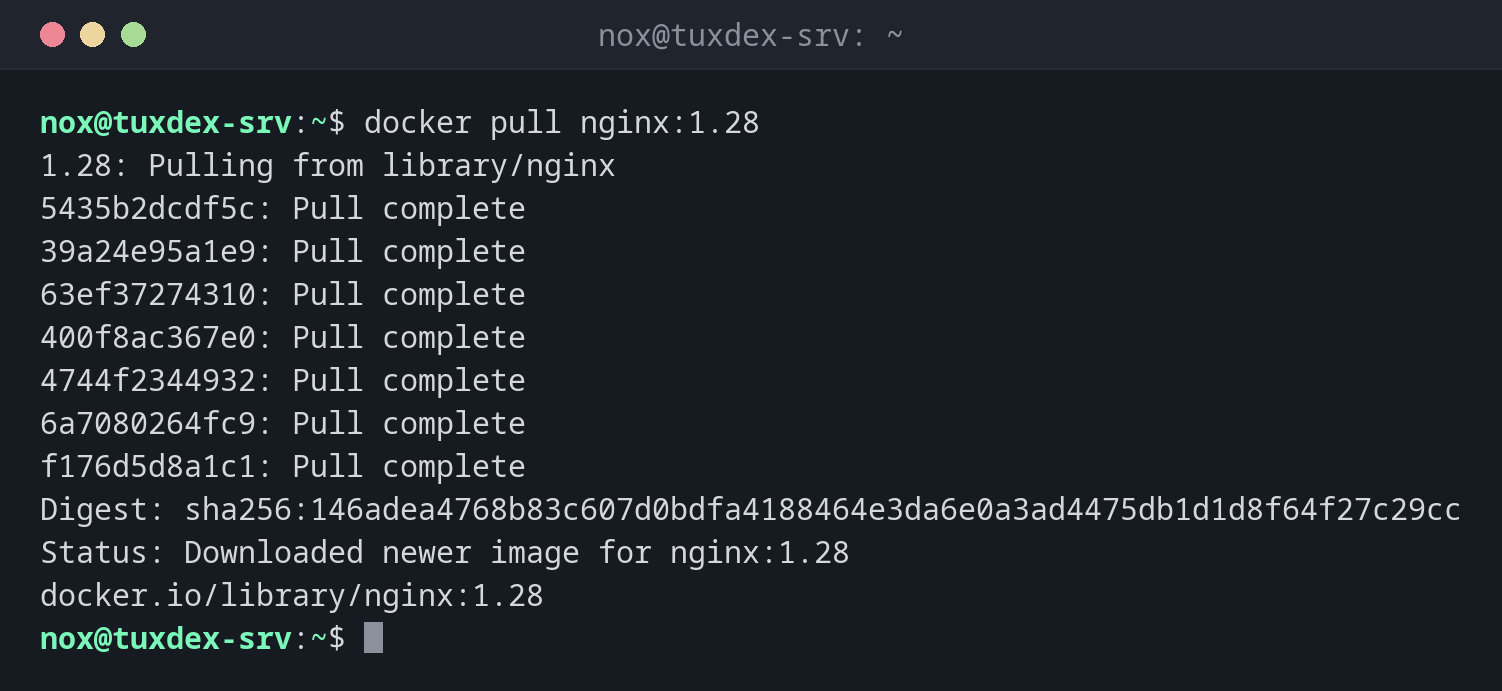
Download an image with a version tag:
docker pull nginx:1.28
1.28: Pulling from library/nginx
5435b2dcdf5c: Pull complete
39a24e95a1e9: Pull complete
63ef37274310: Pull complete
400f8ac367e0: Pull complete
4744f2344932: Pull complete
6a7080264fc9: Pull complete
f176d5d8a1c1: Pull complete
Digest: sha256:146adea4768b83c607d0bdfa4188464e3da6e0a3ad4475db1d1d8f64f27c29cc
Status: Downloaded newer image for nginx:1.28
docker.io/library/nginx:1.28
The image is already up to date:
docker pull nginx:1.28
1.28: Pulling from library/nginx
Digest: sha256:146adea4768b83c607d0bdfa4188464e3da6e0a3ad4475db1d1d8f64f27c29cc
Status: Image is up to date for nginx:1.28
docker.io/library/nginx:1.28
From your own registry:
docker pull -q registry.example.com/nox/status-page:1.0
registry.example.com/nox/status-page:1.0
An image that doesn't exist:
docker pull nginx:1.82
Error response from daemon: failed to resolve reference "docker.io/library/nginx:1.82": docker.io/library/nginx:1.82: not found
When do I need it?
- To get a new version of an image before you update a container
- To download images in advance, so that a later start doesn't have to wait
- To get the security updates that a new build of the same tag contains
Pull alone doesn't update anything
Running containers keep using the old image. Only when you create the container again
(or run docker compose up -d) does it start from the new image.
Rate limits on Docker Hub
Docker Hub limits the number of pulls without an account per IP address. On servers
that pull a lot, log in with docker login or use a mirror.