gitlab-runner
Runs the jobs of GitLab CI pipelines on your own server, in Docker containers or directly in a shell.
Syntax
gitlab-runner register | list | verify | unregister | status | run [OPTIONS]
Options
| Option | Description |
|---|---|
register |
Connect the runner with a GitLab instance (with a runner token from the web interface) |
--url URL, --token TOKEN |
Address of GitLab and the runner token (glrt-…) |
--executor docker |
Run each job in a container (shell runs it directly on the host) |
--docker-image IMAGE |
Default image for jobs without image: |
--non-interactive |
Don't ask, take everything from the options |
list |
The registered runners from /etc/gitlab-runner/config.toml |
verify |
Check that the runners can still reach GitLab |
unregister --name NAME |
Remove a runner |
The runner itself runs as the systemd service gitlab-runner. Its configuration is in /etc/gitlab-runner/config.toml.
Examples
Register a runner with the Docker executor:
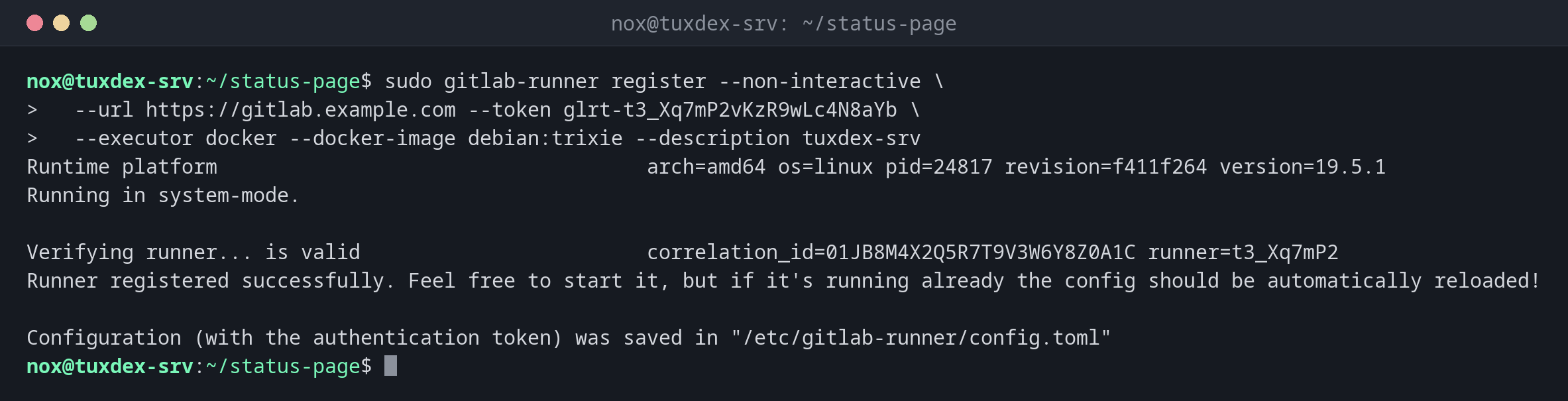
sudo gitlab-runner register --non-interactive \
  --url https://gitlab.example.com --token glrt-t3_Xq7mP2vKzR9wLc4N8aYb \
  --executor docker --docker-image debian:trixie --description tuxdex-srv
Runtime platform                                    arch=amd64 os=linux pid=24817 revision=f411f264 version=19.5.1
Running in system-mode.

Verifying runner... is valid                        correlation_id=01JB8M4X2Q5R7T9V3W6Y8Z0A1C runner=t3_Xq7mP2
Runner registered successfully. Feel free to start it, but if it's running already the config should be automatically reloaded!

Configuration (with the authentication token) was saved in "/etc/gitlab-runner/config.toml"
The registered runners:
sudo gitlab-runner list
Runtime platform                                    arch=amd64 os=linux pid=24901 revision=f411f264 version=19.5.1
Listing configured runners                          ConfigFile=/etc/gitlab-runner/config.toml
tuxdex-srv                                          Executor=docker Token=glrt-t3_Xq7mP2vKzR9wLc4N8aYb URL=https://gitlab.example.com
Check that the runner still reaches GitLab:
sudo gitlab-runner verify
Runtime platform                                    arch=amd64 os=linux pid=24937 revision=f411f264 version=19.5.1
Running in system-mode.

Verifying runner... is valid                        correlation_id=01JB8M6D4F8H1K3M5P7R9T2V4X runner=t3_Xq7mP2
The runner as a service:
systemctl is-active gitlab-runner
gitlab-runner --version | head -2
active
Version:      19.5.1
Git revision: f411f264
When do I need it?
- When jobs need access to your own network, for example to deploy to internal servers
- When the shared runners are too slow or the included minutes run out
- For jobs that need special hardware or large caches
Tags decide where a job runs
Register the runner with tags like --tag-list deploy,internal and give jobs
tags: [deploy]. Then only these jobs end up on your runner.
The shell executor is root on your server
With --executor shell, every job runs directly on the host as user gitlab-runner, and
anyone who may change .gitlab-ci.yml can run commands on your server. Prefer the
docker executor and only use own runners for projects you trust.
Distribution differences
| Debian | Ubuntu | RHEL | Arch | |
|---|---|---|---|---|
| Install | repository packages.gitlab.com, then sudo apt install gitlab-runner |
repository packages.gitlab.com, then sudo apt install gitlab-runner |
repository packages.gitlab.com, then sudo dnf install gitlab-runner |
sudo pacman -S gitlab-runner |