localectl
Shows and sets the system language (locale) and the keyboard layout.
Syntax
localectl [OPTION]... [COMMAND] [ARGUMENT]...
Options
| Command | Description |
|---|---|
(none), status |
Show locale and keyboard settings |
list-locales |
List the locales that are installed |
set-locale LANG=… |
Set the system locale |
list-keymaps |
List the keyboard layouts for the console |
set-keymap MAP |
Set the keyboard layout for the console |
set-x11-keymap LAYOUT |
Set the keyboard layout for graphical sessions |
Examples
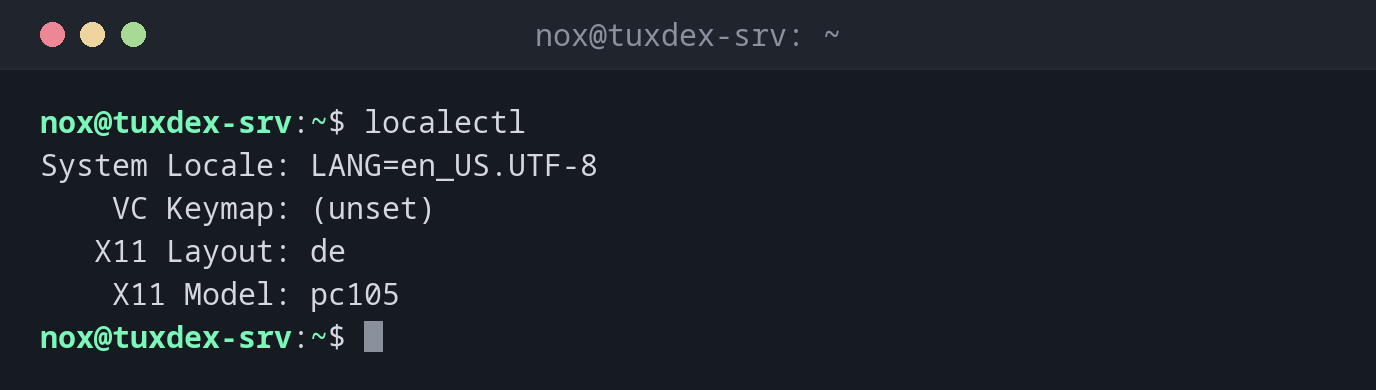
Show the current settings:
localectl
System Locale: LANG=en_US.UTF-8
    VC Keymap: (unset)
   X11 Layout: de
    X11 Model: pc105
VC Keymap is the layout on the server console, X11 Layout the one for graphical
sessions. Over SSH, your own computer's keyboard layout applies.
Show the installed locales:
localectl list-locales
C.UTF-8
de_DE.UTF-8
en_US.UTF-8
Change the system language:
sudo localectl set-locale LANG=de_DE.UTF-8
localectl status
System Locale: LANG=de_DE.UTF-8
    VC Keymap: (unset)
   X11 Layout: de
    X11 Model: pc105
The new setting applies to new logins. Log out and in again to see it.
When do I need it?
- After the installation, when the server uses the wrong language or keyboard layout
- When programs show question marks instead of umlauts, often a missing UTF-8 locale
- When a program warns
Setting locale failed
English on servers
Many admins keep servers on en_US.UTF-8 or C.UTF-8. Error messages are then
in English, and you find much more help for them online.
Install the locale first
set-locale only sets the value. If the locale isn't installed, programs fall back
to C and complain. Check with list-locales first.
Distribution differences
| Debian | Ubuntu | RHEL | Arch | |
|---|---|---|---|---|
| Install a locale | sudo dpkg-reconfigure locales |
sudo locale-gen de_DE.UTF-8 |
sudo dnf install glibc-langpack-de |
uncomment in /etc/locale.gen, then sudo locale-gen |