amtool
The command line for the Prometheus Alertmanager: check its configuration, show active alerts and silence them during maintenance.
Syntax
amtool [--alertmanager.url=URL] check-config | alert query | silence add | silence query | silence expire
Options
| Command | Description |
|---|---|
check-config FILE |
Check alertmanager.yml |
alert query [MATCHER] |
Show active alerts, e.g. alertname=InstanceDown |
silence add MATCHER --duration=2h --comment=… |
Silence matching alerts for a while |
silence query |
List active silences (-q: IDs only) |
silence expire ID |
End a silence early |
config routes |
Show the routing tree: who gets which alert |
--alertmanager.url= |
Address of the Alertmanager, e.g. http://localhost:9093 |
Put the address into ~/.config/amtool/config.yml (alertmanager.url: http://localhost:9093), then you can leave out --alertmanager.url.
Examples
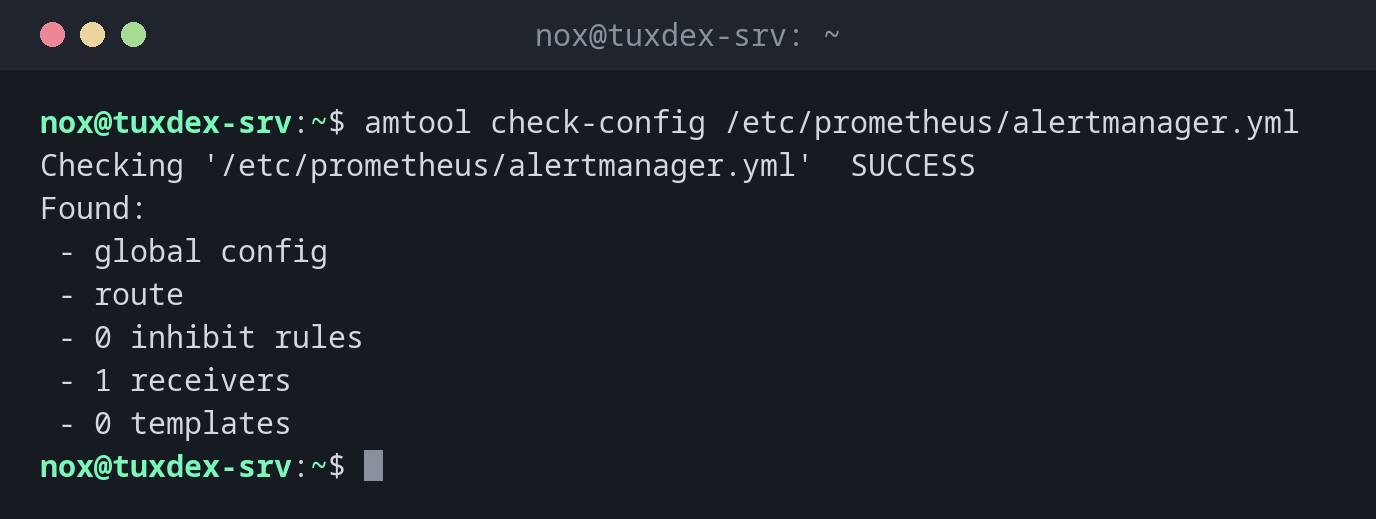
Check the configuration:
amtool check-config /etc/prometheus/alertmanager.yml
Checking '/etc/prometheus/alertmanager.yml'  SUCCESS
Found:
 - global config
 - route
 - 0 inhibit rules
 - 1 receivers
 - 0 templates
Active alerts:
amtool --alertmanager.url=http://localhost:9093 alert query
Alertname     Starts At                Summary                  State
InstanceDown  2026-10-26 09:38:05 UTC  192.0.2.21:9100 is down  active
Silence a server for two hours of maintenance:
amtool --alertmanager.url=http://localhost:9093 silence add instance=192.0.2.21:9100 \
  --duration=2h --comment="Kernel update" --author=nox
10e4013c-0d68-430c-b174-6ffc507daab7
The output is the ID of the silence. While it runs, alerts for 192.0.2.21:9100 show the state suppressed and send no mails.
List the active silences:
amtool --alertmanager.url=http://localhost:9093 silence query
ID                                    Matchers                    Ends At                  Created By  Comment
10e4013c-0d68-430c-b174-6ffc507daab7  instance="192.0.2.21:9100"  2026-10-26 11:42:17 UTC  nox         Kernel update
End all silences after the maintenance:
amtool --alertmanager.url=http://localhost:9093 silence expire $(amtool --alertmanager.url=http://localhost:9093 silence query -q)
echo $?
0
Who gets the alerts:
amtool --alertmanager.url=http://localhost:9093 config routes
Routing tree:
.
└── default-route  receiver: admin
When do I need it?
- Before planned maintenance, so a reboot doesn't wake anybody
- To check after a change of
alertmanager.ymlwhether the file is valid - To see which alerts are active, without the web interface
Silence before, not after
Set the silence before the maintenance starts: amtool silence add instance=~"web01.*"
--duration=1h --comment="Kernel update". Afterwards, silence expire ends it, so later
problems are reported again.
Silences hide real problems
A silence with a wide matcher (severity=critical) or a long duration also swallows
alerts that have nothing to do with the maintenance. Keep the matcher narrow and the
duration short.
Distribution differences
| Debian | Ubuntu | RHEL | Arch | |
|---|---|---|---|---|
| Package | prometheus-alertmanager |
prometheus-alertmanager |
not in the repositories: release archive or container prom/alertmanager |
alertmanager |
| Alertmanager service | prometheus-alertmanager |
prometheus-alertmanager |
own systemd unit | alertmanager |
| Configuration | /etc/prometheus/alertmanager.yml |
/etc/prometheus/alertmanager.yml |
as configured | /etc/alertmanager/alertmanager.yml |
Related commands
promtool · prometheus · node_exporter · curl