faillock
Shows failed login attempts per user and unlocks accounts that were locked after too many wrong passwords.
Syntax
faillock [--user USER] [--reset]
faillock belongs to the PAM module pam_faillock. It only counts and locks if that module is enabled in the PAM configuration, see the table.
Options
| Option | Description |
|---|---|
| (none) | Failed attempts of all users |
--user USER |
Only this user |
--reset |
Delete the failed attempts and unlock the account |
Examples
Show the failed attempts of a user:
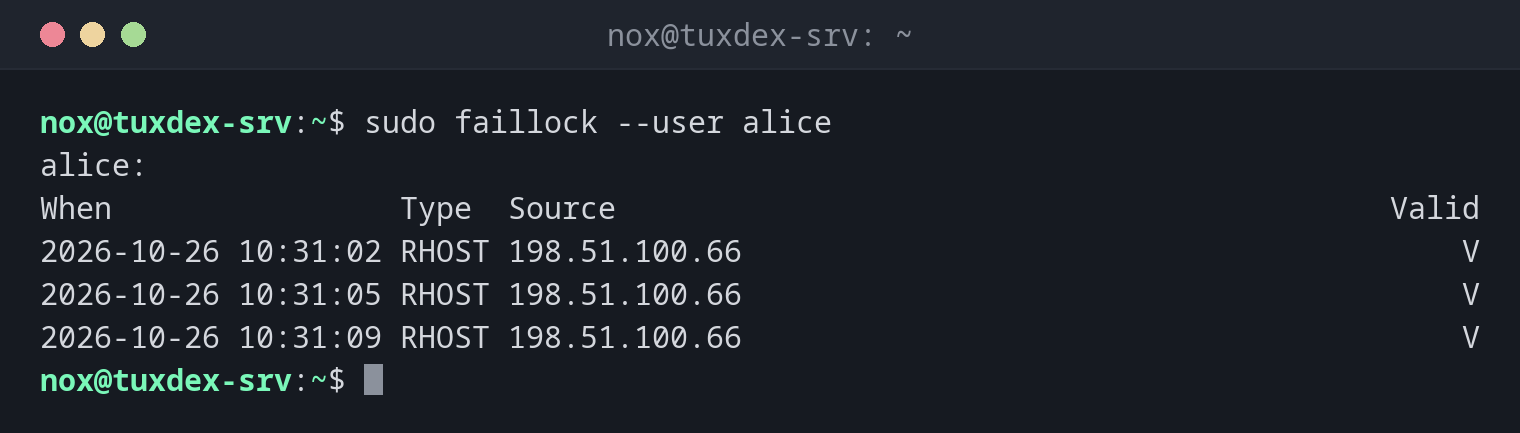
sudo faillock --user alice
alice:
When                Type  Source                                           Valid
2026-10-26 10:31:02 RHOST 198.51.100.66                                        V
2026-10-26 10:31:05 RHOST 198.51.100.66                                        V
2026-10-26 10:31:09 RHOST 198.51.100.66                                        V
Three attempts from the same address within seconds, V marks them as valid for the count.
With deny = 3, the account is now locked.
Unlock the account:
sudo faillock --user alice --reset
sudo faillock --user alice
alice:
When                Type  Source                                           Valid
Check the limits:
grep -v '^#' /etc/security/faillock.conf | grep .
deny = 3
unlock_time = 600
fail_interval = 900
Three failed attempts within 15 minutes lock the account for 10 minutes.
When do I need it?
- When a user can't log in anymore after mistyping the password several times
- To see from where someone tried to log in to an account
- To unlock an account after checking that the attempts were harmless
Settings in faillock.conf
How many attempts lead to a lock and how long it lasts is set in
/etc/security/faillock.conf.
Only local and PAM logins
Failed SSH logins with keys or of non-existing users don't appear here. For SSH attacks,
look at the journal and use fail2ban-client.
Distribution differences
| Debian | Ubuntu | RHEL | Arch | |
|---|---|---|---|---|
pam_faillock active by default |
no | no | no, sudo authselect enable-feature with-faillock |
yes |
Related commands
passwd · fail2ban-client · last · ausearch · aureport