sftp
An interactive file transfer over SSH, similar to FTP: browse directories on the server, fetch and upload files.
Syntax
sftp [OPTION]... [USER@]HOST[:PATH]
Options when starting: -P PORT for a different port, -b FILE for a batch file with commands.
Options
Command in sftp |
Description |
|---|---|
ls, cd, pwd |
List, change and show the directory on the server |
lls, lcd, lpwd |
The same on your own computer |
get FILE |
Download a file (get -r for directories) |
put FILE |
Upload a file (put -r for directories) |
mkdir, rm, rename |
Create, delete and rename on the server |
bye |
End the session |
Examples
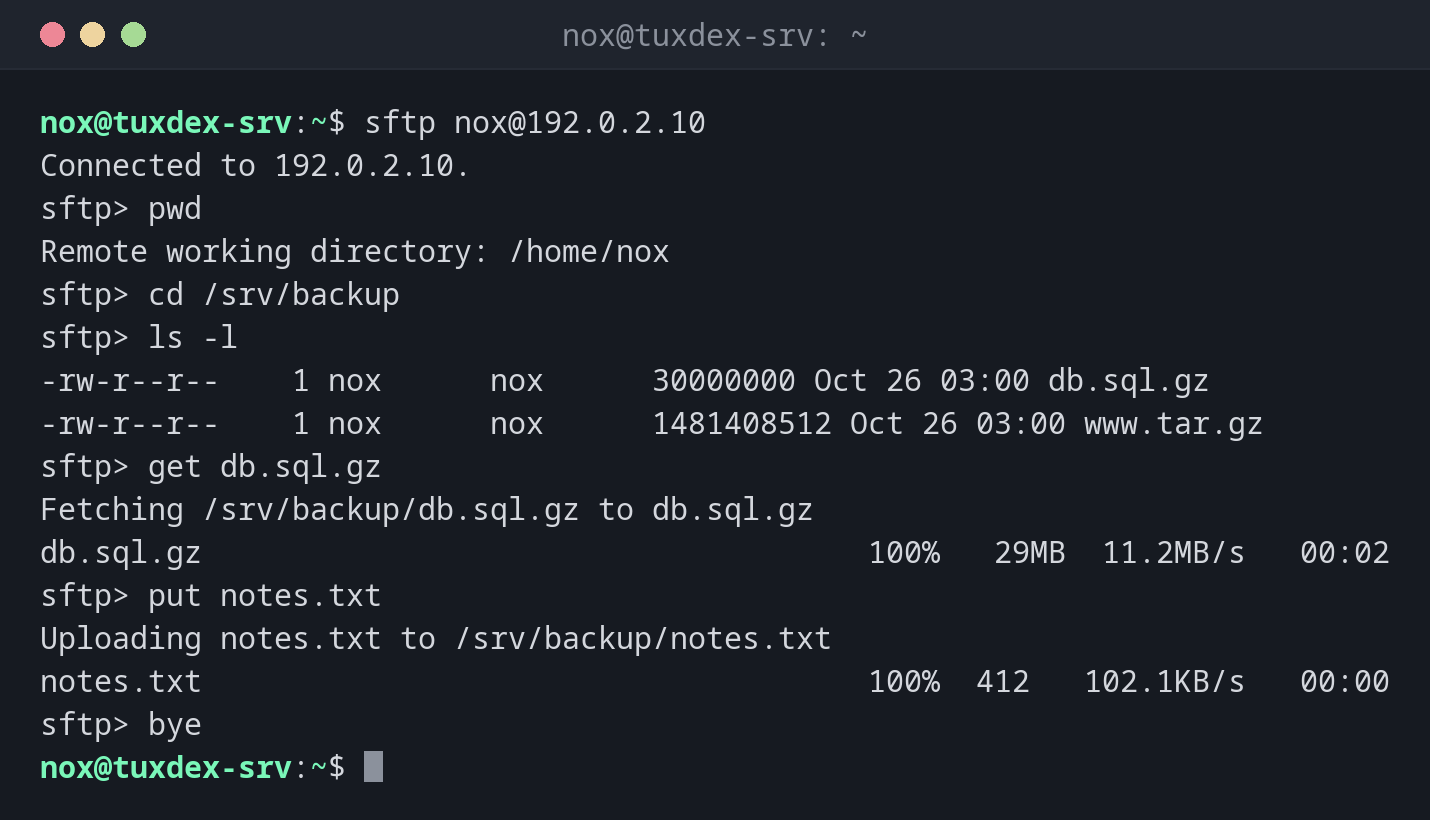
Open a session and transfer files:
sftp nox@192.0.2.10
Connected to 192.0.2.10.
sftp> pwd
Remote working directory: /home/nox
sftp> cd /srv/backup
sftp> ls -l
-rw-r--r--    1 nox      nox      30000000 Oct 26 03:00 db.sql.gz
-rw-r--r--    1 nox      nox      1481408512 Oct 26 03:00 www.tar.gz
sftp> get db.sql.gz
Fetching /srv/backup/db.sql.gz to db.sql.gz
db.sql.gz                                     100%   29MB  11.2MB/s   00:02
sftp> put notes.txt
Uploading notes.txt to /srv/backup/notes.txt
notes.txt                                     100%  412   102.1KB/s   00:00
sftp> bye
Commands with an l in front work on your own computer: lls lists the local directory.
Fetch a single file directly:
sftp nox@192.0.2.10:/srv/backup/db.sql.gz
Connected to 192.0.2.10.
Fetching /srv/backup/db.sql.gz to db.sql.gz
db.sql.gz                                     100%   29MB  11.2MB/s   00:02
The batch file:
cat transfer.txt
cd /srv/backup
get db.sql.gz
put notes.txt
Run prepared commands from a file:
sftp -b transfer.txt nox@192.0.2.10
sftp> cd /srv/backup
sftp> get db.sql.gz
Fetching /srv/backup/db.sql.gz to db.sql.gz
sftp> put notes.txt
Uploading notes.txt to /srv/backup/notes.txt
When do I need it?
- When you want to look around on the server before copying files
- For users who may only transfer files but not log in (SFTP only accounts)
- With graphical clients like FileZilla or WinSCP, which use the same protocol
SFTP only users
With ForceCommand internal-sftp and ChrootDirectory in sshd_config, you can give
users access to a single directory only, without a shell. Ideal for customers who
upload files.
Not FTP
Despite the name, SFTP has nothing to do with FTP or FTPS. It runs over SSH on port 22 and uses the same users and keys.