htpasswd
Creates and manages password files for HTTP basic authentication, used by both Apache and nginx.
Syntax
htpasswd [-c] [-B] FILE USER
htpasswd -b [-B] FILE USER PASSWORD
htpasswd -D FILE USER
Options
| Option | Description |
|---|---|
-c |
Create a new file (overwrites an existing one) |
-B |
Hash with bcrypt, the recommended method |
-b |
Take the password from the command line (ends up in the history) |
-D |
Delete a user |
-v |
Check a user's password |
-n |
Only print the line, don't write a file |
In nginx: auth_basic "Admin"; and auth_basic_user_file /etc/nginx/.htpasswd;. In Apache: AuthType Basic, AuthUserFile, Require valid-user.
Examples
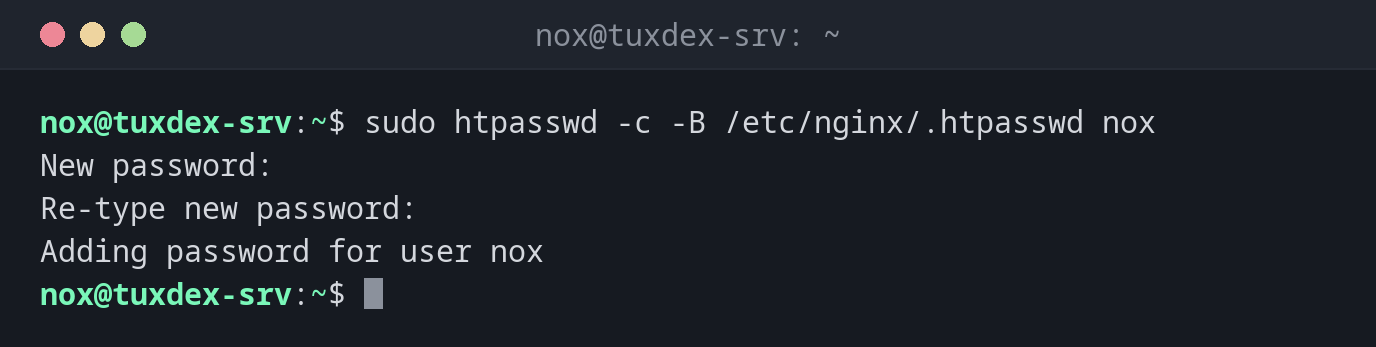
Create a file with the first user:
sudo htpasswd -c -B /etc/nginx/.htpasswd nox
New password:
Re-type new password:
Adding password for user nox
Add another user:
sudo htpasswd -B /etc/nginx/.htpasswd alice
sudo cat /etc/nginx/.htpasswd
New password:
Re-type new password:
Adding password for user alice
nox:$2y$05$XUiYJ9pcm/KX9Q/mV5xd8.ef6LX8VwI39TOUHx50L5oSU59D7hAR2
alice:$2y$05$s8m.gZ5e39bisfQdxXMCk..ZZ2V5XMnulORhPTTog3rOF.hkpDXKO
Check the protection:
curl -s -o /dev/null -w '%{http_code}\n' https://status.example.com/admin/
curl -s -o /dev/null -w '%{http_code}\n' -u nox https://status.example.com/admin/
401
Enter host password for user 'nox':
200
Remove a user:
sudo htpasswd -D /etc/nginx/.htpasswd alice
Deleting password for user alice
When do I need it?
- To protect an admin area, a staging site or a monitoring page quickly
- To give a few people access without a full user management
- To protect a reverse proxy in front of a tool without its own login
Only over HTTPS
Basic authentication sends the password with every request, only base64-encoded. Use it only on sites that are served over HTTPS.
-c overwrites
htpasswd -c creates the file anew, all other users are gone. Use -c only for the
first user.
Distribution differences
| Debian | Ubuntu | RHEL | Arch | |
|---|---|---|---|---|
| Package | apache2-utils |
apache2-utils |
httpd-tools |
apache |