df
Shows how much space is used and free on every mounted file system.
Syntax
df [OPTION]... [FILE]...
Options
| Option | Description |
|---|---|
-h |
Human readable sizes (G, M) |
-T |
Also show the file system type |
-x TYPE |
Exclude a type, e.g. -x tmpfs -x devtmpfs |
-i |
Inodes instead of bytes |
FILE |
Only the file system that contains FILE |
Examples
Show all file systems:
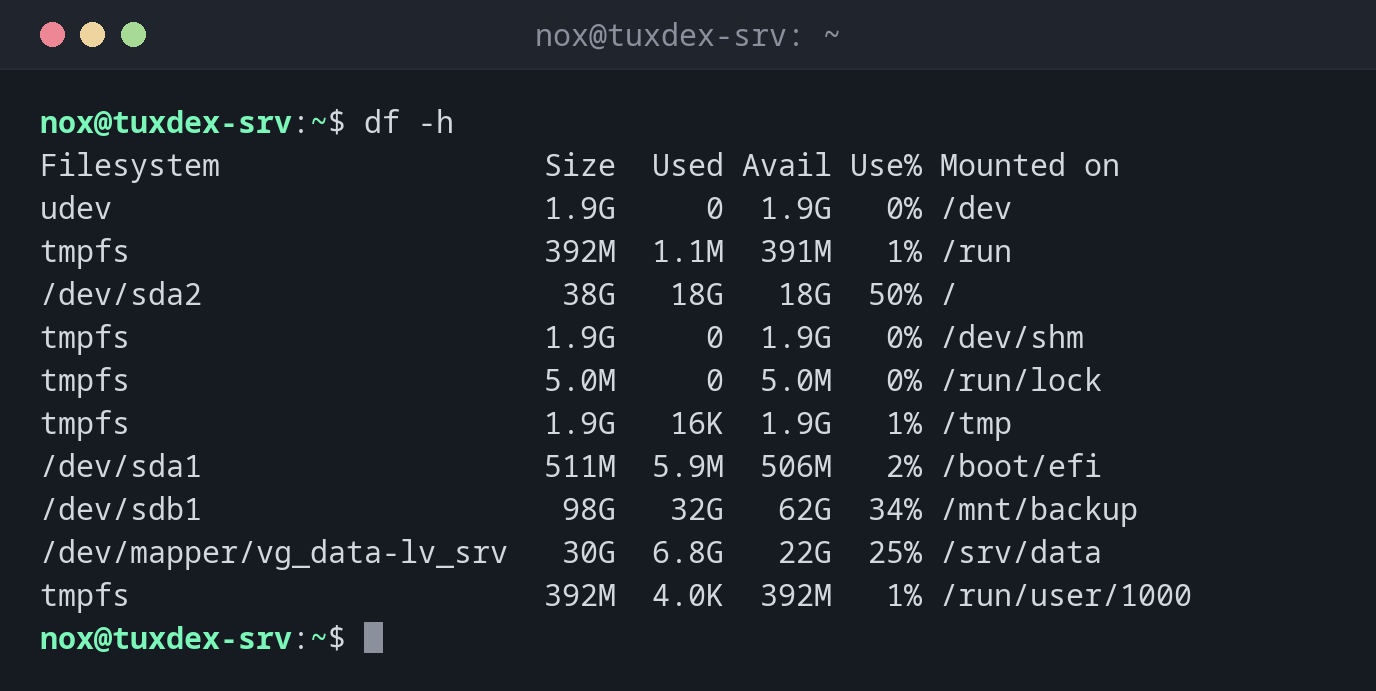
df -h
Filesystem                  Size  Used Avail Use% Mounted on
udev                        1.9G     0  1.9G   0% /dev
tmpfs                       392M  1.1M  391M   1% /run
/dev/sda2                    38G   18G   18G  50% /
tmpfs                       1.9G     0  1.9G   0% /dev/shm
tmpfs                       5.0M     0  5.0M   0% /run/lock
tmpfs                       1.9G   16K  1.9G   1% /tmp
/dev/sda1                   511M  5.9M  506M   2% /boot/efi
/dev/sdb1                    98G   32G   62G  34% /mnt/backup
/dev/mapper/vg_data-lv_srv   30G  6.8G   22G  25% /srv/data
tmpfs                       392M  4.0K  392M   1% /run/user/1000
The tmpfs lines are file systems in memory. On Debian 13, /tmp is one of them.
Only real disks, with the type:
df -hT -x tmpfs -x devtmpfs
Filesystem                 Type  Size  Used Avail Use% Mounted on
/dev/sda2                  ext4   38G   18G   18G  50% /
/dev/sda1                  vfat  511M  5.9M  506M   2% /boot/efi
/dev/sdb1                  ext4   98G   32G   62G  34% /mnt/backup
/dev/mapper/vg_data-lv_srv ext4   30G  6.8G   22G  25% /srv/data
Only the file system of a directory:
df -h /var/log
Filesystem      Size  Used Avail Use% Mounted on
/dev/sda2        38G   18G   18G  50% /
Check the inodes:
df -i /
Filesystem      Inodes  IUsed   IFree IUse% Mounted on
/dev/sda2      2523136 412883 2110253   17% /
Every file needs an inode. Millions of tiny files, for example session files, can use up all inodes while there is still free space.
When do I need it?
- When a server reports
No space left on device - Regularly, to notice full disks before they become a problem
- After a cleanup, to check how much space was freed
Full disk, but du finds nothing?
If df reports much more used space than du finds, a deleted file is probably still
open. lsof +L1 shows it.
Full disks break services
At 100 %, databases stop writing, logs are lost and logins can fail. Set up monitoring that warns from about 85 %.