docker build
Builds an image from a Dockerfile and the files in a directory.
Syntax
docker build [OPTIONS] DIRECTORY
Options
| Option | Description |
|---|---|
DIRECTORY |
Build context: the directory with the Dockerfile and the files it copies, often . |
-t, --tag NAME:TAG |
Name and version of the new image, can be given several times |
-f, --file FILE |
Use another Dockerfile |
--no-cache |
Rebuild every step instead of reusing earlier results |
--pull |
Always fetch the newest version of the base image |
--build-arg NAME=VALUE |
Set a value for an ARG in the Dockerfile |
--progress plain |
Plain output with all lines, useful for logs and errors |
Examples
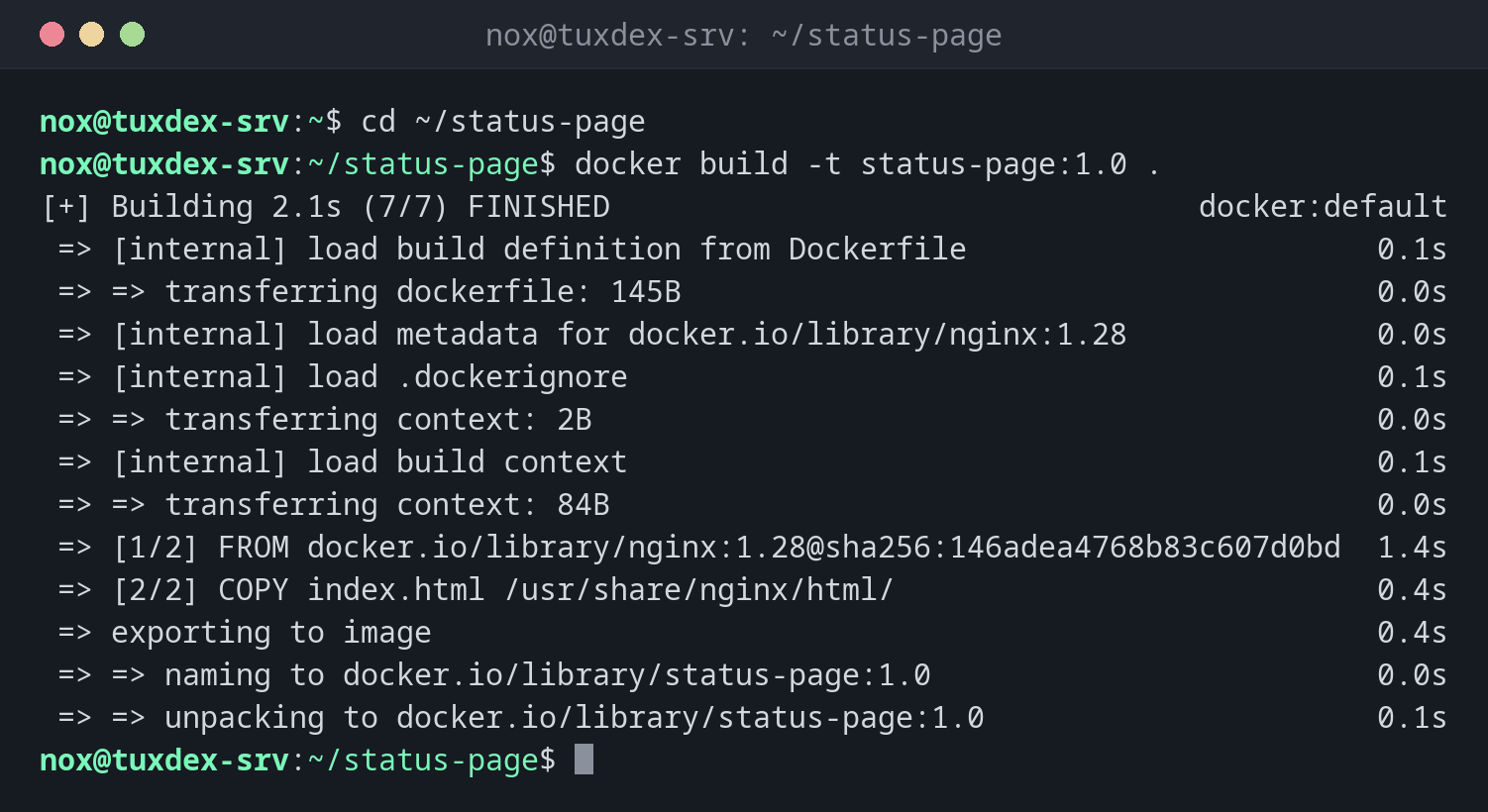
Build an image from the current directory:
cd ~/status-page
docker build -t status-page:1.0 .
[+] Building 2.1s (7/7) FINISHED                                 docker:default
 => [internal] load build definition from Dockerfile                       0.1s
 => => transferring dockerfile: 145B                                       0.0s
 => [internal] load metadata for docker.io/library/nginx:1.28              0.0s
 => [internal] load .dockerignore                                          0.1s
 => => transferring context: 2B                                            0.0s
 => [internal] load build context                                          0.1s
 => => transferring context: 84B                                           0.0s
 => [1/2] FROM docker.io/library/nginx:1.28@sha256:146adea4768b83c607d0bd  1.4s
 => [2/2] COPY index.html /usr/share/nginx/html/                           0.4s
 => exporting to image                                                     0.4s
 => => naming to docker.io/library/status-page:1.0                         0.0s
 => => unpacking to docker.io/library/status-page:1.0                      0.1s
The Dockerfile for it:
cat ~/status-page/Dockerfile
FROM nginx:1.28
COPY index.html /usr/share/nginx/html/
HEALTHCHECK CMD curl -fs http://localhost/ || exit 1
Rebuild after a change, with the cache:
docker build -t status-page:1.1 .
[+] Building 1.1s (7/7) FINISHED                                 docker:default
 => [internal] load build definition from Dockerfile                       0.1s
 => [internal] load build context                                          0.1s
 => => transferring context: 86B                                           0.0s
 => CACHED [1/2] FROM docker.io/library/nginx:1.28@sha256:146adea4768b83c  0.1s
 => [2/2] COPY index.html /usr/share/nginx/html/                           0.1s
 => exporting to image                                                     0.4s
 => => naming to docker.io/library/status-page:1.1                         0.0s
CACHED means Docker reused the result of that step. Only the steps after the first change are run again.
Tag the image for your registry right away:
docker build -q -t registry.example.com/nox/status-page:1.1 .
sha256:807c3828e0a86c119b6fc13680f7d9e2c08b7a5e4f1d3c6b9a2e8f0d4c7b1a35
When do I need it?
- To package your own application or a customized service as an image
- To add your configuration or certificates to an official image
- In a CI/CD pipeline that builds an image with every change
Keep the build context small
Docker sends the whole directory to the build. A .dockerignore file (same syntax as
.gitignore) keeps out .git, logs and other large files.
No secrets in the image
Every file you COPY stays in the image, even if a later step deletes it. Anyone who
can pull the image can read it. Pass passwords and keys at runtime instead.