dig
Asks DNS servers directly and shows their full answer: which address a name has, which mail server is responsible, and which DNS server answered.
Syntax
dig [@SERVER] NAME [TYPE] [+OPTION]...
Options
| Option | Description |
|---|---|
TYPE |
Record type: A (default), AAAA, MX, TXT, NS, CNAME, SOA |
@SERVER |
Ask this DNS server instead of the configured one |
+short |
Only print the answer |
-x ADDRESS |
Reverse lookup: which name belongs to an IP address |
+trace |
Follow the resolution from the root servers down |
+noall +answer |
Only print the answer section in full format |
Examples
Look up the address of a name:
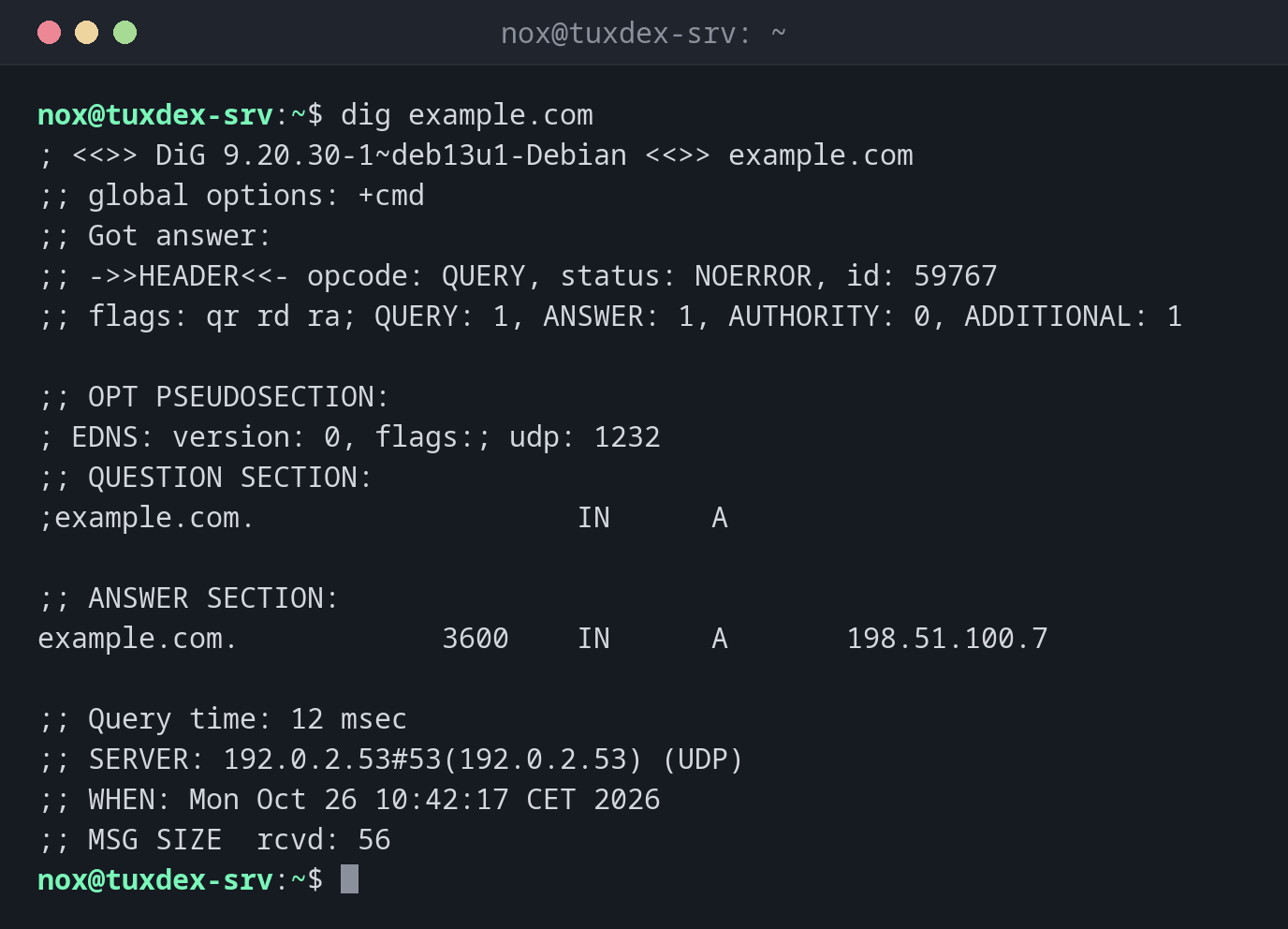
dig example.com
; <<>> DiG 9.20.30-1~deb13u1-Debian <<>> example.com
;; global options: +cmd
;; Got answer:
;; ->>HEADER<<- opcode: QUERY, status: NOERROR, id: 59767
;; flags: qr rd ra; QUERY: 1, ANSWER: 1, AUTHORITY: 0, ADDITIONAL: 1

;; OPT PSEUDOSECTION:
; EDNS: version: 0, flags:; udp: 1232
;; QUESTION SECTION:
;example.com.                   IN      A

;; ANSWER SECTION:
example.com.            3600    IN      A       198.51.100.7

;; Query time: 12 msec
;; SERVER: 192.0.2.53#53(192.0.2.53) (UDP)
;; WHEN: Mon Oct 26 10:42:17 CET 2026
;; MSG SIZE  rcvd: 56
| Part | Meaning |
|---|---|
status: NOERROR |
The name exists. NXDOMAIN means: it doesn't |
ANSWER SECTION |
The answer: name, TTL in seconds, class, type, value |
SERVER |
The DNS server that answered |
Query time |
How long the answer took |
Only the answer, for scripts:
dig +short example.com AAAA
2001:db8:1::7
Find the mail server of a domain:
dig +short example.com MX
10 mail.example.com.
Ask a specific DNS server:
dig @198.51.100.53 example.com +noall +answer
example.com. 3600 IN A 198.51.100.7
If two DNS servers give different answers, a change hasn't arrived everywhere yet, or one server is configured wrongly.
Find the name of an IP address:
dig +short -x 198.51.100.7
example.com.
A name that doesn't exist:
dig nosuch.example.com | grep status
;; ->>HEADER<<- opcode: QUERY, status: NXDOMAIN, id: 40112
When do I need it?
- After changing a DNS record: has the change arrived?
- When mail doesn't arrive: are
MXandTXT(SPF) records correct? - When a name resolves differently on different servers
Watch the TTL
The number after the name is the TTL: how many seconds a DNS server may cache the answer. After a change, old answers can stay around for that long.
dig ignores /etc/hosts
dig always asks DNS. Entries in /etc/hosts don't appear. To see what programs
really use, run getent hosts example.com.
Distribution differences
| Debian | Ubuntu | RHEL | Arch | |
|---|---|---|---|---|
| Package | bind9-dnsutils |
bind9-dnsutils (installed) |
bind-utils |
bind |
Related commands
host · resolvectl · getent · ping