git fetch
Downloads new commits from the server without changing your files or your branches.
Syntax
git fetch [OPTIONS] [REMOTE]
Options
| Option | Description |
|---|---|
REMOTE |
Fetch from this remote, by default origin |
--all |
Fetch from all remotes |
-p, --prune |
Remove local references to branches that were deleted on the server |
--tags |
Also fetch all tags |
--dry-run |
Only show what would be fetched |
Examples
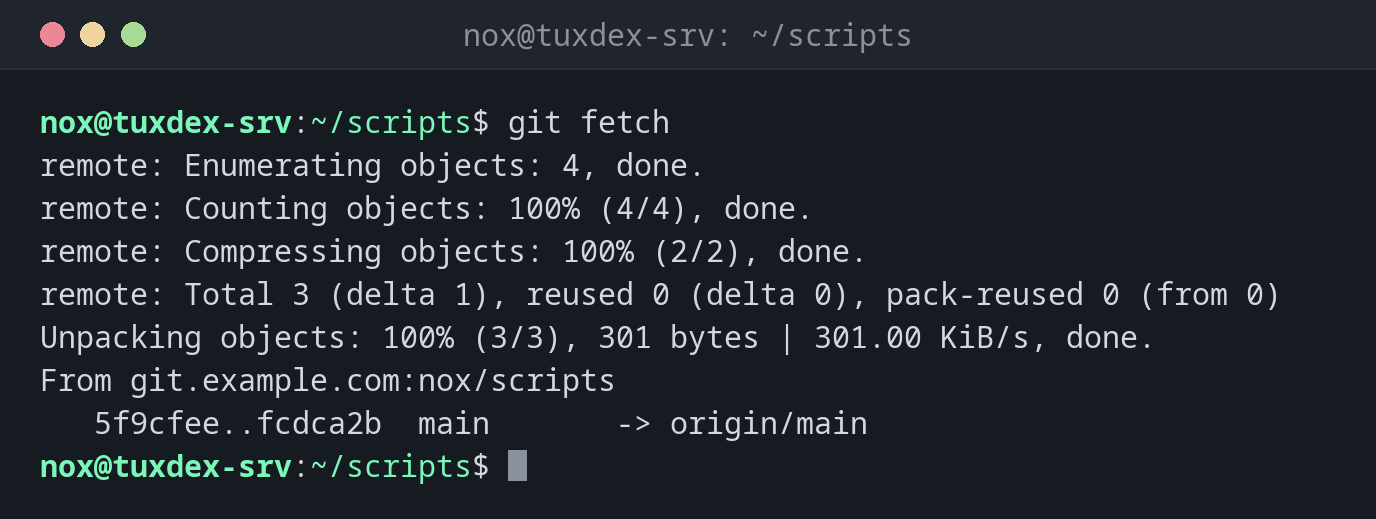
Fetch new commits:
git fetch
remote: Enumerating objects: 4, done.
remote: Counting objects: 100% (4/4), done.
remote: Compressing objects: 100% (2/2), done.
remote: Total 3 (delta 1), reused 0 (delta 0), pack-reused 0 (from 0)
Unpacking objects: 100% (3/3), 301 bytes | 301.00 KiB/s, done.
From git.example.com:nox/scripts
   5f9cfee..fcdca2b  main       -> origin/main
What's new on the server:
git status -sb
git log --oneline main..origin/main
## main...origin/main [behind 1]
fcdca2b Add service check
main..origin/main means: commits that are on origin/main but not on main yet.
See the changes before applying them:
git diff --stat main origin/main
 check-services.sh | 2 ++
 1 file changed, 2 insertions(+)
Remove branches deleted on the server:
git fetch --prune
From git.example.com:nox/scripts
 - [deleted]         (none)     -> origin/nginx-tls
When do I need it?
- To see what changed on the server before you apply it to a production server
- To check whether colleagues pushed something new
- To clean up branches deleted on the server with
--prune
fetch is always safe
git fetch only updates origin/main and the other server branches. Your branches
and files stay exactly as they are, so you can look first and decide afterwards.
Related commands
git pull · git remote · git log · git merge