aureport
Creates summaries from the audit log: how many logins, failed attempts, changed accounts and other events there were.
Syntax
aureport [OPTION]...
Options
| Option | Description |
|---|---|
| (none) | Overall summary of all events |
-au |
Authentication report: every login attempt |
-l |
Login report |
-m |
Changes to accounts and groups |
--failed |
Only failed events |
--summary |
Count per user, host or file instead of a list |
-ts, -te |
Time range, e.g. -ts this-week |
Examples
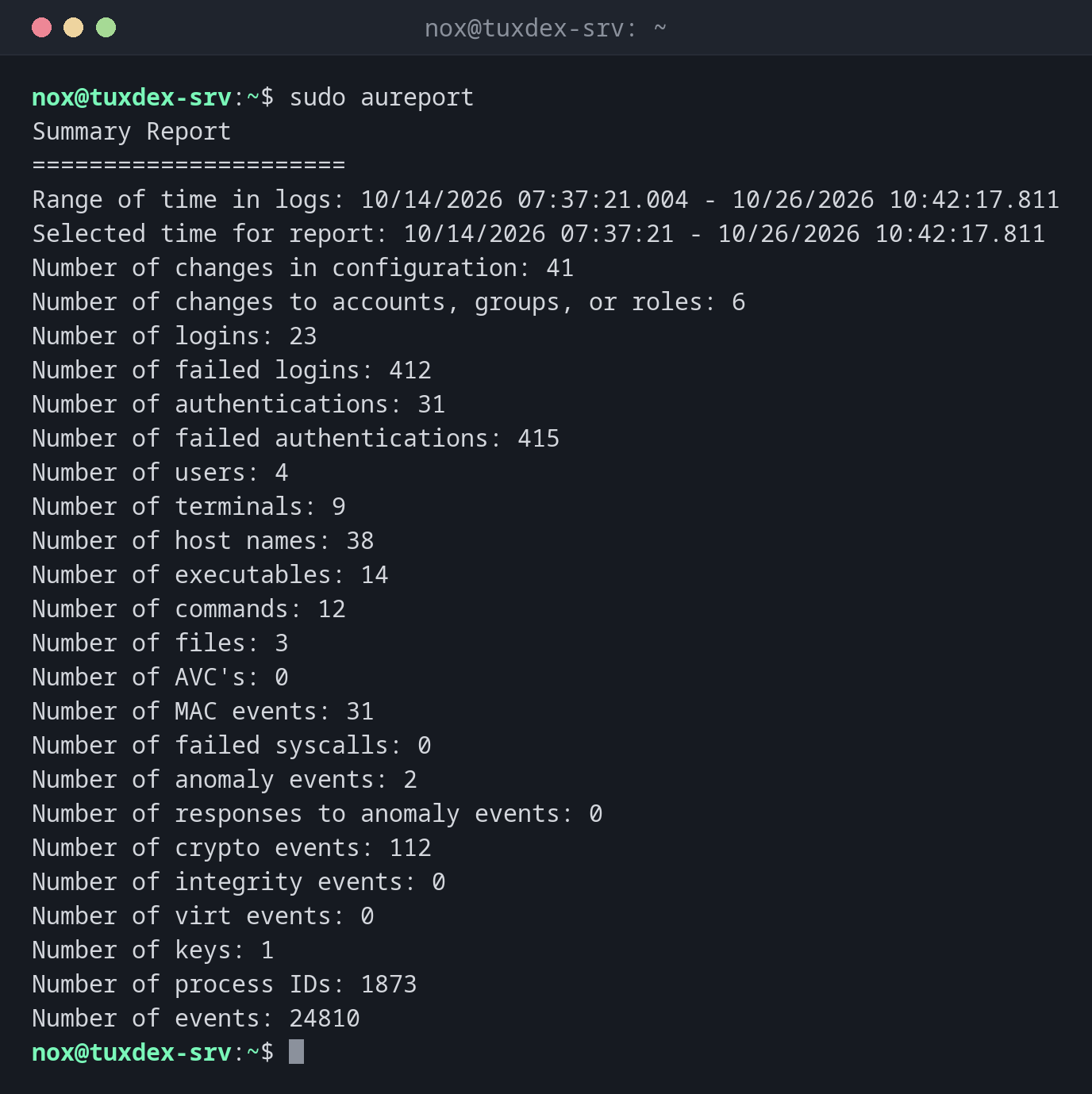
Overall summary:
sudo aureport
Summary Report
======================
Range of time in logs: 10/14/2026 07:37:21.004 - 10/26/2026 10:42:17.811
Selected time for report: 10/14/2026 07:37:21 - 10/26/2026 10:42:17.811
Number of changes in configuration: 41
Number of changes to accounts, groups, or roles: 6
Number of logins: 23
Number of failed logins: 412
Number of authentications: 31
Number of failed authentications: 415
Number of users: 4
Number of terminals: 9
Number of host names: 38
Number of executables: 14
Number of commands: 12
Number of files: 3
Number of AVC's: 0
Number of MAC events: 31
Number of failed syscalls: 0
Number of anomaly events: 2
Number of responses to anomaly events: 0
Number of crypto events: 112
Number of integrity events: 0
Number of virt events: 0
Number of keys: 1
Number of process IDs: 1873
Number of events: 24810
412 failed logins in twelve days: the server is attacked over SSH, as almost every server on the internet.
All login attempts of today:
sudo aureport -au -ts today
Authentication Report
============================================
# date time acct host term exe success event
============================================
1. 10/26/2026 09:58:31 nox 192.0.2.45 ssh /usr/sbin/sshd-session yes 2790
2. 10/26/2026 10:31:02 admin 198.51.100.66 ssh /usr/sbin/sshd-session no 2838
3. 10/26/2026 10:31:05 admin 198.51.100.66 ssh /usr/sbin/sshd-session no 2841
Which accounts were attacked:
sudo aureport -au --failed --summary
Failed Authentication Summary Report
====================================
total  acct
====================================
398  root
12  admin
2  alice
When do I need it?
- For a weekly look at the security of a server
- To see quickly whether a server is attacked
- As the starting point for
ausearch: the event number leads to the details
From the report to the details
The last column of many reports is the event number. ausearch -a 2841 -i shows that
event in full.
Distribution differences
| Debian | Ubuntu | RHEL | Arch | |
|---|---|---|---|---|
| auditd installed and active | no, package auditd |
no, package auditd |
yes | no, package audit |