ansible-pull
Turns the direction around: the server fetches a playbook from a Git repository and applies it to itself.
Syntax
ansible-pull -U REPO_URL [OPTIONS] [PLAYBOOK.yml]
Options
| Option | Description |
|---|---|
-U URL |
Git repository with the playbooks |
PLAYBOOK.yml |
Playbook to run; without it, <hostname>.yml or local.yml |
-C BRANCH |
Branch or tag to check out |
-d DIRECTORY |
Where to check out the repository (default ~/.ansible/pull/<hostname>) |
-o, --only-if-changed |
Only run if the repository has new commits |
-s SECONDS |
Wait a random time up to this many seconds first, so not all servers start at once |
--vault-password-file FILE |
Password for encrypted files |
Examples
Fetch and apply the configuration:
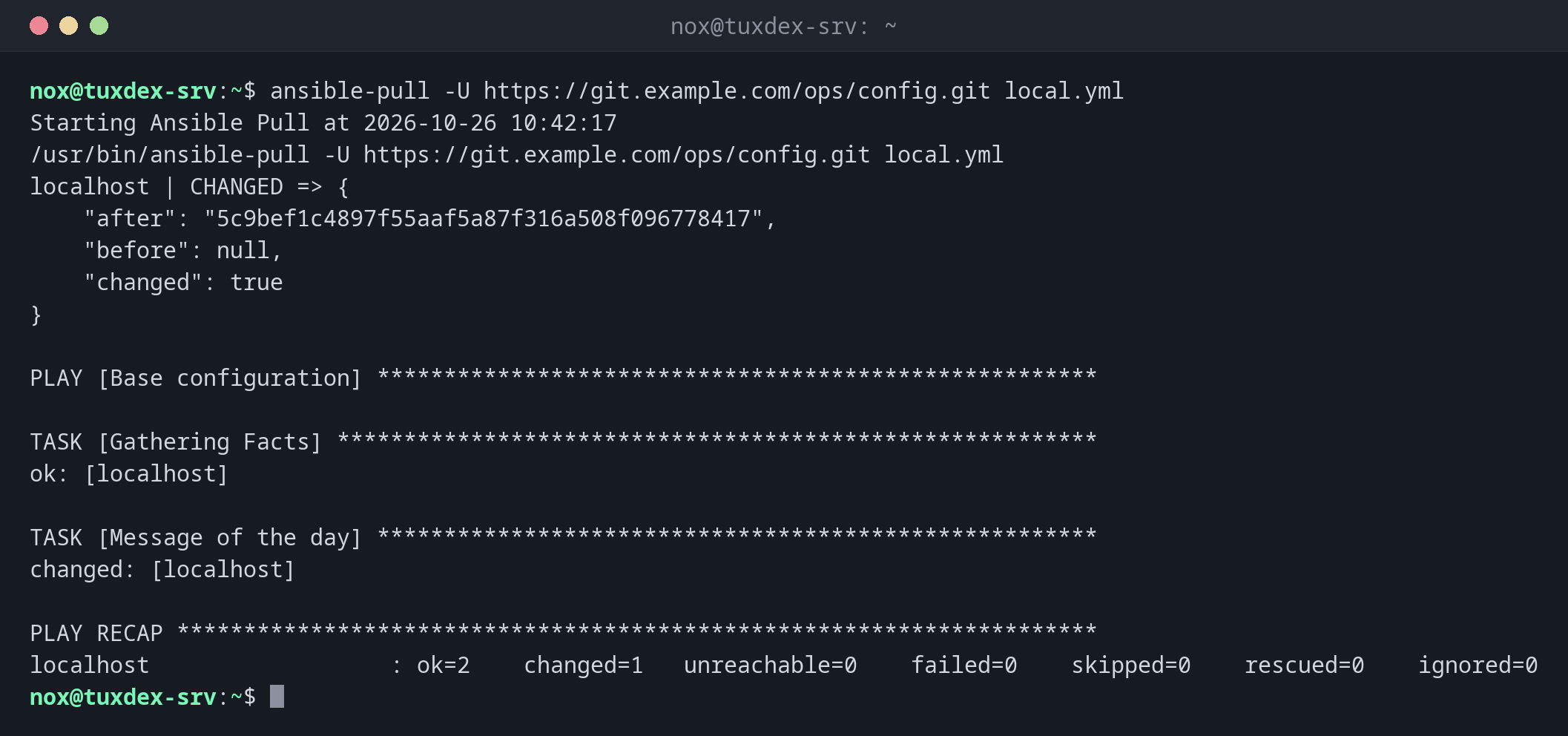
ansible-pull -U https://git.example.com/ops/config.git local.yml
Starting Ansible Pull at 2026-10-26 10:42:17
/usr/bin/ansible-pull -U https://git.example.com/ops/config.git local.yml
localhost | CHANGED => {
    "after": "5c9bef1c4897f55aaf5a87f316a508f096778417",
    "before": null,
    "changed": true
}

PLAY [Base configuration] ******************************************************

TASK [Gathering Facts] *********************************************************
ok: [localhost]

TASK [Message of the day] ******************************************************
changed: [localhost]

PLAY RECAP *********************************************************************
localhost                  : ok=2    changed=1   unreachable=0    failed=0    skipped=0    rescued=0    ignored=0
The first block is the git checkout, then the playbook runs as usual. Depending on the playbook, Ansible also prints warnings about the host pattern; they are harmless.
Only run when something changed:
ansible-pull -U https://git.example.com/ops/config.git -o local.yml
Starting Ansible Pull at 2026-10-26 11:12:17
/usr/bin/ansible-pull -U https://git.example.com/ops/config.git -o local.yml
localhost | SUCCESS => {
    "after": "5c9bef1c4897f55aaf5a87f316a508f096778417",
    "before": "5c9bef1c4897f55aaf5a87f316a508f096778417",
    "changed": false,
    "remote_url_changed": false
}
Repository has not changed, quitting: ...
The playbook in the repository:
cat ~/.ansible/pull/tuxdex-srv/local.yml
- name: Base configuration
  hosts: localhost
  connection: local
  tasks:
    - name: Message of the day
      ansible.builtin.copy:
        content: "Managed by Ansible. Changes will be overwritten.\n"
        dest: ~/motd.txt
        mode: "0644"
When do I need it?
- For many servers that should configure themselves, for example from a cron job
- For servers that the control node can't reach, such as machines behind NAT
- To set up a new server at the end of its installation with a single command
As a cron job or timer
*/30 * * * * ansible-pull -U https://git.example.com/ops/config.git -o -s 300 checks
every 30 minutes, only applies changes, and spreads the load. See crontab.
The repository has power over the server
Whoever can push to the repository can run any command on every server that pulls from it. Protect the repository like root access.