borg
BorgBackup: deduplicated, compressed and encrypted backups into archives, locally or on another server via SSH.
Syntax
borg COMMAND [OPTIONS] REPOSITORY[::ARCHIVE] [PATH...]
Options
| Option | Description |
|---|---|
init --encryption=repokey REPO |
Create a repository; the key is stored in it, protected by the passphrase |
create REPO::NAME PATH... |
Create an archive, such as ::www-{now:%Y-%m-%d} |
--stats, --compression zstd |
With create: show statistics, compress with zstd |
list REPO[::ARCHIVE] |
List the archives, or the files in an archive |
extract REPO::ARCHIVE [PATH] |
Restore into the current directory |
prune --keep-daily 7 ... |
Delete old archives by a retention policy; compact frees the space |
check REPO |
Verify the repository |
key export REPO FILE |
Export the key, for safekeeping outside the server |
mount REPO DIR |
Mount archives as a file system |
Remote repositories look like ssh://backup@backup.example.com/./borg; the target needs borg too. The passphrase comes from BORG_PASSPHRASE or BORG_PASSCOMMAND.
Examples
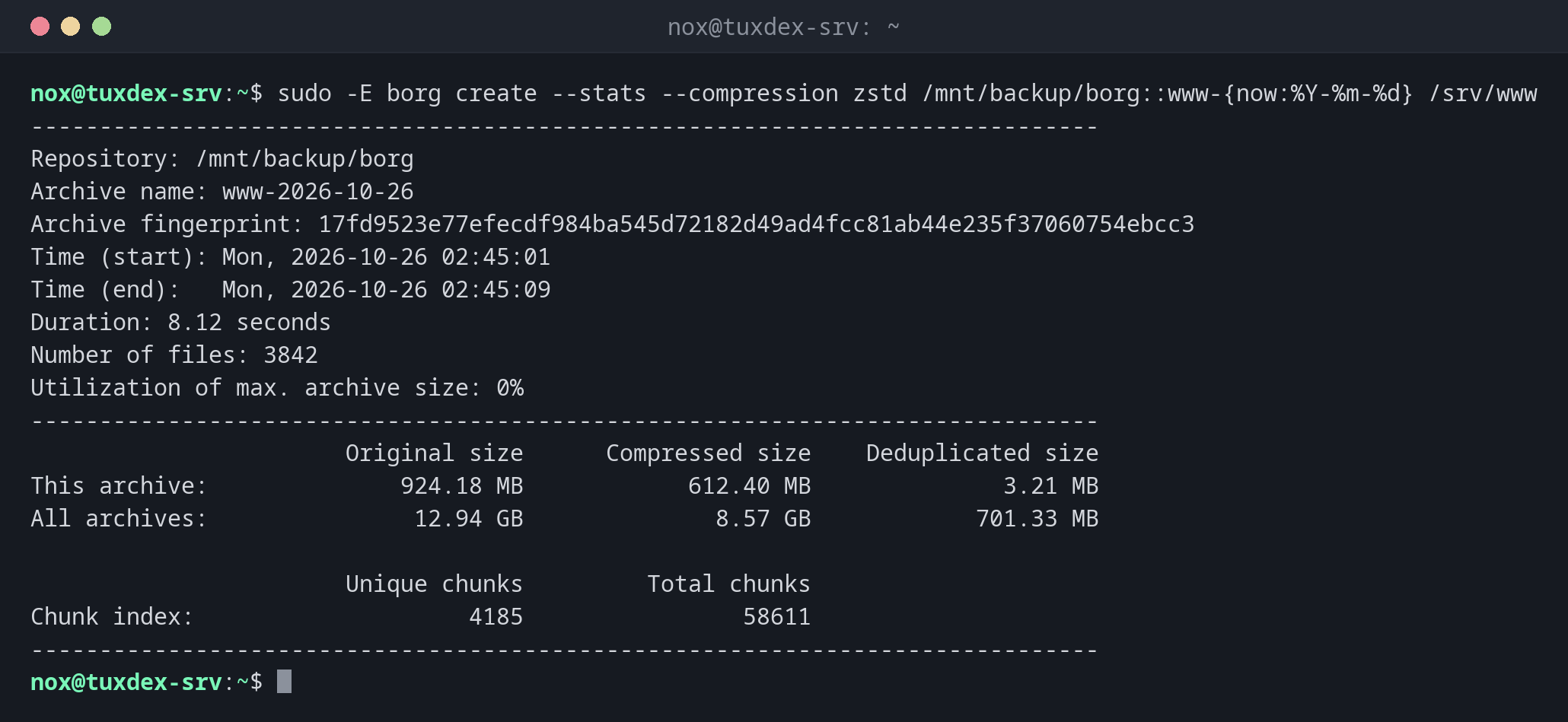
Create an archive with statistics:
sudo -E borg create --stats --compression zstd /mnt/backup/borg::www-{now:%Y-%m-%d} /srv/www
------------------------------------------------------------------------------
Repository: /mnt/backup/borg
Archive name: www-2026-10-26
Archive fingerprint: 17fd9523e77efecdf984ba545d72182d49ad4fcc81ab44e235f37060754ebcc3
Time (start): Mon, 2026-10-26 02:45:01
Time (end):   Mon, 2026-10-26 02:45:09
Duration: 8.12 seconds
Number of files: 3842
Utilization of max. archive size: 0%
------------------------------------------------------------------------------
                       Original size      Compressed size    Deduplicated size
This archive:              924.18 MB            612.40 MB              3.21 MB
All archives:               12.94 GB              8.57 GB            701.33 MB

                       Unique chunks         Total chunks
Chunk index:                    4185                58611
------------------------------------------------------------------------------
Deduplicated size is what this archive really adds: 3.21 MB of 924 MB. All 14 archives together only take 701 MB.
Create a repository:
export BORG_PASSCOMMAND='cat /root/.borg-pass'
sudo -E borg init --encryption=repokey /mnt/backup/borg
IMPORTANT: you will need both KEY AND PASSPHRASE to access this repo!

Key storage location depends on the mode:
- repokey modes: key is stored in the repository directory.
- keyfile modes: key is stored in the home directory of this user.

For any mode, you should:
1. Export the borg key and store the result at a safe place:
   borg key export           REPOSITORY encrypted-key-backup
   borg key export --paper   REPOSITORY encrypted-key-backup.txt
   borg key export --qr-html REPOSITORY encrypted-key-backup.html
2. Write down the borg key passphrase and store it at safe place.
List the archives and restore a file:
sudo -E borg list /mnt/backup/borg | tail -2
cd /tmp && sudo -E borg extract /mnt/backup/borg::www-2026-10-26 srv/www/index.html
cat /tmp/srv/www/index.html
www-2026-10-25                       Sun, 2026-10-25 02:45:02 [b4e1c09d7a35f2e8c6d0a9b1f3e5c7a2d4b6e8f0a1c3e5d7b9f1a3c5e7d9b1f3]
www-2026-10-26                       Mon, 2026-10-26 02:45:01 [17fd9523e77efecdf984ba545d72182d49ad4fcc81ab44e235f37060754ebcc3]
<h1>tuxdex-srv: all systems operational</h1>
Delete old archives:
sudo -E borg prune --list --keep-daily 7 --keep-weekly 4 /mnt/backup/borg | tail -3
sudo -E borg compact /mnt/backup/borg
Keeping archive (rule: daily #1):            www-2026-10-26                       Mon, 2026-10-26 02:45:01 [17fd9523e77efecdf984ba545d72182d49ad4fcc81ab44e235f37060754ebcc3]
Keeping archive (rule: daily #2):            www-2026-10-25                       Sun, 2026-10-25 02:45:02 [b4e1c09d7a35f2e8c6d0a9b1f3e5c7a2d4b6e8f0a1c3e5d7b9f1a3c5e7d9b1f3]
Pruning archive (1/1):                       www-2026-10-12                       Mon, 2026-10-12 02:45:01 [6a2c8e0f4b1d3e5a7c9e1f3a5b7d9e1c3a5f7b9d1e3c5a7f9b1d3e5c7a9b1d3e]
When do I need it?
- For backups to an own backup server or a storage box over SSH
- When compression matters, for example for many text files and logs
- To mount an old archive and browse it like a directory
Restrict the SSH key
On the backup server, command="borg serve --restrict-to-path /srv/borg --append-only"
in front of the key in authorized_keys allows only borg and only adding data. A hacked
server then can't delete its backups.
Export the key
With repokey, the key is inside the repository. If the repository is damaged or you
lose the passphrase, everything is lost. Run borg key export and keep the file and the
passphrase in a safe place.
Distribution differences
| Debian | Ubuntu | RHEL | Arch | |
|---|---|---|---|---|
| Install | sudo apt install borgbackup |
sudo apt install borgbackup |
sudo dnf install borgbackup (EPEL) |
sudo pacman -S borg |
Related commands
restic · mysqldump · ssh-keygen · tar