kubectl rollout
Watches, restarts and undoes updates of a deployment.
Syntax
kubectl rollout SUBCOMMAND TYPE/NAME [-n NAMESPACE]
Options
| Option | Description |
|---|---|
status |
Wait until the update is finished and report the result |
history |
List the previous versions (revisions) |
undo |
Go back to the previous version; --to-revision=N to a specific one |
restart |
Replace all pods one after the other, for example to load a new ConfigMap |
pause, resume |
Pause and continue an update |
A new image version is set with kubectl set image deployment/web nginx=nginx:1.29 or by changing the manifest.
Examples
Roll out a new image and wait for it:
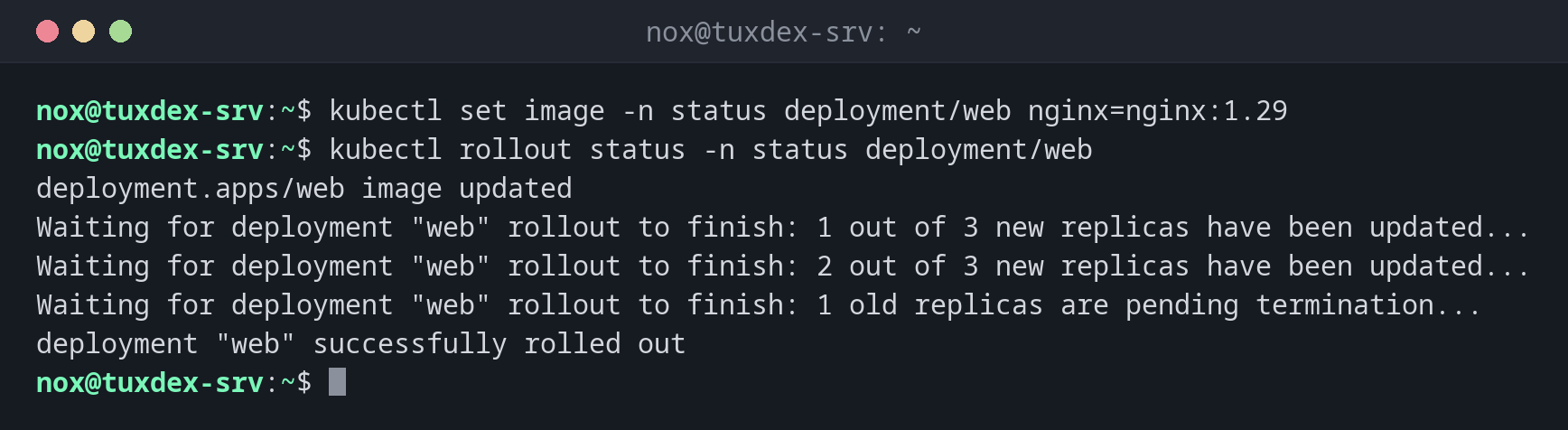
kubectl set image -n status deployment/web nginx=nginx:1.29
kubectl rollout status -n status deployment/web
deployment.apps/web image updated
Waiting for deployment "web" rollout to finish: 1 out of 3 new replicas have been updated...
Waiting for deployment "web" rollout to finish: 2 out of 3 new replicas have been updated...
Waiting for deployment "web" rollout to finish: 1 old replicas are pending termination...
deployment "web" successfully rolled out
The previous versions:
kubectl rollout history -n status deployment/web
deployment.apps/web
REVISION  CHANGE-CAUSE
1         <none>
2         <none>
Back to the previous version:
kubectl rollout undo -n status deployment/web
deployment.apps/web rolled back
Restart all pods one after the other:
kubectl rollout restart -n status deployment/web
deployment.apps/web restarted
When do I need it?
- After a change, to know when all new pods are running
- When a new version causes errors and you have to go back quickly
- To restart all pods of an application without downtime
Updates without downtime
A deployment replaces pods one at a time and only removes an old one once the new one
is ready. Add a readinessProbe so that Kubernetes knows when your application is
really ready.
undo and your manifest
kubectl rollout undo changes the cluster, not your YAML file. Correct the file too,
otherwise the next kubectl apply brings back the faulty version.