stat
Shows all metadata of a file: size, permissions, owner, inode and all timestamps.
Syntax
stat [OPTION]... FILE...
Options
| Option | Description |
|---|---|
-c, --format=FORMAT |
Only print the given fields (see below) |
-f, --file-system |
Show information about the file system instead of the file |
-L, --dereference |
Follow symbolic links and show the target |
The most important format fields for -c:
| Field | Meaning | Example |
|---|---|---|
%n |
File name | notes.txt |
%s |
Size in bytes | 812 |
%a |
Permissions in octal | 644 |
%A |
Permissions as text | -rw-r--r-- |
%U / %G |
Owner / group | nox / nox |
%y |
Time of the last change | 2026-10-26 09:15:42.118273645 +0100 |
%i |
Inode number | 1048602 |
Examples
Show all information about a file:
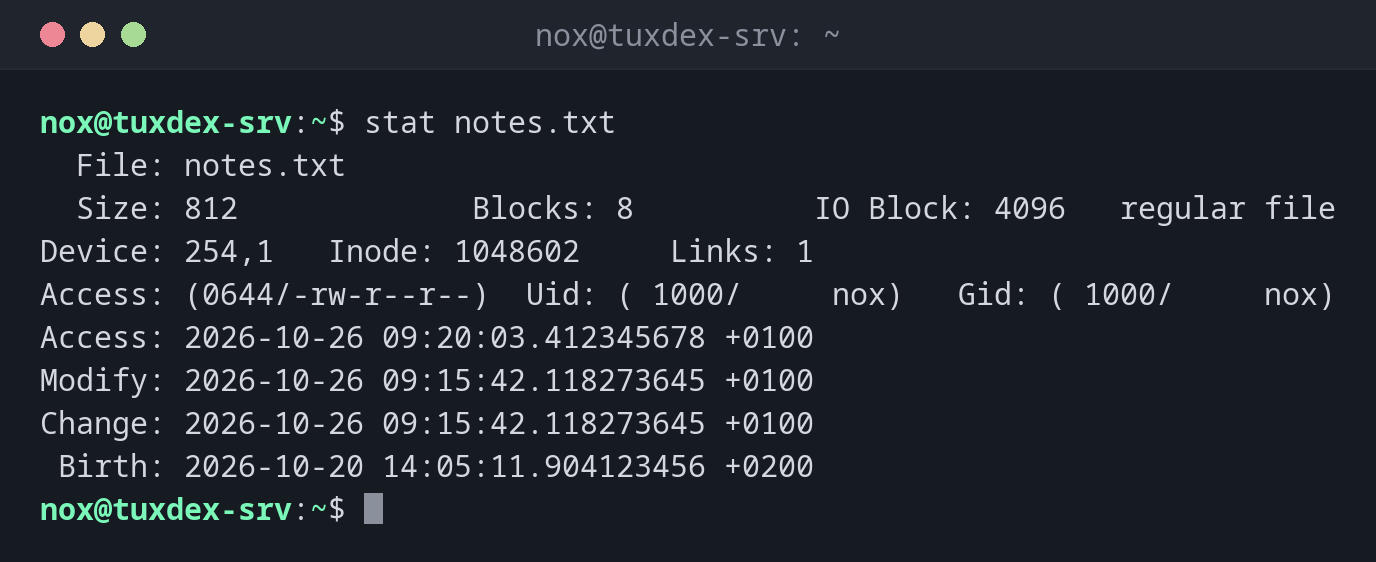
stat notes.txt
  File: notes.txt
  Size: 812             Blocks: 8          IO Block: 4096   regular file
Device: 254,1   Inode: 1048602     Links: 1
Access: (0644/-rw-r--r--)  Uid: ( 1000/     nox)   Gid: ( 1000/     nox)
Access: 2026-10-26 09:20:03.412345678 +0100
Modify: 2026-10-26 09:15:42.118273645 +0100
Change: 2026-10-26 09:15:42.118273645 +0100
 Birth: 2026-10-20 14:05:11.904123456 +0200
| Time | Meaning |
|---|---|
Access |
Last time the content was read |
Modify |
Last time the content was changed |
Change |
Last time the content or the metadata (permissions, owner) was changed |
Birth |
Time the file was created |
Show permissions and owner in one line:
stat -c '%a %U:%G %n' /etc/ssh/sshd_config
644 root:root /etc/ssh/sshd_config
Show only the size in bytes:
stat -c '%s' notes.txt
812
Show the time of the last change:
stat -c '%y' notes.txt
2026-10-26 09:15:42.118273645 +0100
Show information about the file system:
stat -f /
  File: /
    ID: 3f8a1c2b9d4e5f60 Namelen: 255     Type: ext2/ext3
Block size: 4096       Fundamental block size: 4096
Blocks: Total: 5127839    Free: 3912044    Available: 3647812
Inodes: Total: 1310720    Free: 1201833
When do I need it?
- To find out exactly when a configuration file was last changed, down to the second
- To check permissions as a number (
644,600), which is easier to compare than-rw-r--r-- - In scripts that need the size, owner or age of a file
- To check whether metadata was changed: if
Changeis newer thanModify, someone changed permissions or owner, not the content
Permissions for chmod
stat -c '%a' FILE prints the permissions in exactly the format you need for
chmod. That makes it easy to copy permissions from one file to another.
Access time is not always exact
To save disk writes, Linux usually mounts file systems with relatime. The access
time is then only updated in certain cases. Don't use it to prove when a file was
last read.