ifup
Brings network interfaces up and down on Debian, according to
/etc/network/interfaces.ifdownis the counterpart.
Syntax
ifup [OPTION]... INTERFACE
ifdown [OPTION]... INTERFACE
Both belong to the package ifupdown, which Debian uses on servers. Without -v, they print nothing when everything works.
Options
| Option | Description |
|---|---|
ifup DEV |
Bring up an interface as configured |
ifdown DEV |
Take an interface down |
-a |
All interfaces marked with auto |
-v |
Show every command that is run |
--no-act |
Only show what would be done |
ifquery DEV |
Show the configuration of an interface |
ifquery --state |
Show which interfaces ifupdown considers up |
Examples
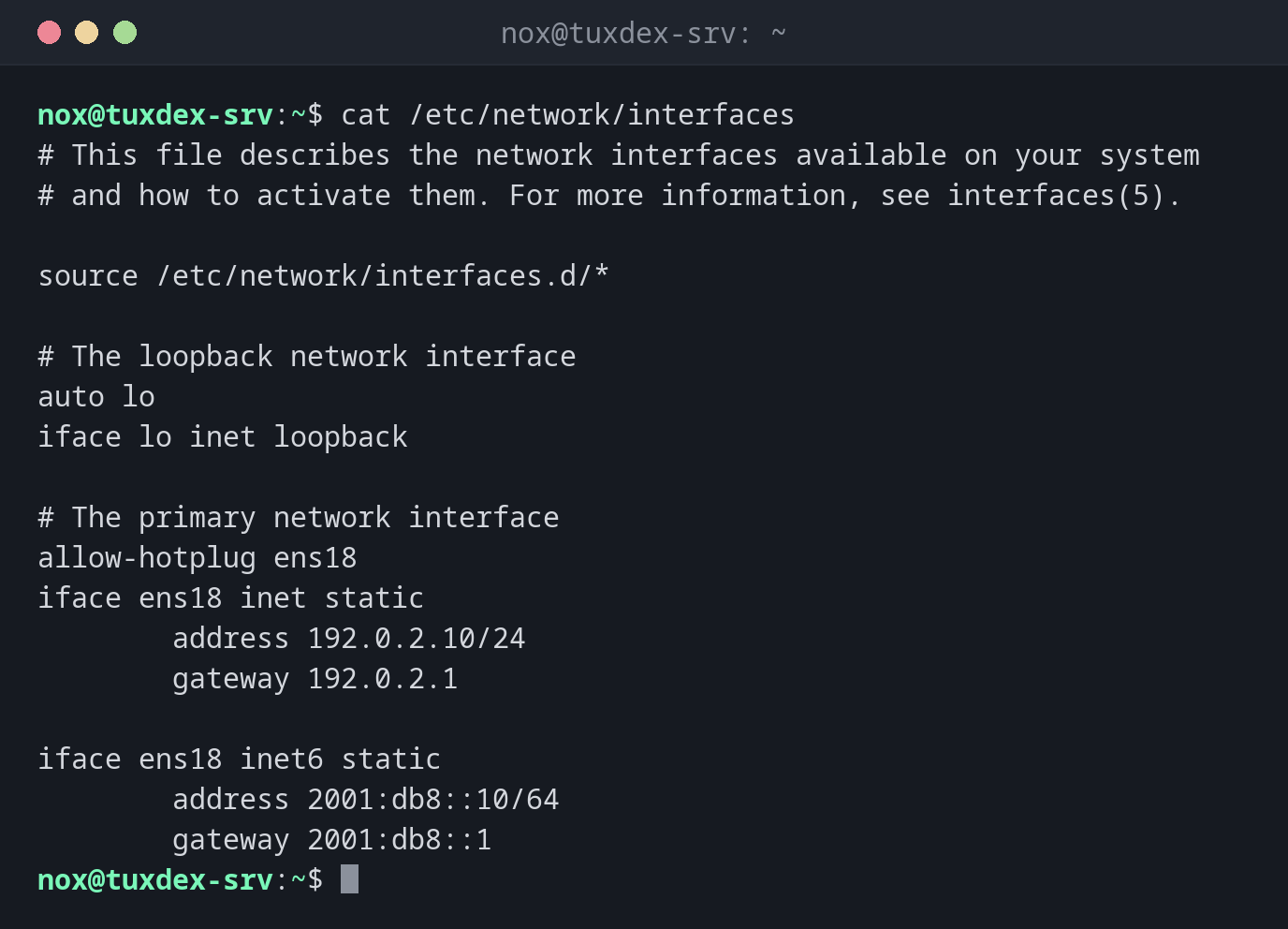
The configuration of the example server:
cat /etc/network/interfaces
# This file describes the network interfaces available on your system
# and how to activate them. For more information, see interfaces(5).

source /etc/network/interfaces.d/*

# The loopback network interface
auto lo
iface lo inet loopback

# The primary network interface
allow-hotplug ens18
iface ens18 inet static
        address 192.0.2.10/24
        gateway 192.0.2.1

iface ens18 inet6 static
        address 2001:db8::10/64
        gateway 2001:db8::1
allow-hotplug brings the interface up as soon as it appears, auto at boot. The
settings below iface are indented by a tab.
Add a block for a second interface:
tail -n 3 /etc/network/interfaces
auto ens19
iface ens19 inet static
        address 198.51.100.10/24
Bring up the new interface:
sudo ifup -v ens19
ifup: configuring interface ens19=ens19 (inet)
run-parts --exit-on-error --verbose /etc/network/if-pre-up.d
ip addr add 198.51.100.10/255.255.255.0 broadcast 198.51.100.255          dev ens19 label ens19
ip link set dev ens19   up
run-parts --exit-on-error --verbose /etc/network/if-up.d
-v shows the ip commands that ifup runs. Without it, nothing is printed.
Show what ifupdown reads from the configuration:
ifquery ens18
address: 192.0.2.10
gateway: 192.0.2.1
broadcast: 192.0.2.255
netmask: 255.255.255.0
Which interfaces are up according to ifupdown:
ifquery --state
lo=lo
ens18=ens18
ens19=ens19
The address is already set:
sudo ifup ens19
Error: ipv4: Address already assigned.
ifup: failed to bring up ens19
Someone already added the address by hand with ip. Remove it with
sudo ip address del 198.51.100.10/24 dev ens19, then run ifup again.
When do I need it?
- On Debian, to activate a changed or new interface without rebooting
- To check what the configuration really contains, with
ifquery - After a network change, together with
ipto verify the result
Restart networking without losing SSH
sudo systemctl restart networking takes all interfaces down and up again. Over SSH,
run it in one command or with nohup, so the session doesn't end in the middle.
ifdown on the SSH interface
sudo ifdown ens18 ends your SSH session on the spot, and the interface stays down.
Change the main interface only with access to the hosting console.
Distribution differences
| Debian | Ubuntu | RHEL | Arch | |
|---|---|---|---|---|
| Available | yes, default on servers | package ifupdown, not used by default |
no, use nmcli |
no, use networkctl |