fsck
Checks a file system for errors and repairs them.
fsckcalls the right tool for the type, e.g.e2fsckfor ext4.
Syntax
fsck [OPTION]... DEVICE
Only check file systems that are not mounted. For the root file system, the check runs at boot.
Options
| Option | Description |
|---|---|
-f |
Check even if the file system is marked as clean |
-n |
Only check, change nothing, answer every question with no |
-y |
Answer every repair question with yes |
-C |
Show a progress bar |
Examples
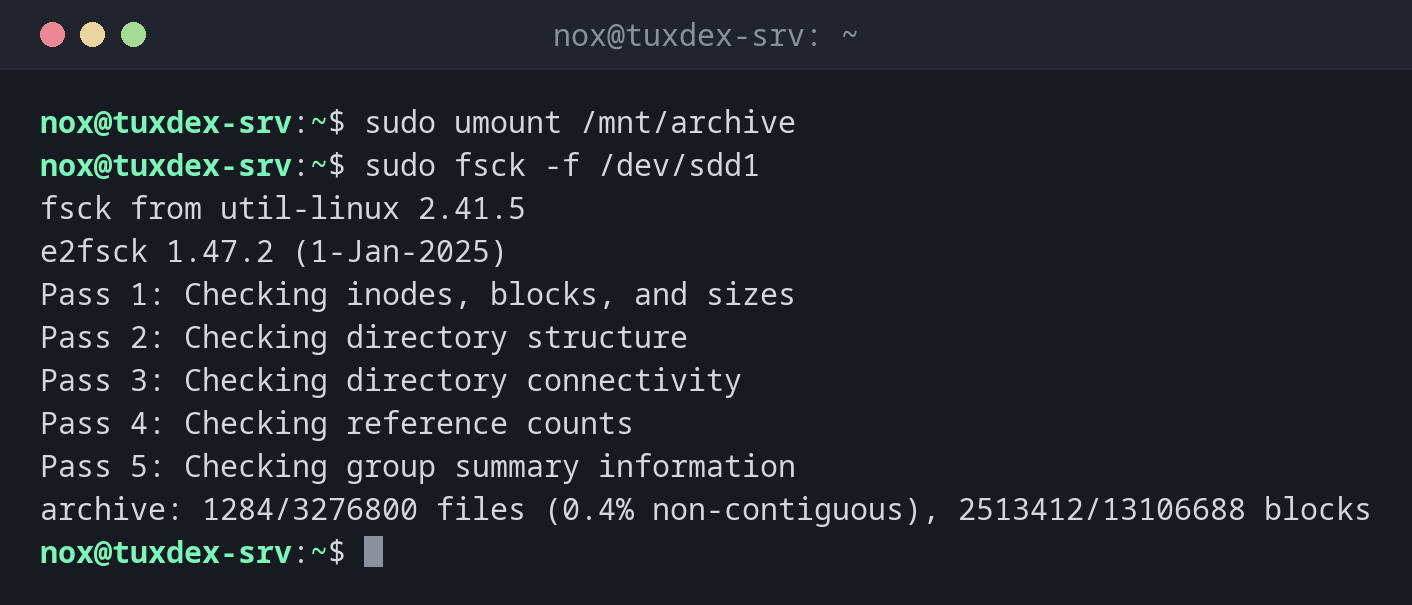
Check an unmounted file system:
sudo umount /mnt/archive
sudo fsck -f /dev/sdd1
fsck from util-linux 2.41.5
e2fsck 1.47.2 (1-Jan-2025)
Pass 1: Checking inodes, blocks, and sizes
Pass 2: Checking directory structure
Pass 3: Checking directory connectivity
Pass 4: Checking reference counts
Pass 5: Checking group summary information
archive: 1284/3276800 files (0.4% non-contiguous), 2513412/13106688 blocks
Five passes without a message: the file system is fine.
Attempt on a mounted file system:
sudo fsck /dev/sdb1
fsck from util-linux 2.41.5
e2fsck 1.47.2 (1-Jan-2025)
/dev/sdb1 is mounted.
e2fsck: Cannot continue, aborting.
Repair errors automatically:
sudo fsck -y /dev/sdd1; echo "exit $?"
fsck from util-linux 2.41.5
e2fsck 1.47.2 (1-Jan-2025)
archive contains a file system with errors, check forced.
Pass 1: Checking inodes, blocks, and sizes
Pass 2: Checking directory structure
Entry 'cache.tmp' in /data (393217) has deleted/unused inode 393244.  Clear? yes

Pass 3: Checking directory connectivity
Pass 4: Checking reference counts
Pass 5: Checking group summary information
Block bitmap differences:  -(1605674--1605681)
Fix? yes

Free blocks count wrong for group #49 (24510, counted=24518).
Fix? yes


archive: ***** FILE SYSTEM WAS MODIFIED *****
archive: 1283/3276800 files (0.4% non-contiguous), 2513404/13106688 blocks
exit 1
Exit code 1 means: errors were found and corrected. 4 would mean: errors remain.
When do I need it?
- After a crash or power failure, when the kernel reports file system errors
- When a file system was mounted read only because of errors
- Before shrinking an ext4 file system,
resize2fsrequires it
Check the root file system at the next boot
On systems with systemd, the kernel parameter fsck.mode=force forces a check of all file
systems at the next boot, including /.
Back up before repairing
fsck -y repairs everything it finds, and can delete damaged files in the process. If
the data is important, make a copy of the partition first, for example with dd.
Never on a mounted file system
fsck on a mounted file system can destroy it. e2fsck refuses, but other tools and
-f combinations don't always protect you.
Distribution differences
| Debian | Ubuntu | RHEL | Arch | |
|---|---|---|---|---|
| Default file system | ext4, e2fsck |
ext4, e2fsck |
XFS, xfs_repair instead of fsck |
ext4, e2fsck |