lvextend
Grows a logical volume, and with
-ralso the file system on it, while the server keeps running.
Syntax
lvextend [OPTION]... LV [PV]
Options
| Option | Description |
|---|---|
-L +SIZE |
Grow by this amount, e.g. +10G |
-L SIZE |
Grow to this total size, e.g. 40G |
-l +100%FREE |
Use all free space of the volume group |
-r |
Also grow the file system (calls resize2fs or xfs_growfs) |
Examples
Grow the volume and the file system by 10 GiB:
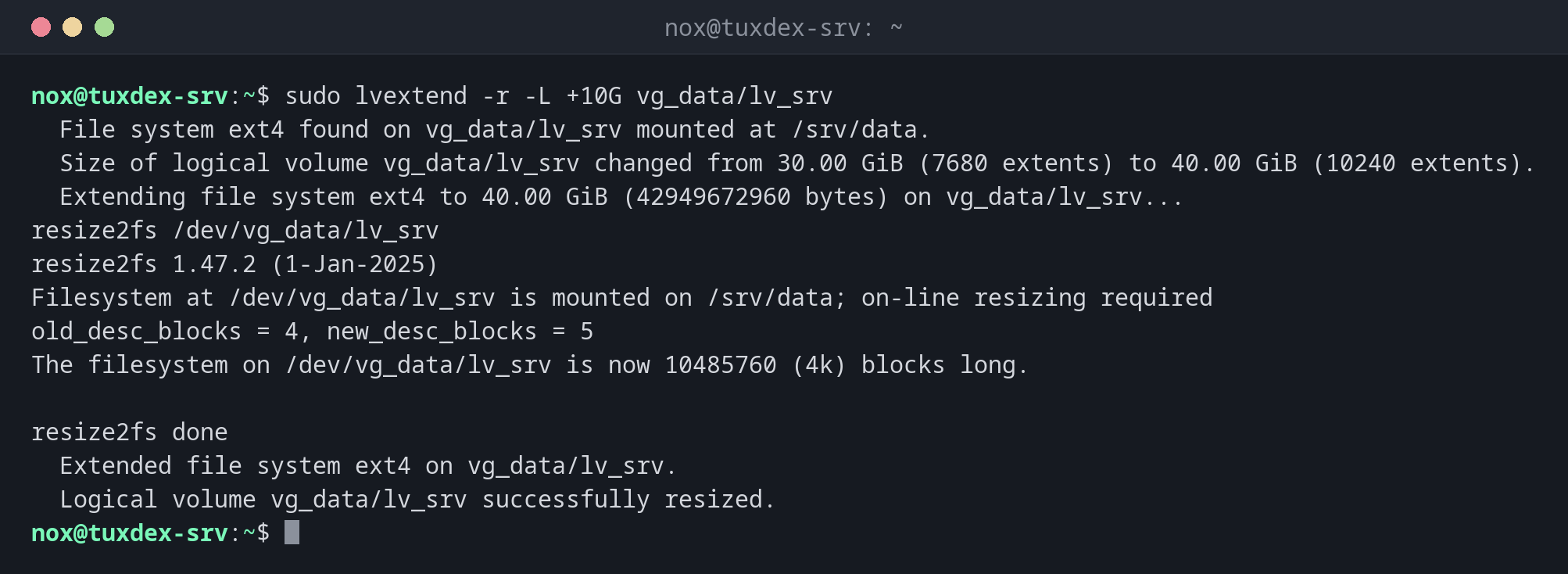
sudo lvextend -r -L +10G vg_data/lv_srv
  File system ext4 found on vg_data/lv_srv mounted at /srv/data.
  Size of logical volume vg_data/lv_srv changed from 30.00 GiB (7680 extents) to 40.00 GiB (10240 extents).
  Extending file system ext4 to 40.00 GiB (42949672960 bytes) on vg_data/lv_srv...
resize2fs /dev/vg_data/lv_srv
resize2fs 1.47.2 (1-Jan-2025)
Filesystem at /dev/vg_data/lv_srv is mounted on /srv/data; on-line resizing required
old_desc_blocks = 4, new_desc_blocks = 5
The filesystem on /dev/vg_data/lv_srv is now 10485760 (4k) blocks long.

resize2fs done
  Extended file system ext4 on vg_data/lv_srv.
  Logical volume vg_data/lv_srv successfully resized.
Check the result:
df -h /srv/data
Filesystem                  Size  Used Avail Use% Mounted on
/dev/mapper/vg_data-lv_srv   40G  6.8G   31G  19% /srv/data
Too little free space in the volume group:
sudo lvextend -r -L +30G vg_data/lv_srv
Insufficient free space: 7680 extents needed, but only 2559 available
Add a disk with vgextend and try again.
When do I need it?
- When a volume is running full and the volume group has free space
- After adding a disk to the volume group with
vgextend - As a quick fix for
No space left on device, without downtime
Always use -r
Without -r, only the volume grows, and df still shows the old size. Then you have to
run resize2fs or xfs_growfs yourself.
Shrinking is risky
lvreduce exists, but shrinking loses data if the file system isn't shrunk first. XFS
can't be shrunk at all. Plan sizes so that you only ever need to grow.
Related commands
lvs · vgs · resize2fs · xfs_growfs