rkhunter
Searches the system for signs of rootkits, backdoors and changed system programs.
Syntax
rkhunter --check [OPTIONS]
rkhunter --propupd | --update
Options
| Option | Description |
|---|---|
--check, -c |
Run all checks |
--sk, --skip-keypress |
Don't wait for a key press between sections |
--rwo, --report-warnings-only |
Only show warnings |
--cronjob |
Settings for cron: no colors, no key presses |
--propupd |
Save the current properties of system programs as the good state |
--update |
Update the data files |
The full log is in /var/log/rkhunter.log. On Debian and Ubuntu, the package also sets up a daily check in /etc/cron.daily/rkhunter.
Examples
Save the clean state after installation:
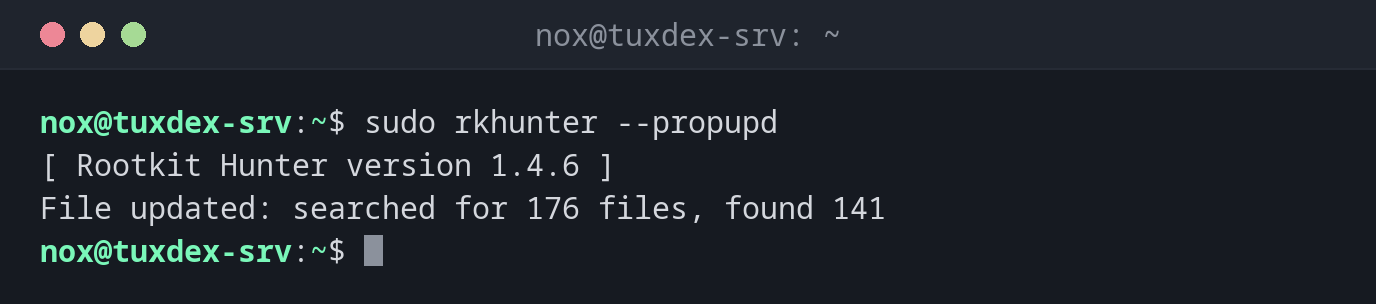
sudo rkhunter --propupd
[ Rootkit Hunter version 1.4.6 ]
File updated: searched for 176 files, found 141
Check the system:
sudo rkhunter --check --sk | tail -20
System checks summary
=====================

File properties checks...
    Files checked: 141
    Suspect files: 0

Rootkit checks...
    Rootkits checked : 461
    Possible rootkits: 0

Applications checks...
    All checks skipped

The system checks took: 1 minute and 4 seconds

All results have been written to the log file: /var/log/rkhunter.log

No warnings were found while checking the system.
Only warnings, after a package update:
sudo rkhunter --check --sk --rwo
Warning: The file properties have changed:
         File: /usr/bin/curl
         Current hash: 6f1c0a4e9b2d7385c1e8f0a2b4d6c8e0f1a3b5c7d9e1f3a5b7c9d1e3f5a7b9c1
         Stored hash : 2d4f6a8c0e2a4c6e8a0c2e4a6c8e0a2c4e6a8c0e2a4c6e8a0c2e4a6c8e0a2c4e
         Current inode: 393742    Stored inode: 393618
         Current file modification time: 1792915200 (24-Oct-2026 09:20:00)
         Stored file modification time : 1786694400 (13-Aug-2026 10:00:00)
curl was updated by apt upgrade. Check that the update was really yours (grep curl /var/log/apt/history.log), then run rkhunter --propupd.
When do I need it?
- Right after installing a server, to save a clean state with
--propupd - Every night as a cron job, with a mail on warnings
- When you suspect that a server has been compromised
After every update: --propupd
Package updates change system programs, and rkhunter reports them as changed. Run
rkhunter --propupd after each update. On Debian, APT_AUTOGEN=true in
/etc/default/rkhunter does that automatically.
False alarms are normal
Typical harmless warnings are changed files after an update or scripts in place of
binaries. Whitelist known cases in /etc/rkhunter.conf.local instead of ignoring the
whole output.
Distribution differences
| Debian | Ubuntu | RHEL | Arch | |
|---|---|---|---|---|
| Install | sudo apt install rkhunter |
sudo apt install rkhunter |
sudo dnf install rkhunter (EPEL) |
sudo pacman -S rkhunter |
Related commands
chkrootkit · aide · debsums · crontab