column
Formats text into neat, aligned columns, for example a CSV file or the output of other commands.
Syntax
column [OPTION]... [FILE]...
Options
| Option | Description |
|---|---|
-t, --table |
Create a table with aligned columns |
-s CHARS, --separator=CHARS |
Column separator in the input (default: spaces) |
-o TEXT, --output-separator=TEXT |
Separator between the columns in the output (default: two spaces) |
-N NAMES, --table-columns=NAMES |
Give the columns names, separated by commas |
-H COLUMNS, --table-hide=COLUMNS |
Hide columns (by name or number) |
-R COLUMNS, --table-right=COLUMNS |
Align columns to the right |
Examples
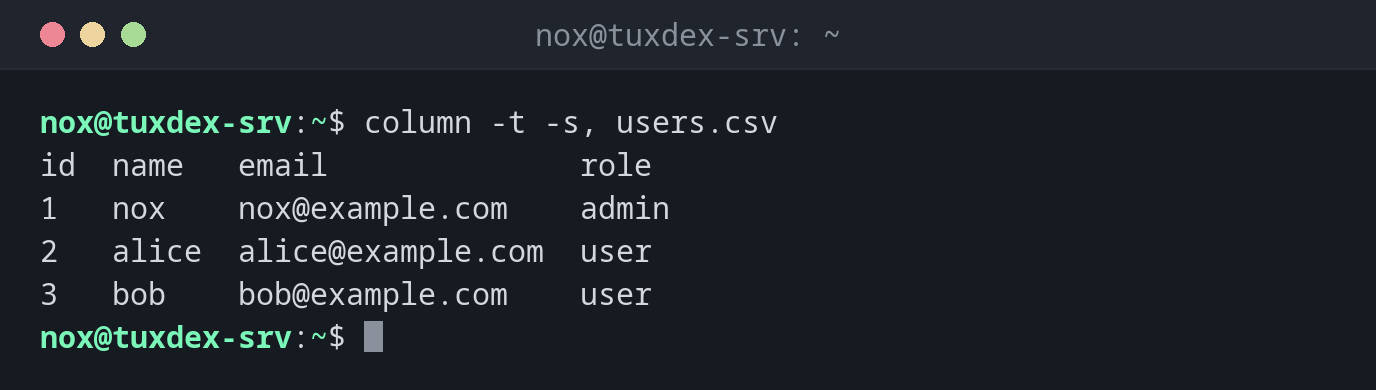
Show a CSV file as a table:
column -t -s, users.csv
id  name   email              role
1   nox    nox@example.com    admin
2   alice  alice@example.com  user
3   bob    bob@example.com    user
Use a visible column separator:
column -t -s, -o ' | ' users.csv
id | name  | email             | role
1  | nox   | nox@example.com   | admin
2  | alice | alice@example.com | user
3  | bob   | bob@example.com   | user
Make /etc/passwd readable:
grep -E '^(root|www-data|nox):' /etc/passwd | cut -d: -f1,3,6,7 | column -t -s:
root      0     /root      /bin/bash
www-data  33    /var/www   /usr/sbin/nologin
nox       1000  /home/nox  /bin/bash
Add column names and hide columns:
grep -E '^(root|www-data|nox):' /etc/passwd | column -t -s: -N USER,PW,UID,GID,GECOS,HOME,SHELL -H PW,GECOS
USER      UID   GID   HOME       SHELL
root      0     0     /root      /bin/bash
www-data  33    33    /var/www   /usr/sbin/nologin
nox       1000  1000  /home/nox  /bin/bash
When do I need it?
- To read CSV exports or colon-separated files like
/etc/passwdon the terminal - To make the output of your own scripts look tidy
- To align the output of commands like
mountorss, whose columns are hard to read
Quick table from any output
COMMAND | column -t turns almost any output with columns separated by spaces into
an aligned table, for example mount | column -t.
Wide tables
If a table is wider than the terminal, every line wraps and the alignment is lost.
Pipe wide tables into less -S, which cuts off long lines instead of wrapping them.
Distribution differences
| Debian | Ubuntu | RHEL | Arch | |
|---|---|---|---|---|
| Package | bsdextrautils |
bsdextrautils |
util-linux (always installed) |
util-linux (always installed) |
If column is missing on Debian or Ubuntu, install it with sudo apt install bsdextrautils.