visudo
Edits the
sudoconfiguration safely: it locks the file and checks the syntax before saving.
Syntax
visudo [OPTION]...
Options
| Option | Description |
|---|---|
| (none) | Edit /etc/sudoers |
-f FILE |
Edit another file, e.g. in /etc/sudoers.d/ |
-c, --check |
Only check the syntax, don't edit |
-s, --strict |
Strict check, also warns about unused aliases and similar mistakes |
A rule in the sudoers format:
deploy ALL=(root) NOPASSWD: /usr/bin/systemctl restart nginx
  │     │    │       │        └ allowed command (with full path)
  │     │    │       └ no password needed
  │     │    └ as which user
  │     └ on which hosts
  └ user (or %group)
Examples
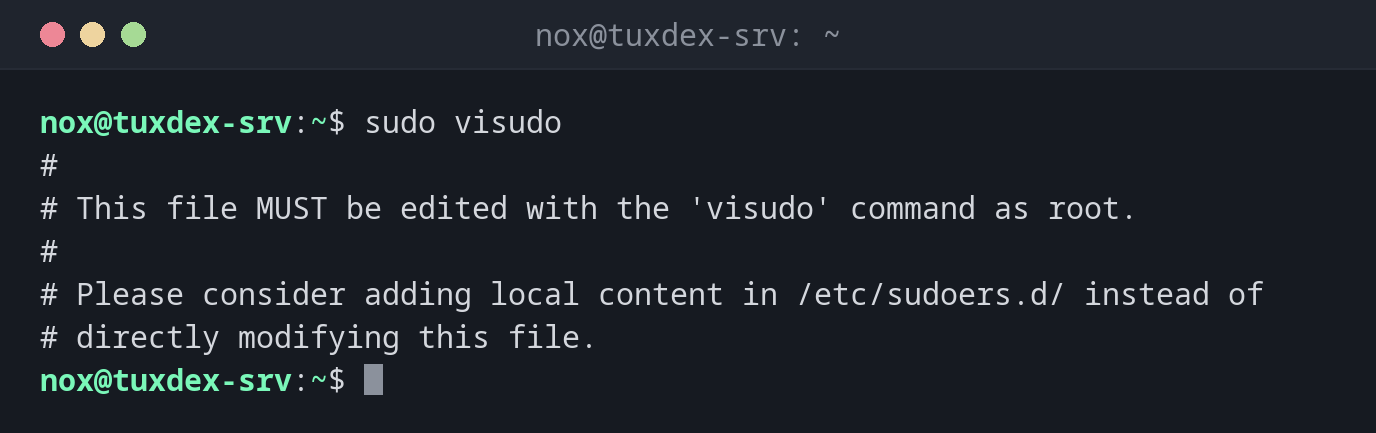
Edit the main configuration:
sudo visudo
#
# This file MUST be edited with the 'visudo' command as root.
#
# Please consider adding local content in /etc/sudoers.d/ instead of
# directly modifying this file.
visudo opens /etc/sudoers in the editor set in $EDITOR (or the system default).
Add your own rule as a separate file:
sudo visudo -f /etc/sudoers.d/deploy
sudo cat /etc/sudoers.d/deploy
deploy ALL=(root) NOPASSWD: /usr/bin/systemctl restart nginx
This line lets the user deploy restart nginx without a password, and
nothing else.
Check all sudo files:
sudo visudo -c
/etc/sudoers: parsed OK
/etc/sudoers.d/README: parsed OK
/etc/sudoers.d/deploy: parsed OK
A rule with a syntax error:
sudo visudo -c -f /etc/sudoers.d/deploy
/etc/sudoers.d/deploy:1:60: syntax error
deploy ALL=(root) NOPASSWD /usr/bin/systemctl restart nginx
                                                           ^
The colon after NOPASSWD is missing. When you save a file with an error in the editor,
visudo asks What now?: e edits again, x quits without saving.
Use a different editor:
sudo EDITOR=nano visudo
#
# This file MUST be edited with the 'visudo' command as root.
When do I need it?
- To give a user or group
sudorights - To allow a deploy or monitoring user exactly one or two commands without a password
- To check the configuration after changes or after copying files to
/etc/sudoers.d/
Own rules in /etc/sudoers.d/
Don't change /etc/sudoers itself. Put your rules into separate files in
/etc/sudoers.d/. Package updates then never overwrite them, and a single file can be
removed easily.
File names in /etc/sudoers.d/
Files whose name contains a . or ends with ~ are ignored, for example
deploy.conf. Use names without a dot, like deploy.
Never edit /etc/sudoers with a normal editor
A syntax error in /etc/sudoers breaks sudo completely, and without a root password
you can no longer repair it. visudo refuses to save a broken file.
Distribution differences
| Debian | Ubuntu | RHEL | Arch | |
|---|---|---|---|---|
Admin rule in /etc/sudoers |
%sudo ALL=(ALL:ALL) ALL |
%sudo ALL=(ALL:ALL) ALL |
%wheel ALL=(ALL) ALL |
%wheel ALL=(ALL:ALL) ALL, commented out |
| Default editor | nano (via editor) |
nano (via editor) |
vi |
vi |