kubectl get
Lists objects in the cluster: nodes, pods, deployments, services and everything else.
Syntax
kubectl get TYPE [NAME] [OPTIONS]
Options
| Option | Description |
|---|---|
TYPE |
Object type, such as pods (po), deployments (deploy), services (svc), nodes (no), all |
-n NAMESPACE |
In this namespace, instead of the default one |
-A, --all-namespaces |
In all namespaces |
-o wide |
More columns, such as node and IP address |
-o yaml, -o json |
The complete object |
-l LABEL=VALUE |
Only objects with this label |
-w, --watch |
Keep watching for changes |
Examples
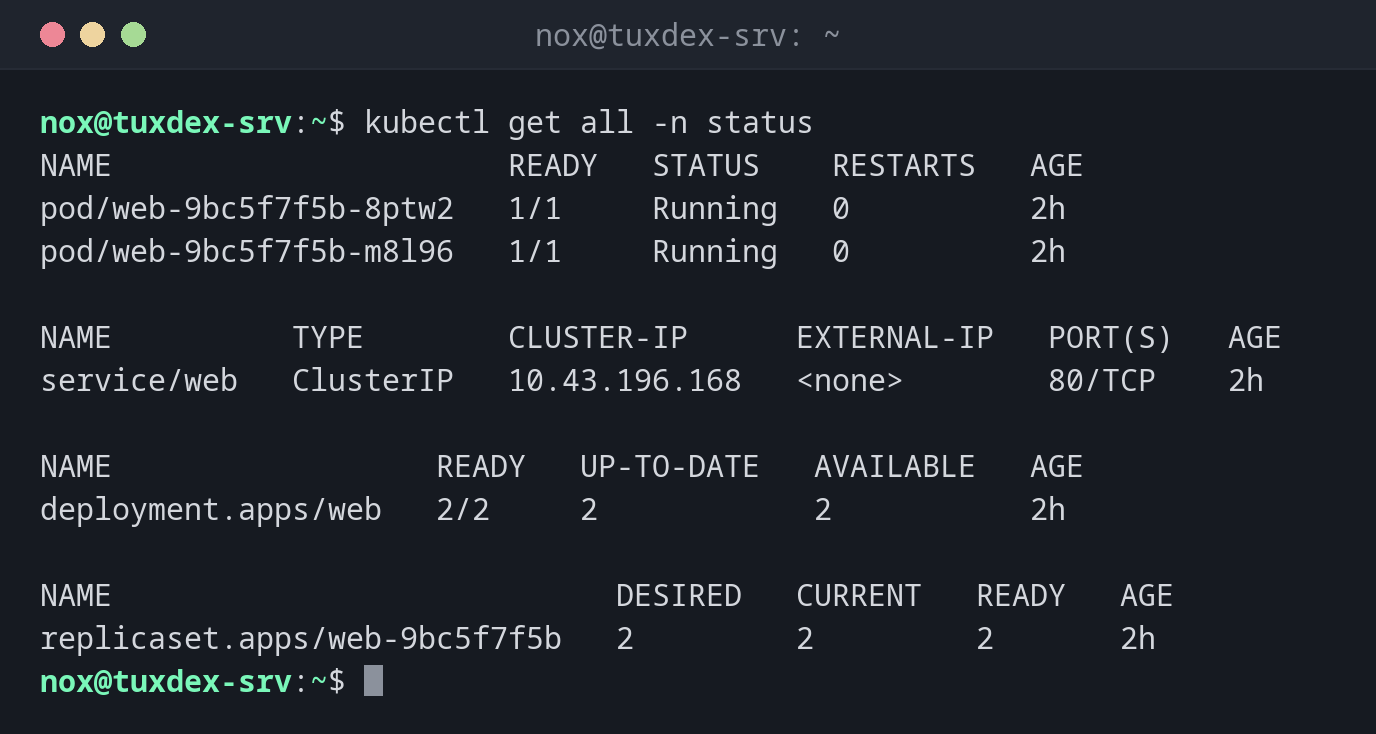
Everything in a namespace:
kubectl get all -n status
NAME                      READY   STATUS    RESTARTS   AGE
pod/web-9bc5f7f5b-8ptw2   1/1     Running   0          2h
pod/web-9bc5f7f5b-m8l96   1/1     Running   0          2h

NAME          TYPE        CLUSTER-IP      EXTERNAL-IP   PORT(S)   AGE
service/web   ClusterIP   10.43.196.168   <none>        80/TCP    2h

NAME                  READY   UP-TO-DATE   AVAILABLE   AGE
deployment.apps/web   2/2     2            2           2h

NAME                            DESIRED   CURRENT   READY   AGE
replicaset.apps/web-9bc5f7f5b   2         2         2       2h
All pods in the cluster:
kubectl get pods -A
NAMESPACE     NAME                                      READY   STATUS      RESTARTS   AGE
kube-system   coredns-7896679cc-2dcm2                   1/1     Running     0          3d
kube-system   helm-install-traefik-2tbp6                0/1     Completed   1          3d
kube-system   helm-install-traefik-crd-9n8mf            0/1     Completed   0          3d
kube-system   local-path-provisioner-578895bd58-x8h47   1/1     Running     0          3d
kube-system   metrics-server-7b9c9c4b9c-m8shl           1/1     Running     0          3d
kube-system   svclb-traefik-db512acc-cmznz              2/2     Running     0          3d
kube-system   traefik-6f986b958c-v9bwd                  1/1     Running     0          3d
status        web-9bc5f7f5b-8ptw2                       1/1     Running     0          2h
status        web-9bc5f7f5b-m8l96                       1/1     Running     0          2h
Pods with node and IP address:
kubectl get pods -n status -o wide
NAME                  READY   STATUS    RESTARTS   AGE   IP           NODE           NOMINATED NODE   READINESS GATES
web-9bc5f7f5b-8ptw2   1/1     Running   0          2h    10.42.0.9    tuxdex-srv     <none>           <none>
web-9bc5f7f5b-m8l96   1/1     Running   0          2h    10.42.0.10   tuxdex-srv     <none>           <none>
The ingress with its host name:
kubectl get ingress -n status
NAME   CLASS     HOSTS                ADDRESS      PORTS   AGE
web    traefik   status.example.com   192.0.2.10   80      2h
A single value for scripts:
kubectl get deploy web -n status -o jsonpath='{.spec.template.spec.containers[0].image}{"\n"}'
nginx:1.28
When do I need it?
- To get an overview of what runs in the cluster
- To check whether all pods are
RunningandREADY - To read a single value of an object in a script with
-o jsonpath
Watch the RESTARTS column
A pod whose restart counter keeps rising crashes again and again. kubectl logs
--previous POD shows the output of the crashed container.