read
Reads a line from the keyboard or a file into variables. For questions to the user and for processing files line by line.
Syntax
read [OPTION]... [VARIABLE]...
Options
| Option | Description |
|---|---|
-p TEXT |
Show a prompt |
-r |
Raw: don't treat backslashes as escapes (always use it) |
-s |
Silent: don't show the input, for passwords |
-t SECONDS |
Give up after this time |
-a ARRAY |
Read the words into an array |
IFS=: |
Separator for splitting the line, set just for read |
Examples
Ask for a value:
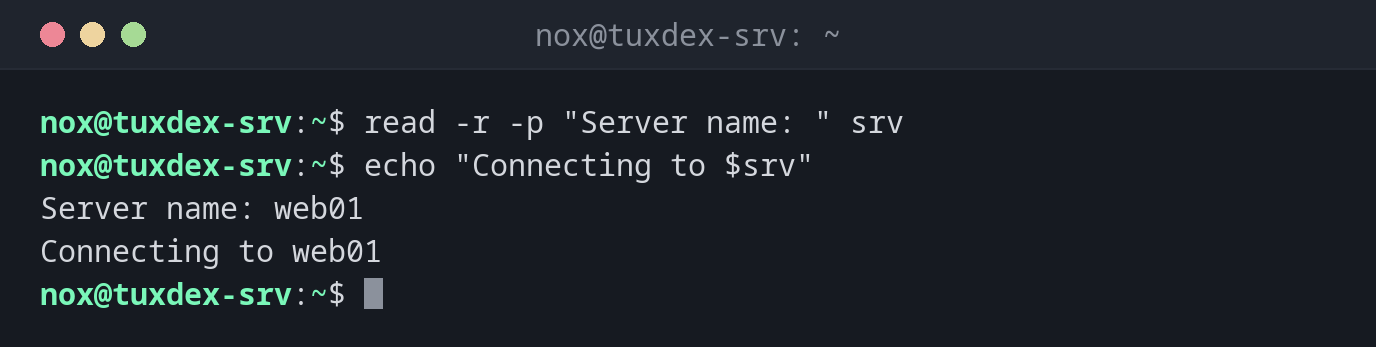
read -r -p "Server name: " srv
echo "Connecting to $srv"
Server name: web01
Connecting to web01
Ask for a confirmation:
read -r -p "Really delete? [y/N] " answer
[[ "$answer" == [yY] ]] && echo "deleting" || echo "aborted"
Really delete? [y/N] n
aborted
Read a file line by line:
while read -r name ip; do
    echo "$name -> $ip"
done < hosts.txt
web01 -> 192.0.2.10
web02 -> 192.0.2.11
Split lines at a separator:
while IFS=: read -r user _ uid _ _ home _; do
    (( uid >= 1000 && uid < 65534 )) && echo "$user $home"
done < /etc/passwd
nox /home/nox
alice /home/alice
When do I need it?
- For confirmations before risky steps: "Really delete?"
- To process files line by line, e.g. a list of servers
- To split lines into fields, e.g.
/etc/passwd
Always -r
Without -r, read removes backslashes from the input. With -r, every line arrives
exactly as it is.
Not in unattended scripts
A script with read waits for input forever when run by cron or systemd. Use -t, or
ask only when standard input is a terminal: [[ -t 0 ]].