xz
Compresses files very strongly, with the smallest results of the common methods. Slow when compressing, fast when unpacking.
Syntax
xz [OPTION]... [FILE]...
Options
| Option | Description |
|---|---|
-k |
Keep the original file |
-d, unxz |
Decompress |
-v |
Show progress and ratio |
-l |
Show information about a .xz file |
-T0 |
Use all CPU cores |
-0 … -9, -e |
Level, default 6; -e even stronger and slower |
Examples
Compress with all cores and progress:
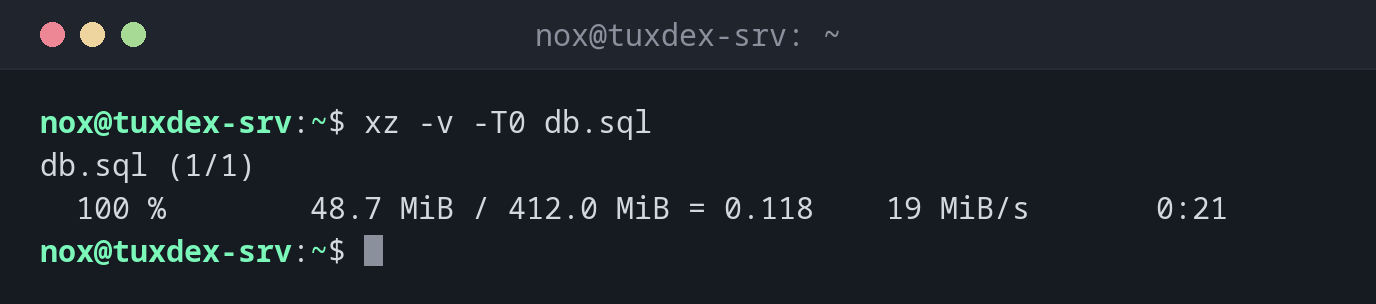
xz -v -T0 db.sql
db.sql (1/1)
  100 %        48.7 MiB / 412.0 MiB = 0.118    19 MiB/s       0:21
Show information about the file:
xz -l db.sql.xz
Strms  Blocks   Compressed Uncompressed  Ratio  Check   Filename
    1      18     48.7 MiB    412.0 MiB  0.118  CRC64   db.sql.xz
Pack a release as .tar.xz:
tar -cJf app-2.4.1.tar.xz app-2.4.1
ls -lh app-2.4.1.tar.xz
-rw-r--r-- 1 nox nox 3.1M Oct 26 10:42 app-2.4.1.tar.xz
When do I need it?
- For files that are compressed once and downloaded often, like software releases
- When every megabyte counts, for example for an archive on slow storage
- To unpack source code and kernel archives, which are often
.tar.xz
High memory use
Strong levels need a lot of memory: xz -9 uses several hundred MB per core. With
-T0 on many cores, that can be too much for a small server.