shred
Overwrites a file several times with random data so that its content can't be recovered, and deletes it if you want.
Syntax
shred [OPTION]... FILE...
Options
| Option | Description |
|---|---|
-u, --remove |
Delete the file after overwriting it |
-n, --iterations=N |
Overwrite N times instead of 3 |
-z, --zero |
Overwrite with zeros at the end, to hide that the file was shredded |
-v, --verbose |
Show the progress |
-x, --exact |
Do not round the size up to the next full block |
-f, --force |
Change permissions if needed to allow writing |
Examples
Overwrite and delete a file:
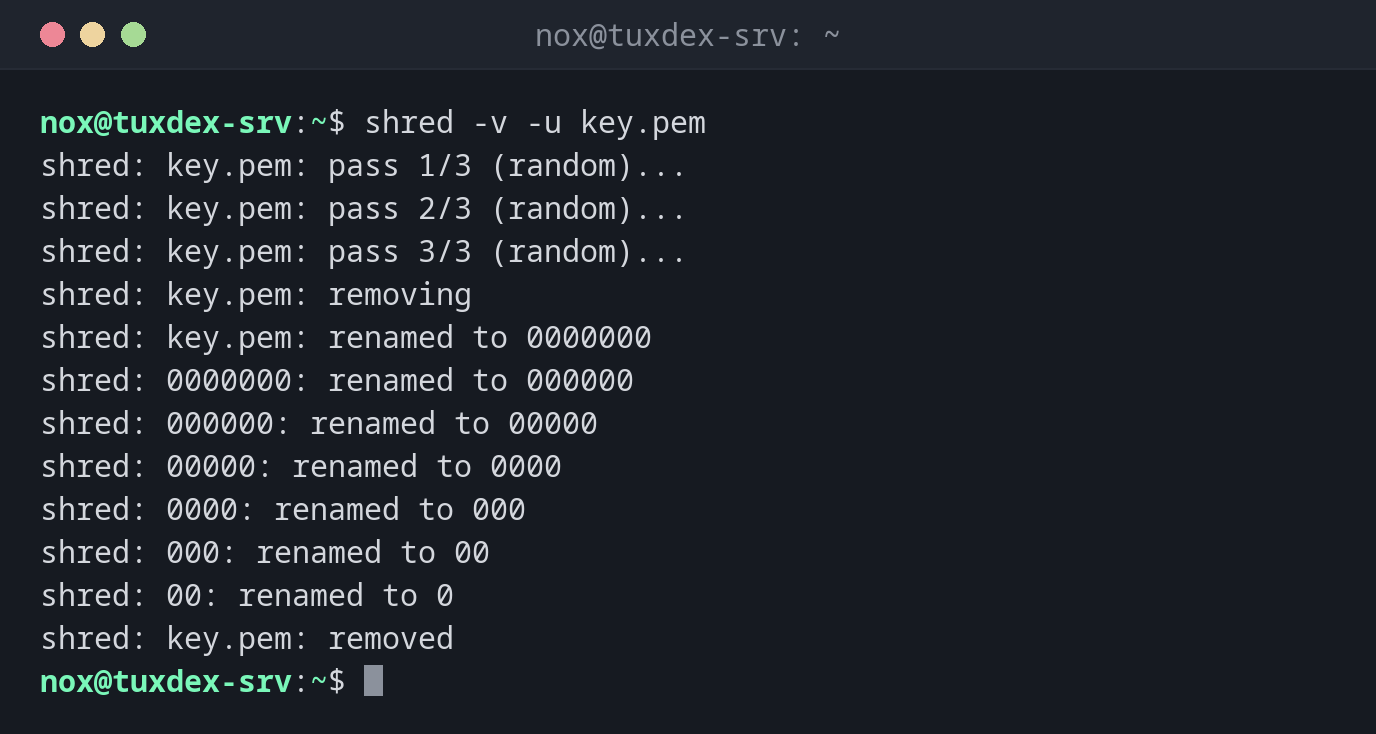
shred -v -u key.pem
shred: key.pem: pass 1/3 (random)...
shred: key.pem: pass 2/3 (random)...
shred: key.pem: pass 3/3 (random)...
shred: key.pem: removing
shred: key.pem: renamed to 0000000
shred: 0000000: renamed to 000000
shred: 000000: renamed to 00000
shred: 00000: renamed to 0000
shred: 0000: renamed to 000
shred: 000: renamed to 00
shred: 00: renamed to 0
shred: key.pem: removed
Before deleting, shred also renames the file several times so that the name can't be
recovered either.
Overwrite once with random data and then with zeros:
shred -v -n 1 -z old-key.pem
shred: old-key.pem: pass 1/2 (random)...
shred: old-key.pem: pass 2/2 (000000)...
Overwrite several files at once and delete them:
shred -u backup/*.sql
ls backup/*.sql
ls: cannot access 'backup/*.sql': No such file or directory
When do I need it?
- To destroy old private keys, certificates or files with passwords
- To delete database dumps or exports with personal data before a server is handed over
- Before returning or selling a hard drive (then for the whole device, see below)
The file gets larger
Without -x, shred rounds the file size up to a full block (usually 4 KB). A
100 byte file is 4096 bytes after shred. With -u this doesn't matter.
Not reliable on every storage
shred assumes that data is overwritten in place. That is not the case on SSDs
(wear leveling), copy-on-write file systems like Btrfs or ZFS, RAID controllers with
cache, snapshots and backups. There, old copies of the data can remain. For SSDs, use
the drive's own secure erase function or full disk encryption from the start.
shred on devices
shred can also overwrite whole disks, e.g. sudo shred -v -n 1 /dev/sdb. A wrong
device name destroys the data on the wrong disk without asking. Check the name with
lsblk several times before you start.