ncdu
An interactive version of
du: shows the largest directories as a list with bars, lets you browse into them and delete files directly.
Syntax
ncdu [OPTION]... [DIRECTORY]
Options
| Option | Description |
|---|---|
-x |
Stay on this file system |
-o FILE |
Scan and save the result to a file |
-f FILE |
Show a saved scan |
--exclude PATTERN |
Skip matching files and directories |
-r |
Read only: deleting is disabled |
Keys inside ncdu: Up Down select, Enter open a directory, Left go back, D delete, G toggle the bars, Q quit.
Examples
Analyse a directory:
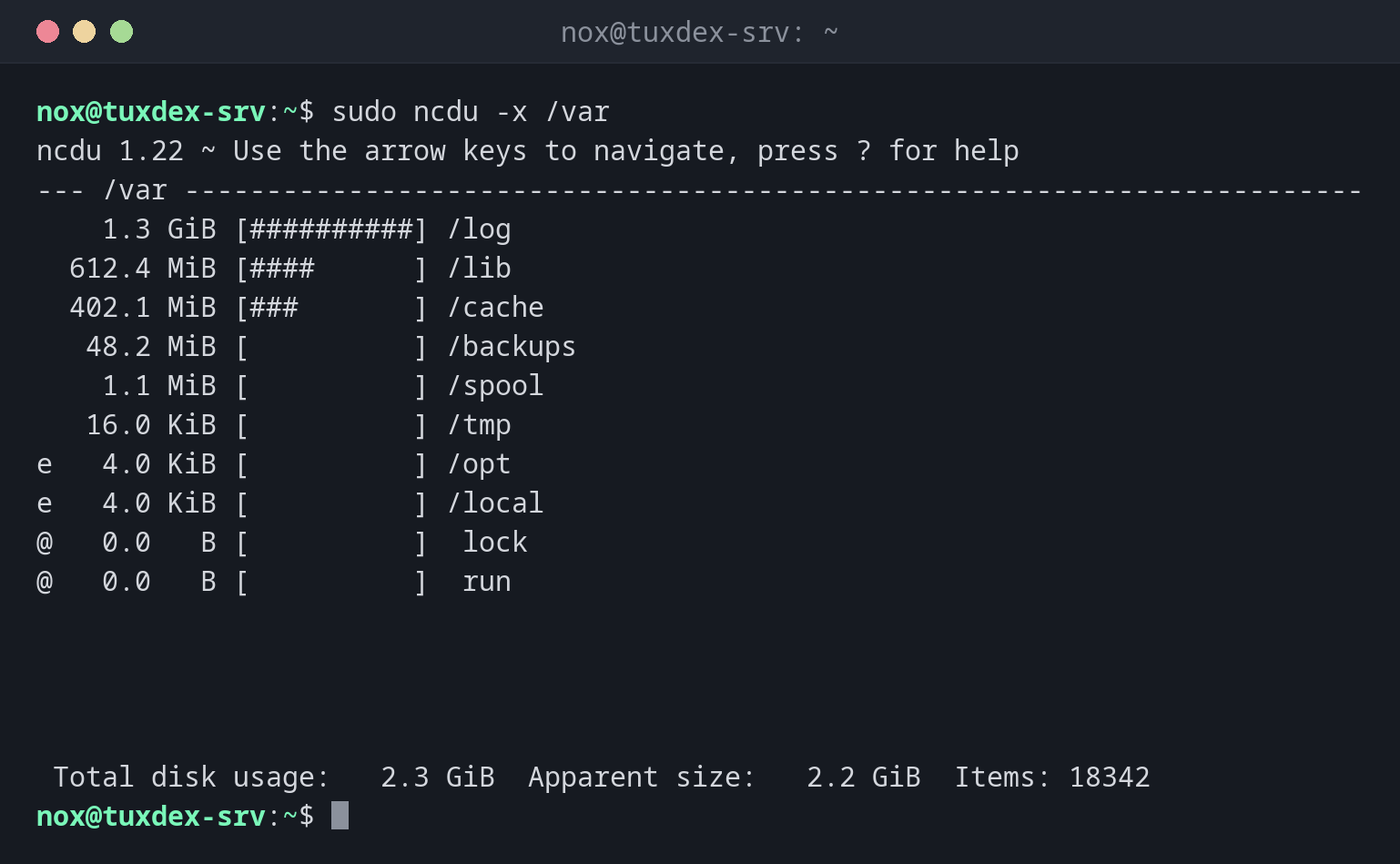
sudo ncdu -x /var
ncdu 1.22 ~ Use the arrow keys to navigate, press ? for help
--- /var ------------------------------------------------------------------------
    1.3 GiB [##########] /log
  612.4 MiB [####      ] /lib
  402.1 MiB [###       ] /cache
   48.2 MiB [          ] /backups
    1.1 MiB [          ] /spool
   16.0 KiB [          ] /tmp
e   4.0 KiB [          ] /opt
e   4.0 KiB [          ] /local
@   0.0   B [          ]  lock
@   0.0   B [          ]  run


 Total disk usage:   2.3 GiB  Apparent size:   2.2 GiB  Items: 18342
e marks empty directories, @ symbolic links.
Browse into a directory with Enter:
sudo ncdu /var/log/nginx
ncdu 1.22 ~ Use the arrow keys to navigate, press ? for help
--- /var/log/nginx --------------------------------------------------------------
/..
    4.0 GiB [##########]  access.log.1
    1.0 GiB [##        ]  access.log
   48.1 MiB [          ]  error.log
    3.2 MiB [          ]  access.log.2.gz


 Total disk usage:   5.1 GiB  Apparent size:   5.1 GiB  Items: 5
An old log of 4 GiB that logrotate didn't compress. A good candidate for deleting.
Save a scan and open it later:
sudo ncdu -x -o /tmp/root.ncdu /
ls -lh /tmp/root.ncdu
-rw-r--r-- 1 root root 3.1M Oct 26 10:42 /tmp/root.ncdu
When do I need it?
- When a disk is full and you want to find the cause quickly
- To clean up interactively: browse into the large directories and delete old files
- On servers where you need the result again later: scan once with
-o
Scan once, look later
sudo ncdu -x -o /tmp/root.ncdu / scans in the background. ncdu -f /tmp/root.ncdu
opens the result as often as you like, without scanning again.
Deleting with D
ncdu asks before deleting, but it deletes for real. With sudo, it can also delete
system files. Use -r if you only want to look.
Distribution differences
| Debian | Ubuntu | RHEL | Arch | |
|---|---|---|---|---|
| Installed by default | no, sudo apt install ncdu |
no, sudo apt install ncdu |
no, from EPEL | no, sudo pacman -S ncdu |