git remote
Manages the connections to other repositories, usually a Git server named origin.
Syntax
git remote [-v]
git remote add NAME URL
git remote set-url NAME URL
Options
| Option | Description |
|---|---|
-v |
List the remotes with their URLs |
add NAME URL |
Add a new remote |
set-url NAME URL |
Change the URL of a remote, for example after a move |
rename OLD NEW |
Rename a remote |
remove NAME |
Remove a remote (only the connection, nothing on the server) |
show NAME |
Details: URLs, branches and what pull and push do |
Examples
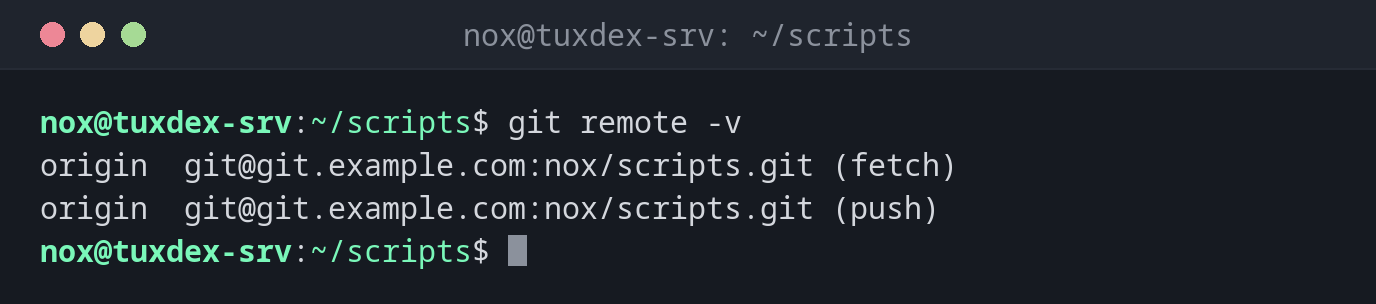
Show the remotes:
git remote -v
origin  git@git.example.com:nox/scripts.git (fetch)
origin  git@git.example.com:nox/scripts.git (push)
Connect a new repository to the server and push it:
git remote add origin git@git.example.com:nox/scripts.git
git push -u origin main
Enumerating objects: 27, done.
Counting objects: 100% (27/27), done.
Delta compression using up to 2 threads
Compressing objects: 100% (25/25), done.
Writing objects: 100% (27/27), 2.42 KiB | 2.42 MiB/s, done.
Total 27 (delta 8), reused 0 (delta 0), pack-reused 0 (from 0)
To git.example.com:nox/scripts.git
 * [new branch]      main -> main
branch 'main' set up to track 'origin/main'.
Change the URL after a move:
git remote set-url origin git@git.example.com:ops/scripts.git
git remote -v
origin  git@git.example.com:ops/scripts.git (fetch)
origin  git@git.example.com:ops/scripts.git (push)
Details about a remote:
git remote show origin
* remote origin
  Fetch URL: git@git.example.com:nox/scripts.git
  Push  URL: git@git.example.com:nox/scripts.git
  HEAD branch: main
  Remote branch:
    main tracked
  Local branch configured for 'git pull':
    main merges with remote main
  Local ref configured for 'git push':
    main pushes to main (up to date)
When do I need it?
- To connect a repository created with
git initto a Git server - When the server or the repository path changes
- To switch from HTTPS to SSH
From HTTPS to SSH
Was the repository cloned over HTTPS and asks for a password every time?
git remote set-url origin git@git.example.com:nox/scripts.git switches to SSH with your key.