git remote
Verwaltet die Verbindungen zu anderen Repositorys, meist einem Git-Server namens origin.
Syntax
git remote [-v]
git remote add NAME URL
git remote set-url NAME URL
Optionen
| Option | Beschreibung |
|---|---|
-v |
Die Remotes mit ihren URLs auflisten |
add NAME URL |
Ein neues Remote hinzufügen |
set-url NAME URL |
Die URL eines Remotes ändern, etwa nach einem Umzug |
rename ALT NEU |
Ein Remote umbenennen |
remove NAME |
Ein Remote entfernen (nur die Verbindung, nichts auf dem Server) |
show NAME |
Details: URLs, Branches und was pull und push tun |
Beispiele
Die Remotes anzeigen:
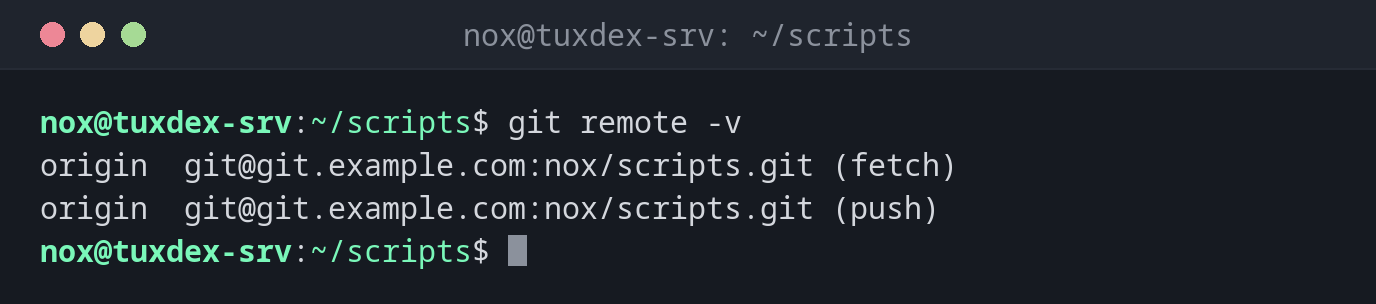
git remote -v
origin  git@git.example.com:nox/scripts.git (fetch)
origin  git@git.example.com:nox/scripts.git (push)
Ein neues Repository mit dem Server verbinden und pushen:
git remote add origin git@git.example.com:nox/scripts.git
git push -u origin main
Enumerating objects: 27, done.
Counting objects: 100% (27/27), done.
Delta compression using up to 2 threads
Compressing objects: 100% (25/25), done.
Writing objects: 100% (27/27), 2.42 KiB | 2.42 MiB/s, done.
Total 27 (delta 8), reused 0 (delta 0), pack-reused 0 (from 0)
To git.example.com:nox/scripts.git
 * [new branch]      main -> main
branch 'main' set up to track 'origin/main'.
Die URL nach einem Umzug ändern:
git remote set-url origin git@git.example.com:ops/scripts.git
git remote -v
origin  git@git.example.com:ops/scripts.git (fetch)
origin  git@git.example.com:ops/scripts.git (push)
Details zu einem Remote:
git remote show origin
* remote origin
  Fetch URL: git@git.example.com:nox/scripts.git
  Push  URL: git@git.example.com:nox/scripts.git
  HEAD branch: main
  Remote branch:
    main tracked
  Local branch configured for 'git pull':
    main merges with remote main
  Local ref configured for 'git push':
    main pushes to main (up to date)
Wann brauche ich das?
- Um ein mit
git initangelegtes Repository mit einem Git-Server zu verbinden - Wenn sich der Server oder der Pfad des Repositorys ändert
- Um von HTTPS auf SSH umzustellen
Von HTTPS auf SSH
Wurde das Repository über HTTPS geklont und fragt jedes Mal nach einem Passwort?
git remote set-url origin git@git.example.com:nox/scripts.git stellt auf SSH mit deinem
Schlüssel um.