ansible-lint
Prüft Playbooks und Rollen auf Fehler, schlechte Praktiken und Stilprobleme, bevor sie laufen.
Syntax
ansible-lint [OPTIONEN] [DATEI|VERZEICHNIS...]
Optionen
| Option | Beschreibung |
|---|---|
| (keine) | Das ganze Projekt im aktuellen Verzeichnis prüfen |
DATEI |
Nur diese Playbooks oder Rollen prüfen |
--fix |
Beheben, was sich automatisch beheben lässt, etwa FQCN und YAML-Formatierung |
--profile NAME |
Strenge: min, basic, moderate, safety, shared, production |
-x REGEL |
Eine Regel überspringen |
-L |
Alle Regeln auflisten |
-p |
Kompakte Ausgabe, eine Zeile pro Problem |
Beispiele
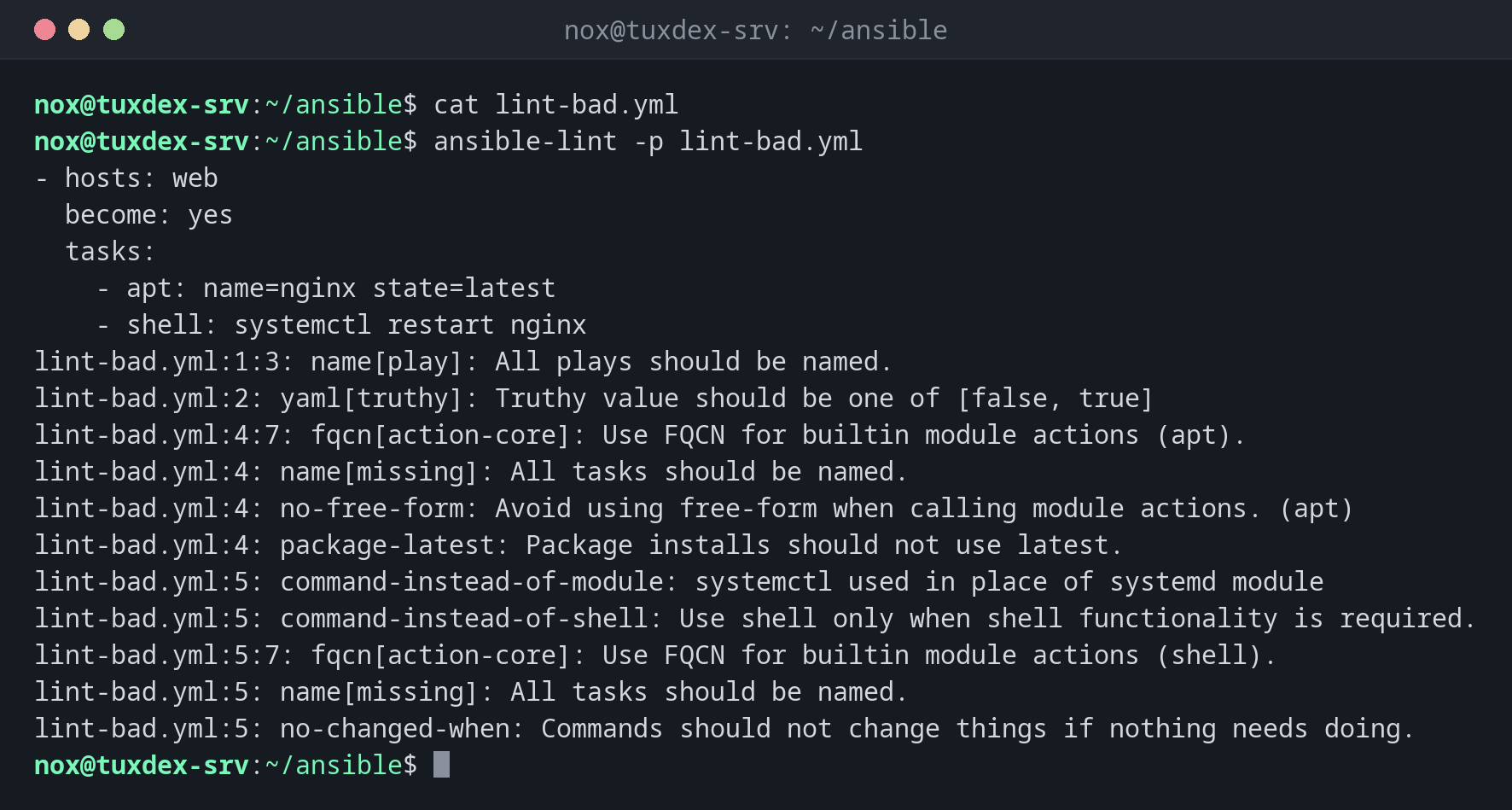
Ein Playbook mit Problemen prüfen:
cat lint-bad.yml
ansible-lint -p lint-bad.yml
- hosts: web
  become: yes
  tasks:
    - apt: name=nginx state=latest
    - shell: systemctl restart nginx
lint-bad.yml:1:3: name[play]: All plays should be named.
lint-bad.yml:2: yaml[truthy]: Truthy value should be one of [false, true]
lint-bad.yml:4:7: fqcn[action-core]: Use FQCN for builtin module actions (apt).
lint-bad.yml:4: name[missing]: All tasks should be named.
lint-bad.yml:4: no-free-form: Avoid using free-form when calling module actions. (apt)
lint-bad.yml:4: package-latest: Package installs should not use latest.
lint-bad.yml:5: command-instead-of-module: systemctl used in place of systemd module
lint-bad.yml:5: command-instead-of-shell: Use shell only when shell functionality is required.
lint-bad.yml:5:7: fqcn[action-core]: Use FQCN for builtin module actions (shell).
lint-bad.yml:5: name[missing]: All tasks should be named.
lint-bad.yml:5: no-changed-when: Commands should not change things if nothing needs doing.
Die ausführliche Ausgabe mit Zusammenfassung:
ansible-lint lint-bad.yml | tail -15
# Rule Violation Summary

  1 command-instead-of-module profile:basic tags:command-shell,idiom
  1 command-instead-of-shell profile:basic tags:command-shell,idiom
  1 no-free-form profile:basic tags:syntax,risk
  2 name profile:basic tags:idiom
  1 name profile:basic tags:idiom
  1 yaml profile:basic tags:formatting,yaml
  1 package-latest profile:basic tags:idempotency
  1 no-changed-when profile:basic tags:command-shell,idempotency
  2 fqcn profile:basic tags:formatting

Failed: 11 failure(s), 0 warning(s) on 1 files. Last profile that met the validation criteria was 'min'.
Ein sauberes Playbook:
ansible-lint site.yml
Passed: 0 failure(s), 0 warning(s) on 1 files. Last profile that met the validation criteria was 'production'.
site.yml aus den Grundlagen erfüllt sogar production, das strengste Profil.
Wann brauche ich das?
- Vor jedem Commit eines Ansible-Projekts
- In einer CI-Pipeline, damit fehlerhafte Playbooks nie auf die Server kommen
- Um gute Gewohnheiten zu lernen: Jede Regel erklärt, was falsch ist und warum
Konfiguration pro Projekt
Eine Datei .ansible-lint im Projekt legt Profil und übersprungene Regeln fest, etwa
profile: production und skip_list: [yaml[line-length]].
Den Grund beheben, nicht die Meldung
# noqa am Zeilenende blendet einen Fund aus. Nutze es nur mit gutem Grund und schreib
den Grund daneben.
Unterschiede zwischen Distributionen
| Debian | Ubuntu | RHEL | Arch | |
|---|---|---|---|---|
| Installation | sudo apt install ansible-lint |
sudo apt install ansible-lint |
pipx install ansible-lint |
sudo pacman -S ansible-lint |