git status
Zeigt, welche Dateien sich geändert haben, welche Änderungen für den nächsten Commit vorgemerkt sind und welche Dateien Git noch nicht verfolgt.
Syntax
git status [-s] [-b] [PFAD...]
Optionen
| Option | Beschreibung |
|---|---|
-s, --short |
Kurze Ausgabe, eine Zeile pro Datei |
-b, --branch |
In der kurzen Ausgabe auch den Branch zeigen |
--ignored |
Auch Dateien zeigen, die .gitignore ausschließt |
-uno |
Nicht verfolgte Dateien nicht auflisten |
Beispiele
Den Zustand des Repositorys ansehen:
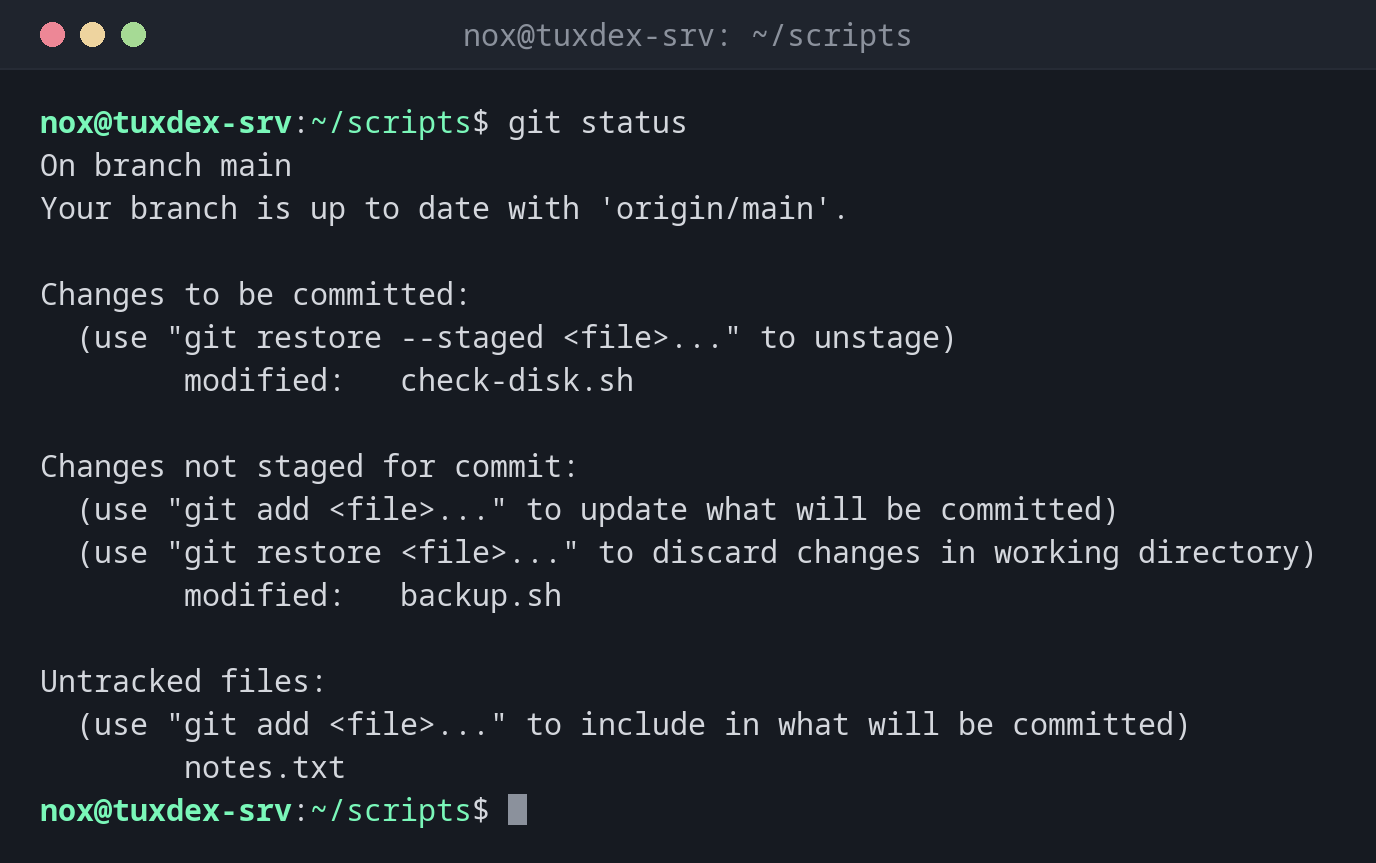
git status
On branch main
Your branch is up to date with 'origin/main'.

Changes to be committed:
  (use "git restore --staged <file>..." to unstage)
        modified:   check-disk.sh

Changes not staged for commit:
  (use "git add <file>..." to update what will be committed)
  (use "git restore <file>..." to discard changes in working directory)
        modified:   backup.sh

Untracked files:
  (use "git add <file>..." to include in what will be committed)
        notes.txt
Dasselbe in Kurzform:
git status -sb
## main...origin/main
M  check-disk.sh
 M backup.sh
?? notes.txt
Die linke Spalte steht für den Staging-Bereich, die rechte für das Arbeitsverzeichnis: M geändert, A hinzugefügt, D gelöscht, ?? nicht verfolgt.
Alles committet, aber noch nicht gepusht:
git status
On branch main
Your branch is ahead of 'origin/main' by 1 commit.
  (use "git push" to publish your local commits)

nothing to commit, working tree clean
Auch ignorierte Dateien zeigen:
git status -s --ignored
 M backup.sh
?? notes.txt
!! backup.log
Wann brauche ich das?
- Vor jedem Commit, um zu sehen, was hineinkommt
- Auf einem Server, um herauszufinden, ob jemand eine versionierte Konfiguration von Hand geändert hat
- Nach
git pullodergit merge, um zu prüfen, ob alles durchgelaufen ist
Ruhig ständig benutzen
git status liest nur und ändert nichts. Die Hinweise in der Ausgabe verraten dir
außerdem, welcher Befehl was rückgängig macht, etwa git restore --staged.
Verwandte Befehle
git add · git diff · git restore · git commit