certbot
Holt kostenlose TLS-Zertifikate von Let's Encrypt, richtet sie in nginx oder Apache ein und erneuert sie automatisch.
Syntax
certbot [--nginx | --apache | certonly] -d DOMAIN [-d DOMAIN...]
certbot certificates | renew [--dry-run] | delete
Optionen
| Option | Beschreibung |
|---|---|
--nginx, --apache |
Das Zertifikat holen und den Webserver einrichten |
certonly |
Nur das Zertifikat holen, keine Konfiguration ändern |
--webroot -w VERZEICHNIS |
Den Besitz über eine Datei im Web-Root nachweisen (mit certonly) |
--standalone |
Einen eigenen Webserver für die Prüfung starten (Port 80 muss frei sein) |
-d DOMAIN |
Domain; mehrere -d für mehrere Namen in einem Zertifikat |
certificates |
Die Zertifikate mit Ablaufdatum auflisten |
renew --dry-run |
Die Erneuerung gegen den Test-Server prüfen |
--deploy-hook BEFEHL |
Nach jeder erfolgreichen Erneuerung einen Befehl ausführen, etwa einen Dienst neu laden |
Let's-Encrypt-Zertifikate gelten 90 Tage. certbot erneuert sie, wenn weniger als 30 Tage übrig sind.
Beispiele
Ein Zertifikat holen und nginx einrichten:
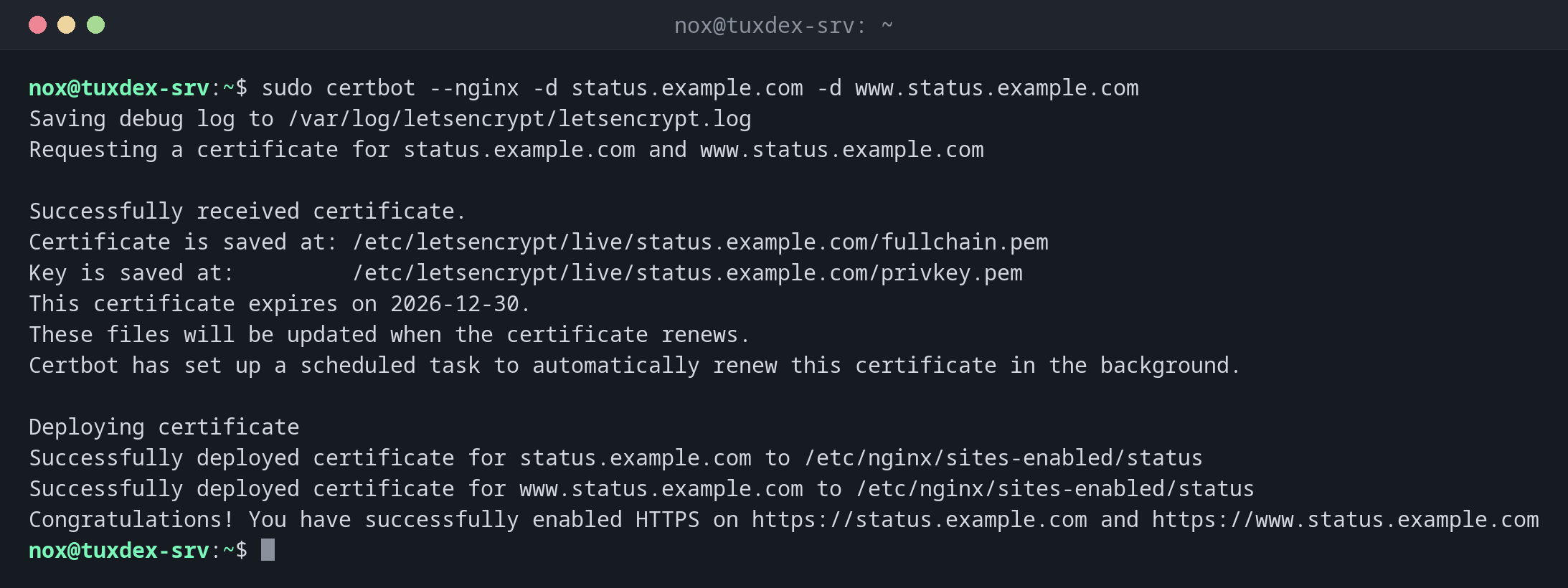
sudo certbot --nginx -d status.example.com -d www.status.example.com
Saving debug log to /var/log/letsencrypt/letsencrypt.log
Requesting a certificate for status.example.com and www.status.example.com

Successfully received certificate.
Certificate is saved at: /etc/letsencrypt/live/status.example.com/fullchain.pem
Key is saved at:         /etc/letsencrypt/live/status.example.com/privkey.pem
This certificate expires on 2026-12-30.
These files will be updated when the certificate renews.
Certbot has set up a scheduled task to automatically renew this certificate in the background.

Deploying certificate
Successfully deployed certificate for status.example.com to /etc/nginx/sites-enabled/status
Successfully deployed certificate for www.status.example.com to /etc/nginx/sites-enabled/status
Congratulations! You have successfully enabled HTTPS on https://status.example.com and https://www.status.example.com
Alle Zertifikate mit Ablaufdatum:
sudo certbot certificates
Saving debug log to /var/log/letsencrypt/letsencrypt.log

- - - - - - - - - - - - - - - - - - - - - - - - - - - - - - - - - - - - - - - -
Found the following certs:
  Certificate Name: status.example.com
    Serial Number: 48cc344e3cb032bd7874834e00cf32557b57135a
    Key Type: ECDSA
    Domains: status.example.com www.status.example.com
    Expiry Date: 2026-12-30 08:15:11+00:00 (VALID: 64 days)
    Certificate Path: /etc/letsencrypt/live/status.example.com/fullchain.pem
    Private Key Path: /etc/letsencrypt/live/status.example.com/privkey.pem
- - - - - - - - - - - - - - - - - - - - - - - - - - - - - - - - - - - - - - - -
Die automatische Erneuerung testen:
sudo certbot renew --dry-run
Saving debug log to /var/log/letsencrypt/letsencrypt.log

- - - - - - - - - - - - - - - - - - - - - - - - - - - - - - - - - - - - - - - -
Processing /etc/letsencrypt/renewal/status.example.com.conf
- - - - - - - - - - - - - - - - - - - - - - - - - - - - - - - - - - - - - - - -
Simulating renewal of an existing certificate for status.example.com and www.status.example.com

- - - - - - - - - - - - - - - - - - - - - - - - - - - - - - - - - - - - - - - -
Congratulations, all simulated renewals succeeded:
  /etc/letsencrypt/live/status.example.com/fullchain.pem (success)
- - - - - - - - - - - - - - - - - - - - - - - - - - - - - - - - - - - - - - - -
Der Timer für die Erneuerung:
systemctl list-timers certbot.timer
NEXT                        LEFT LAST                              PASSED UNIT          ACTIVATES
Mon 2026-10-26 21:37:00 CET  10h Mon 2026-10-26 09:12:04 CET 1h 30min ago certbot.timer certbot.service

1 timers listed.
Pass --all to see loaded but inactive timers, too.
Wann brauche ich das?
- Für jede öffentliche Website und API, die per HTTPS erreichbar sein soll
- Für Mailserver und andere Dienste, mit
certonlyund einem Deploy-Hook - Um zu prüfen, wann Zertifikate ablaufen und ob die Erneuerung funktioniert
Die Erneuerung testen
sudo certbot renew --dry-run nach der Einrichtung zeigt, ob die automatische
Erneuerung klappen wird. Eine fehlschlagende Erneuerung fällt sonst erst auf, wenn das
Zertifikat abläuft.
Port 80 muss offen bleiben
Die übliche HTTP-Prüfung braucht Port 80 aus dem Internet. Blockiert die Firewall ihn, scheitern Erneuerungen still. Alternativ nutzt du die DNS-Prüfung mit einem DNS-Plugin.
Unterschiede zwischen Distributionen
| Debian | Ubuntu | RHEL | Arch | |
|---|---|---|---|---|
| Installation | sudo apt install certbot python3-certbot-nginx |
sudo apt install certbot python3-certbot-nginx |
sudo dnf install certbot python3-certbot-nginx (EPEL) |
sudo pacman -S certbot certbot-nginx |
| Automatische Erneuerung | certbot.timer, aktiv |
certbot.timer, aktiv |
certbot-renew.timer, mit systemctl enable --now einschalten |
kein Timer, selbst anlegen oder Cronjob nutzen |
Verwandte Befehle
openssl x509 · testssl.sh · systemctl · ufw