ssh-copy-id
Kopiert deinen öffentlichen SSH-Schlüssel auf einem Server nach
~/.ssh/authorized_keys, damit du dich mit dem Schlüssel statt mit einem Passwort anmelden kannst.
Syntax
ssh-copy-id [OPTION]... [BENUTZER@]HOST
Optionen
| Option | Beschreibung |
|---|---|
-i DATEI |
Diesen öffentlichen Schlüssel statt des Standards kopieren |
-p PORT |
SSH-Port des Servers |
-n |
Probelauf: nur zeigen, welche Schlüssel kopiert würden |
-f |
Auch kopieren, wenn der Schlüssel scheinbar schon da ist |
Beispiele
Den Schlüssel auf einen Server kopieren:
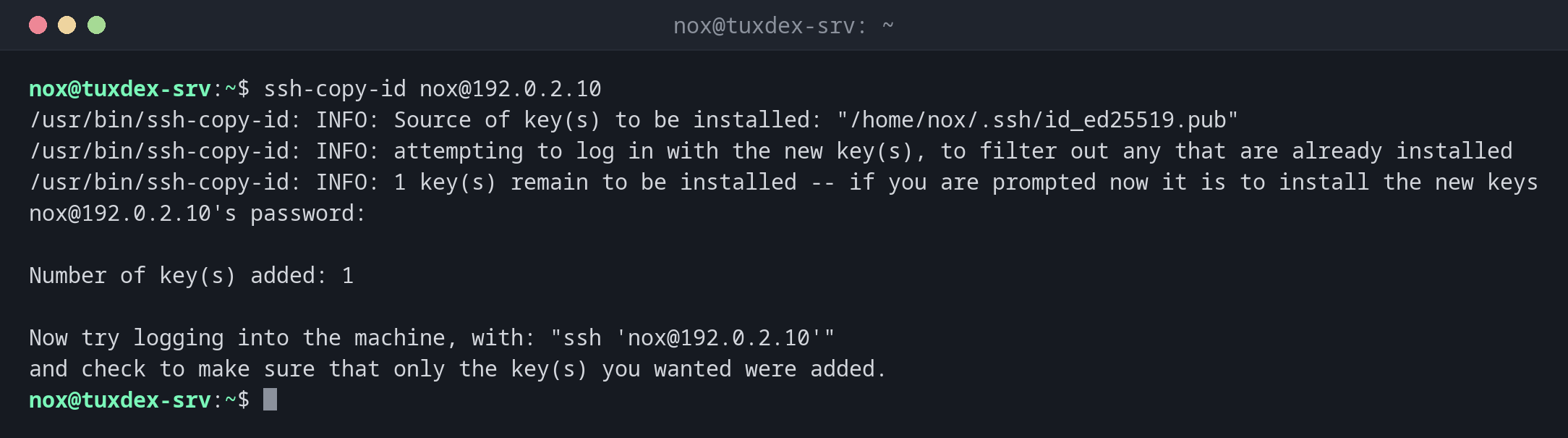
ssh-copy-id nox@192.0.2.10
/usr/bin/ssh-copy-id: INFO: Source of key(s) to be installed: "/home/nox/.ssh/id_ed25519.pub"
/usr/bin/ssh-copy-id: INFO: attempting to log in with the new key(s), to filter out any that are already installed
/usr/bin/ssh-copy-id: INFO: 1 key(s) remain to be installed -- if you are prompted now it is to install the new keys
nox@192.0.2.10's password:

Number of key(s) added: 1

Now try logging into the machine, with: "ssh 'nox@192.0.2.10'"
and check to make sure that only the key(s) you wanted were added.
Du gibst das Passwort ein letztes Mal ein. Danach klappt die Anmeldung mit dem Schlüssel.
Die Anmeldung mit dem Schlüssel testen:
ssh nox@192.0.2.10 hostname
Enter passphrase for key '/home/nox/.ssh/id_ed25519':
tuxdex-srv
Der Schlüssel ist schon auf dem Server:
ssh-copy-id nox@192.0.2.10
/usr/bin/ssh-copy-id: INFO: Source of key(s) to be installed: "/home/nox/.ssh/id_ed25519.pub"
/usr/bin/ssh-copy-id: INFO: attempting to log in with the new key(s), to filter out any that are already installed

/usr/bin/ssh-copy-id: WARNING: All keys were skipped because they already exist on the remote system.
                (if you think this is a mistake, you may want to use -f option)
Nur zeigen, was kopiert würde:
ssh-copy-id -n nox@192.0.2.10
/usr/bin/ssh-copy-id: INFO: Source of key(s) to be installed: "/home/nox/.ssh/id_ed25519.pub"
=-=-=-=-=-=-=-=
Would have added the following key(s):

ssh-ed25519 AAAAC3NzaC1lZDI1NTE5AAAAIAWZDtTcIe235G0EzeAQj/BESDJnWT39gRghXyiMZZal nox@tuxdex-srv
=-=-=-=-=-=-=-=
Prüfen, was auf dem Server liegt:
ssh nox@192.0.2.10 cat .ssh/authorized_keys
ssh-ed25519 AAAAC3NzaC1lZDI1NTE5AAAAIAWZDtTcIe235G0EzeAQj/BESDJnWT39gRghXyiMZZal nox@tuxdex-srv
Wann brauche ich das?
- Nach dem Erzeugen eines Schlüssels, um ihn auf jeden Server zu bringen
- Wenn du Zugang zu einem neuen Server bekommst, der noch Passwort-Anmeldung nutzt
- Bevor du auf dem Server die Passwort-Anmeldung abschaltest
Ohne ssh-copy-id
Gibt es ssh-copy-id nicht, etwa unter Windows, nimm
cat ~/.ssh/id_ed25519.pub | ssh nox@192.0.2.10 "mkdir -p ~/.ssh && cat >> ~/.ssh/authorized_keys".
Nur den öffentlichen Schlüssel kopieren
ssh-copy-id kopiert nur .pub-Dateien. Kopiere nie den privaten Schlüssel auf einen
Server. Er gehört nur auf den Rechner, von dem aus du arbeitest.
Verwandte Befehle
ssh-keygen · ssh · sshd