fdisk
Zeigt und ändert Partitionstabellen, interaktiv und Schritt für Schritt. Erst wenn du mit
wbestätigst, wird auf die Platte geschrieben.
Syntax
fdisk [OPTION]... GERÄT
Optionen
| Option | Beschreibung |
|---|---|
-l [GERÄT] |
Die Partitionstabellen auflisten |
GERÄT |
Die Partitionstabelle dieser Platte interaktiv bearbeiten |
Befehle in fdisk: p anzeigen, g neue GPT-Tabelle, n neue Partition, t Typ ändern, d löschen, w schreiben und beenden, q ohne Speichern beenden, m Hilfe.
Beispiele
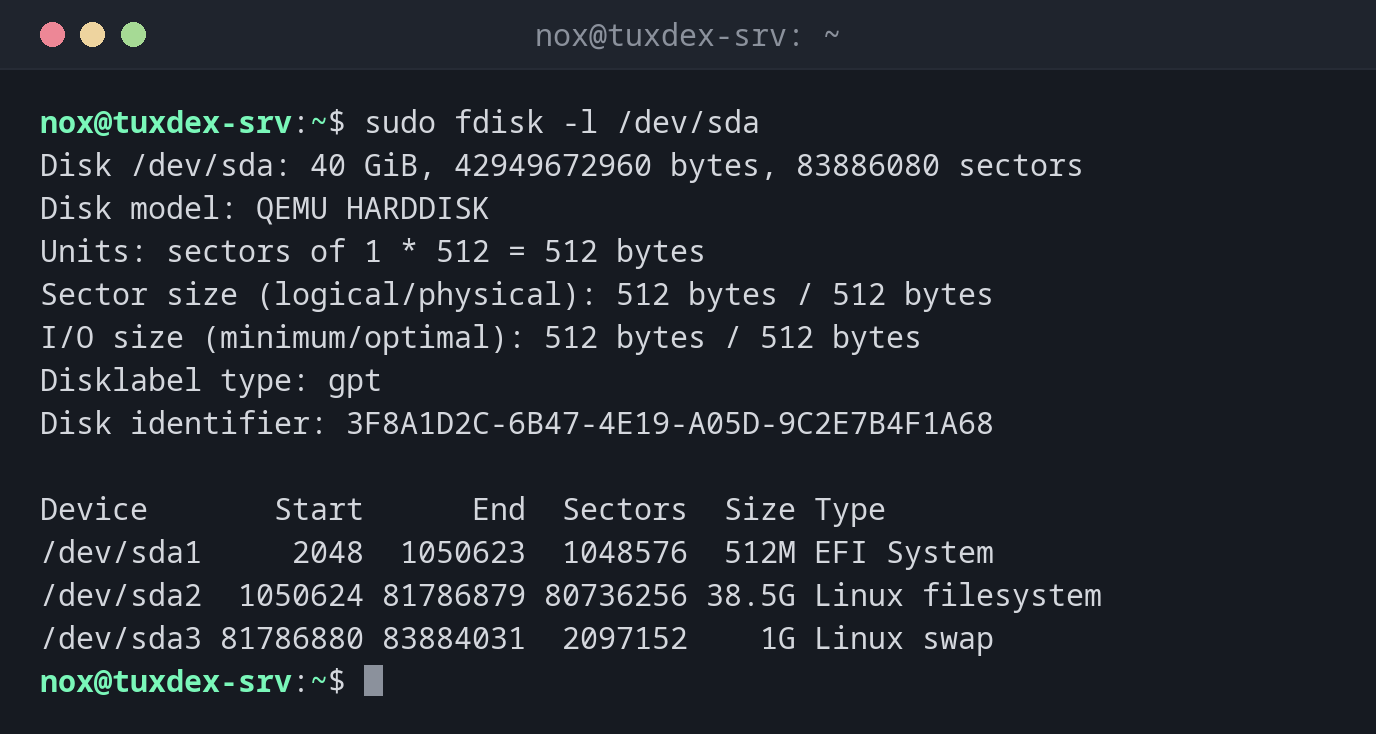
Die Partitionstabelle der Systemplatte anzeigen:
sudo fdisk -l /dev/sda
Disk /dev/sda: 40 GiB, 42949672960 bytes, 83886080 sectors
Disk model: QEMU HARDDISK
Units: sectors of 1 * 512 = 512 bytes
Sector size (logical/physical): 512 bytes / 512 bytes
I/O size (minimum/optimal): 512 bytes / 512 bytes
Disklabel type: gpt
Disk identifier: 3F8A1D2C-6B47-4E19-A05D-9C2E7B4F1A68

Device       Start      End  Sectors  Size Type
/dev/sda1     2048  1050623  1048576  512M EFI System
/dev/sda2  1050624 81786879 80736256 38.5G Linux filesystem
/dev/sda3 81786880 83884031  2097152    1G Linux swap
Auf einer neuen Platte eine Partition anlegen:
sudo fdisk /dev/sdd
Welcome to fdisk (util-linux 2.41.5).
Changes will remain in memory only, until you decide to write them.
Be careful before using the write command.

Device does not contain a recognized partition table.
Created a new DOS (MBR) disklabel with disk identifier 0x5c2e91a7.

Command (m for help): g
Created a new GPT disklabel (GUID: 7E3B9C14-2F6A-4D85-9B1E-C04A8D27F5B3).

Command (m for help): n
Partition number (1-128, default 1):
First sector (2048-104857566, default 2048):
Last sector, +/-sectors or +/-size{K,M,G,T,P} (2048-104857566, default 104855551):

Created a new partition 1 of type 'Linux filesystem' and of size 50 GiB.

Command (m for help): w
The partition table has been altered.
Calling ioctl() to re-read partition table.
Syncing disks.
g legt eine GPT-Tabelle an, n mit dreimal Enter eine Partition über die ganze
Platte, w schreibt das Ergebnis.
Das Ergebnis prüfen:
sudo fdisk -l /dev/sdd
Disk /dev/sdd: 50 GiB, 53687091200 bytes, 104857600 sectors
Disk model: QEMU HARDDISK
Units: sectors of 1 * 512 = 512 bytes
Sector size (logical/physical): 512 bytes / 512 bytes
I/O size (minimum/optimal): 512 bytes / 512 bytes
Disklabel type: gpt
Disk identifier: 7E3B9C14-2F6A-4D85-9B1E-C04A8D27F5B3

Device     Start       End   Sectors Size Type
/dev/sdd1   2048 104855551 104853504  50G Linux filesystem
Wann brauche ich das?
- Wenn ein Server eine neue Platte bekommt, die eine Partition braucht
- Um die Partitionstabelle einer Platte zu prüfen
- Um den Typ einer Partition zu ändern, z. B. auf
Linux swapoderLinux LVM
Für LVM ist keine Partition nötig
Für LVM kannst du die ganze Platte ohne Partition nutzen: pvcreate /dev/sdd. Viele
Admins legen trotzdem eine Partition vom Typ Linux LVM an, damit andere Werkzeuge die
Platte als belegt erkennen.
Die falsche Platte
fdisk auf dem falschen Gerät zerstört die Partitionstabelle einer genutzten Platte.
Prüfe den Namen mit lsblk und schau dir die Größe an, bevor du mit w
schreibst.