git pull
Holt neue Commits vom Server und führt sie in den aktuellen Branch zusammen.
Syntax
git pull [--ff-only | --rebase] [REMOTE [BRANCH]]
Optionen
| Option | Beschreibung |
|---|---|
--ff-only |
Nur aktualisieren, wenn kein Merge nötig ist, sonst abbrechen |
--rebase |
Eigene Commits oben auf die neuen setzen statt zusammenzuführen |
--no-rebase |
Zusammenführen, bei Bedarf mit Merge-Commit |
--autostash |
Lokale Änderungen vorher beiseitelegen und danach zurückholen |
-q, --quiet |
Keine Ausgabe |
Beispiele
Den neuesten Stand holen:
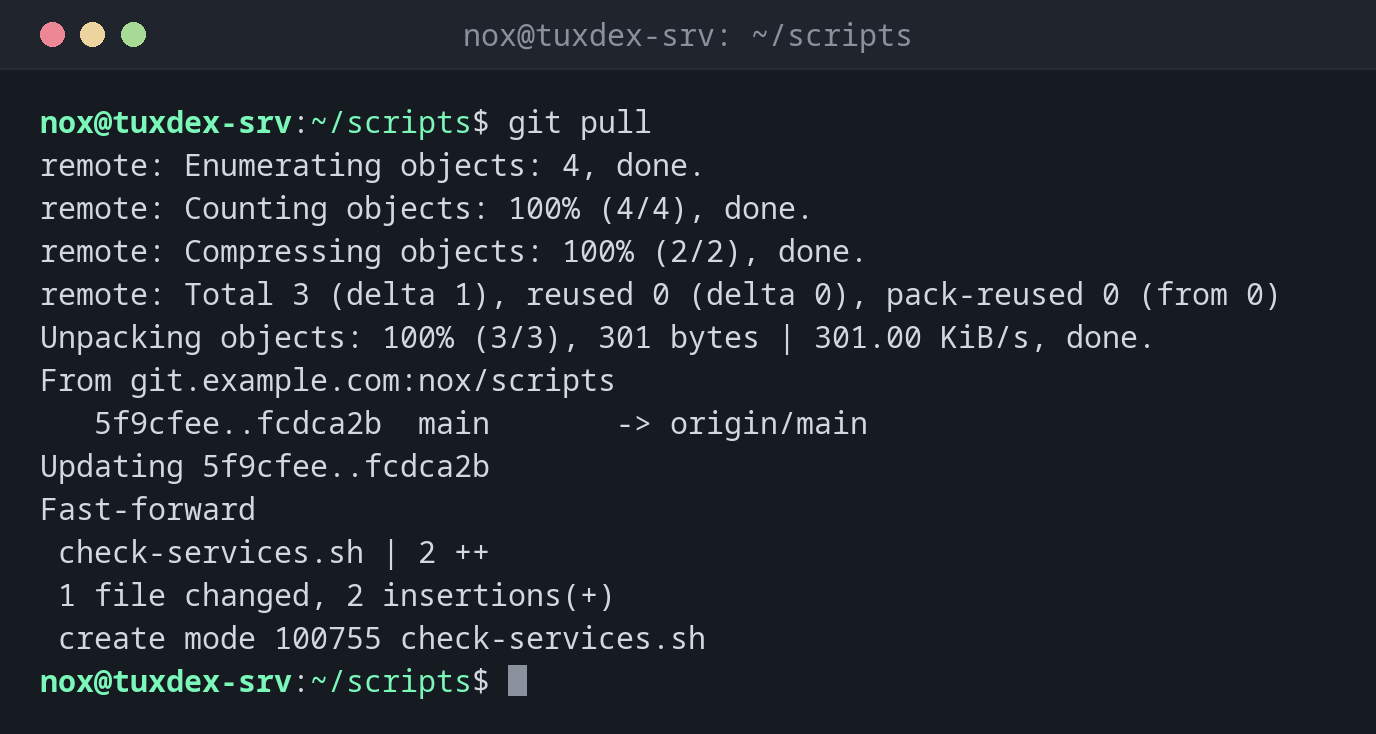
git pull
remote: Enumerating objects: 4, done.
remote: Counting objects: 100% (4/4), done.
remote: Compressing objects: 100% (2/2), done.
remote: Total 3 (delta 1), reused 0 (delta 0), pack-reused 0 (from 0)
Unpacking objects: 100% (3/3), 301 bytes | 301.00 KiB/s, done.
From git.example.com:nox/scripts
   5f9cfee..fcdca2b  main       -> origin/main
Updating 5f9cfee..fcdca2b
Fast-forward
 check-services.sh | 2 ++
 1 file changed, 2 insertions(+)
 create mode 100755 check-services.sh
Nichts Neues:
git pull
Already up to date.
Einen Server sicher aktualisieren:
cd /opt/scripts
sudo git pull --ff-only -q
git log --oneline -1
fcdca2b Add service check
Beide Seiten haben neue Commits:
git pull
From git.example.com:nox/scripts
   fcdca2b..b9d2121  main       -> origin/main
hint: You have divergent branches and need to specify how to reconcile them.
hint: You can do so by running one of the following commands sometime before
hint: your next pull:
hint:
hint:   git config pull.rebase false  # merge
hint:   git config pull.rebase true   # rebase
hint:   git config pull.ff only       # fast-forward only
hint:
hint: You can replace "git config" with "git config --global" to set a default
hint: preference for all repositories. You can also pass --rebase, --no-rebase,
hint: or --ff-only on the command line to override the configured default per
hint: invocation.
fatal: Need to specify how to reconcile divergent branches.
Den eigenen Commit oben auf die neuen setzen:
git pull --rebase
git log --oneline -3
Successfully rebased and updated refs/heads/main.
599c398 Rotate logs after 14 days
b9d2121 Document check scripts
fcdca2b Add service check
Wann brauche ich das?
- Bevor du anfängst zu arbeiten, um den neuesten Stand zu holen
- Um Skripte oder Konfiguration auf einem Server aus dem Repository zu aktualisieren
- In einem Deployment-Skript oder Cronjob, der ein Verzeichnis aktuell hält
--ff-only auf Servern
Auf einem Server, der nur Änderungen empfängt, ist git pull --ff-only die sichere
Wahl: Es aktualisiert sauber oder bricht ab, erzeugt aber nie einen Merge-Commit.
Dauerhaft mit git config pull.ff only.
Lokale Änderungen auf dem Server
Hat jemand eine versionierte Datei direkt auf dem Server bearbeitet, bricht git pull
mit Your local changes ... would be overwritten ab. Prüf mit git diff, was geändert
wurde, bevor du es verwirfst oder committest.
Verwandte Befehle
git fetch · git merge · git rebase · git push