logrotate
Rotiert, komprimiert und löscht Logdateien nach Regeln, damit sie die Platte nicht füllen. Läuft automatisch einmal am Tag.
Syntax
logrotate [OPTION]... KONFIGURATIONSDATEI
Optionen
| Option | Beschreibung |
|---|---|
-d |
Debug: nur zeigen, was passieren würde, nichts ändern |
-v |
Ausführlich: zeigen, was getan wird |
-f |
Erzwingen: jetzt rotieren, auch wenn es noch nicht fällig ist |
Wichtige Einstellungen einer Regel: daily/weekly Intervall, rotate N Anzahl alter Dateien, compress sie komprimieren, delaycompress die neueste alte Datei unkomprimiert lassen, create Rechte der neuen Datei, postrotate Befehl danach, etwa damit der Dienst sein Log neu öffnet.
Beispiele
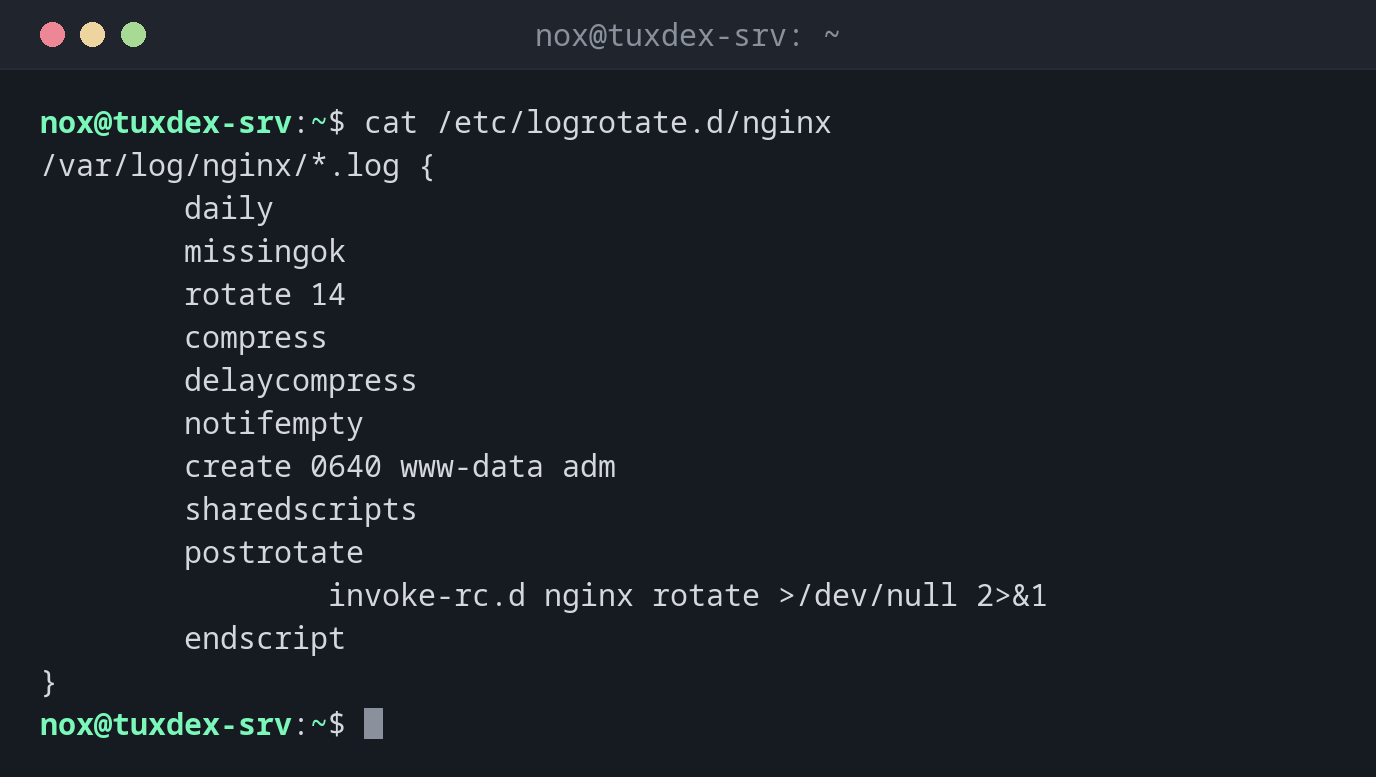
Die Regel für nginx:
cat /etc/logrotate.d/nginx
/var/log/nginx/*.log {
        daily
        missingok
        rotate 14
        compress
        delaycompress
        notifempty
        create 0640 www-data adm
        sharedscripts
        postrotate
                invoke-rc.d nginx rotate >/dev/null 2>&1
        endscript
}
Eine Regel testen, ohne etwas zu ändern:
sudo logrotate -d /etc/logrotate.d/nginx
warning: logrotate in debug mode does nothing except printing debug messages!  Consider using verbose mode (-v) instead if this is not what you want.

reading config file /etc/logrotate.d/nginx
Reading state from file: /var/lib/logrotate/status
Allocating hash table for state file, size 64 entries

Handling 1 logs

rotating pattern: /var/log/nginx/*.log after 1 days empty log files are not rotated, (14 rotations), old logs are removed
considering log /var/log/nginx/access.log
  Now: 2026-10-26 10:42
  Last rotated at 2026-10-26 00:00
  log does not need rotating (log has already been rotated)
considering log /var/log/nginx/error.log
  Now: 2026-10-26 10:42
  Last rotated at 2026-10-26 00:00
  log does not need rotating (log has already been rotated)
not running postrotate script, since no logs were rotated
Jetzt rotieren und zusehen, was passiert:
sudo logrotate -vf /etc/logrotate.d/nginx 2>&1 | tail -n 8
renaming /var/log/nginx/access.log.1 to /var/log/nginx/access.log.2 (rotatecount 14, logstart 1, i 1),
renaming /var/log/nginx/access.log to /var/log/nginx/access.log.1
creating new /var/log/nginx/access.log mode = 0640 uid = 33 gid = 4
renaming /var/log/nginx/error.log.1 to /var/log/nginx/error.log.2 (rotatecount 14, logstart 1, i 1),
renaming /var/log/nginx/error.log to /var/log/nginx/error.log.1
creating new /var/log/nginx/error.log mode = 0640 uid = 33 gid = 4
running postrotate script
compressing log with: /bin/gzip
Wann brauche ich das?
- Wenn Logdateien die Platte füllen, weil sie nie rotiert werden
- Für eine eigene Anwendung, die Logdateien schreibt
- Um eine neue Regel vor dem nächtlichen Lauf zu prüfen
Wann läuft es?
Auf Systemen mit systemd startet logrotate.timer es einmal am Tag:
systemctl list-timers logrotate.timer zeigt, wann.
Der Dienst muss sein Log neu öffnen
Nach dem Umbenennen schreiben viele Dienste weiter in die alte Datei (access.log.1). Dafür
ist postrotate da: Es sagt dem Dienst, dass er eine neue Datei öffnen soll. Ohne das
bleibt die neue Datei leer.