ansible
Führt ein einzelnes Modul sofort auf einer Gruppe von Servern aus, ohne Playbook (Ad-hoc-Befehle).
Syntax
ansible MUSTER [-m MODUL] [-a "ARGUMENTE"] [OPTIONEN]
Optionen
| Option | Beschreibung |
|---|---|
MUSTER |
Ziel: ein Server, eine Gruppe, all oder ein Muster wie web:!web02 |
-m MODUL |
Auszuführendes Modul, standardmäßig command |
-a ARGUMENTE |
Argumente des Moduls, etwa "name=htop state=present" |
-b, --become |
Mit sudo ausführen |
-K, --ask-become-pass |
Nach dem sudo-Passwort fragen |
-i INVENTAR |
Ein anderes Inventar |
-f N, --forks N |
Wie viele Server gleichzeitig (Standard 5) |
--check, --diff |
Nur zeigen, was sich ändern würde |
Beispiele
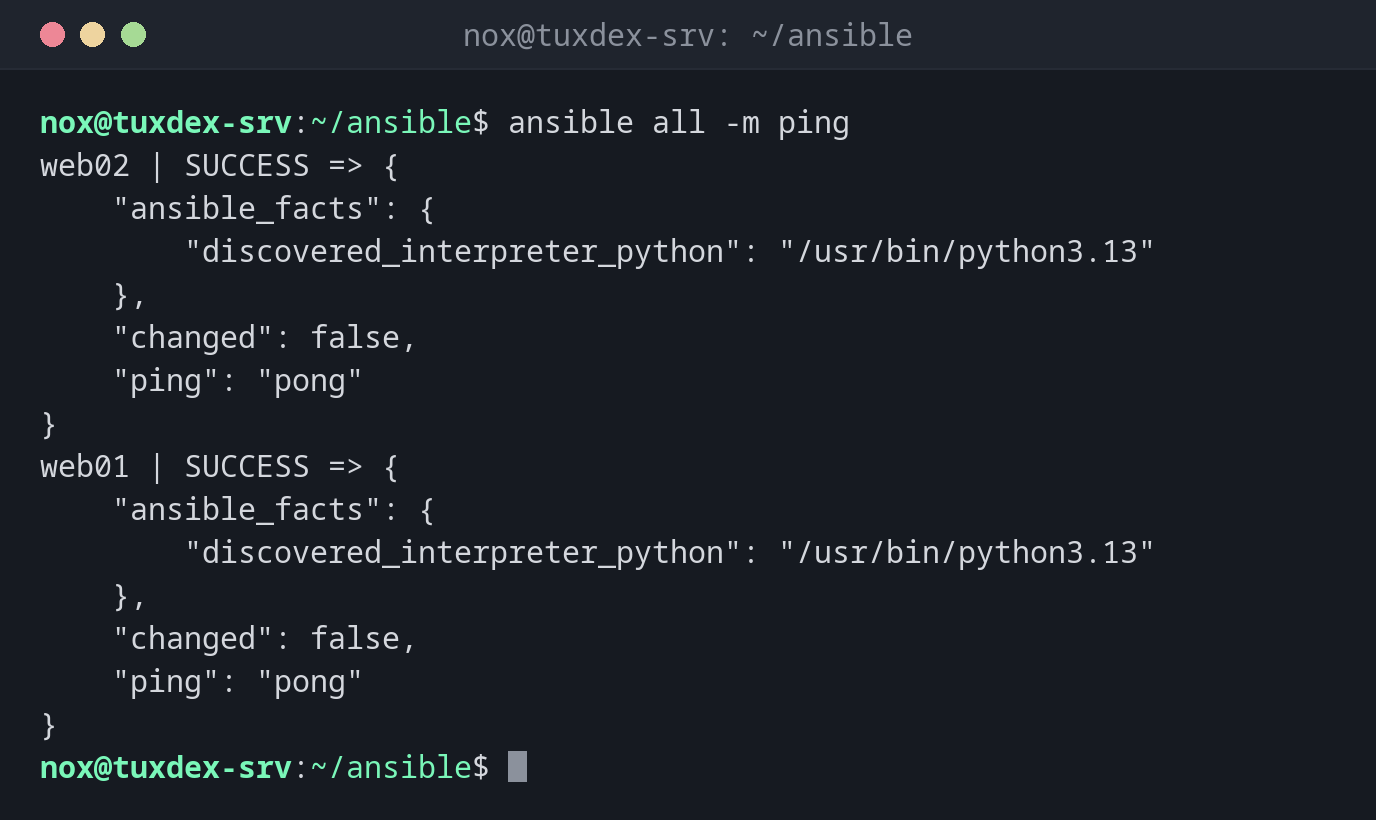
Prüfen, ob alle Server erreichbar sind:
ansible all -m ping
web02 | SUCCESS => {
    "ansible_facts": {
        "discovered_interpreter_python": "/usr/bin/python3.13"
    },
    "changed": false,
    "ping": "pong"
}
web01 | SUCCESS => {
    "ansible_facts": {
        "discovered_interpreter_python": "/usr/bin/python3.13"
    },
    "changed": false,
    "ping": "pong"
}
ping schickt keine ICMP-Pakete: Es meldet sich per SSH an und prüft, ob Python funktioniert.
Ein Befehl auf allen Webservern:
ansible web -a "uptime"
web01 | CHANGED | rc=0 >>
 10:42:17 up 12 days,  3:05,  1 user,  load average: 0.08, 0.03, 0.01
web02 | CHANGED | rc=0 >>
 10:42:17 up 12 days,  3:05,  0 users,  load average: 0.02, 0.04, 0.00
Überall ein Paket installieren:
ansible web -b -m apt -a "name=htop state=present"
web01 | SUCCESS => {
    "ansible_facts": {
        "discovered_interpreter_python": "/usr/bin/python3.13"
    },
    "cache_update_time": 1793101332,
    "cache_updated": false,
    "changed": false
}
web02 | SUCCESS => {
    "ansible_facts": {
        "discovered_interpreter_python": "/usr/bin/python3.13"
    },
    "cache_update_time": 1793101333,
    "cache_updated": false,
    "changed": false
}
SUCCESS mit "changed": false: htop war schon installiert, also passierte nichts. Beim ersten Lauf steht dort CHANGED.
Pipes brauchen das Modul shell:
ansible web01 -m shell -a "df -h / | tail -1"
web01 | CHANGED | rc=0 >>
/dev/sda2        38G  6.1G   30G  17% /
Fakten zur Distribution:
ansible web01 -m setup -a "filter=ansible_distribution*"
web01 | SUCCESS => {
    "ansible_facts": {
        "ansible_distribution": "Debian",
        "ansible_distribution_file_parsed": true,
        "ansible_distribution_file_path": "/etc/os-release",
        "ansible_distribution_file_variety": "Debian",
        "ansible_distribution_major_version": "13",
        "ansible_distribution_minor_version": "1",
        "ansible_distribution_release": "trixie",
        "ansible_distribution_version": "13.1",
        "discovered_interpreter_python": "/usr/bin/python3.13"
    },
    "changed": false
}
Wann brauche ich das?
- Um schnell zu prüfen, ob alle Server erreichbar sind
- Um einen Befehl auf allen Servern auszuführen, etwa
uptimeoder einen Plattencheck - Für einmalige Änderungen, etwa ein Paket auf allen Webservern zu installieren
Fakten über einen Server
ansible web01 -m setup zeigt alles, was Ansible über einen Server weiß: Distribution,
IP-Adressen, Speicher, Platten. Filtern mit -a "filter=ansible_*mem*".
command kennt keine Shell-Syntax
Das Standardmodul command startet das Programm direkt, ohne Shell: Pipes (|),
Umleitungen und * funktionieren nicht. Nimm dafür -m shell.
Unterschiede zwischen Distributionen
| Debian | Ubuntu | RHEL | Arch | |
|---|---|---|---|---|
| Installation | sudo apt install ansible |
sudo apt install ansible |
sudo dnf install ansible-core (volles ansible aus EPEL) |
sudo pacman -S ansible |