git pull
Fetches new commits from the server and merges them into the current branch.
Syntax
git pull [--ff-only | --rebase] [REMOTE [BRANCH]]
Options
| Option | Description |
|---|---|
--ff-only |
Only update if no merge is needed, otherwise abort |
--rebase |
Put your own commits on top of the new ones instead of merging |
--no-rebase |
Merge, creating a merge commit if needed |
--autostash |
Put local changes aside before and restore them afterwards |
-q, --quiet |
No output |
Examples
Get the latest state:
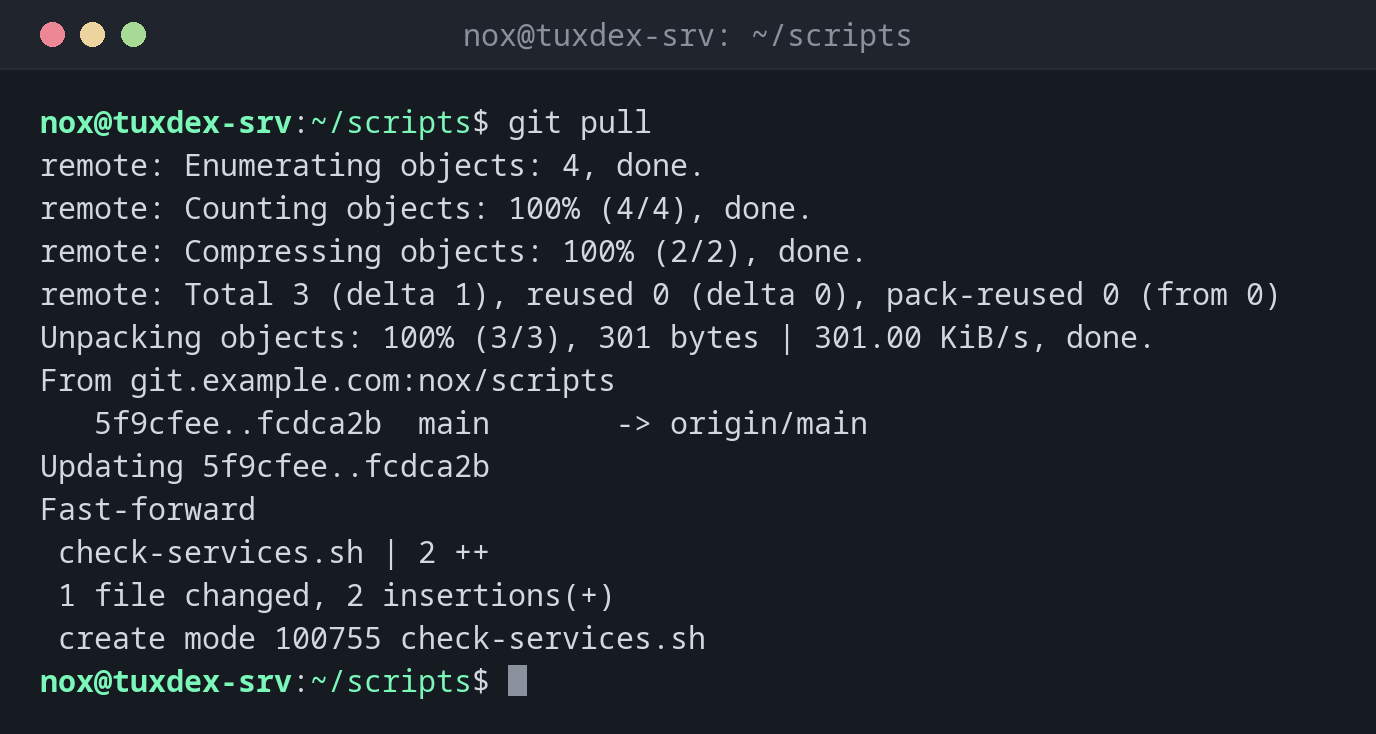
git pull
remote: Enumerating objects: 4, done.
remote: Counting objects: 100% (4/4), done.
remote: Compressing objects: 100% (2/2), done.
remote: Total 3 (delta 1), reused 0 (delta 0), pack-reused 0 (from 0)
Unpacking objects: 100% (3/3), 301 bytes | 301.00 KiB/s, done.
From git.example.com:nox/scripts
   5f9cfee..fcdca2b  main       -> origin/main
Updating 5f9cfee..fcdca2b
Fast-forward
 check-services.sh | 2 ++
 1 file changed, 2 insertions(+)
 create mode 100755 check-services.sh
Nothing new:
git pull
Already up to date.
Update a server safely:
cd /opt/scripts
sudo git pull --ff-only -q
git log --oneline -1
fcdca2b Add service check
Both sides have new commits:
git pull
From git.example.com:nox/scripts
   fcdca2b..b9d2121  main       -> origin/main
hint: You have divergent branches and need to specify how to reconcile them.
hint: You can do so by running one of the following commands sometime before
hint: your next pull:
hint:
hint:   git config pull.rebase false  # merge
hint:   git config pull.rebase true   # rebase
hint:   git config pull.ff only       # fast-forward only
hint:
hint: You can replace "git config" with "git config --global" to set a default
hint: preference for all repositories. You can also pass --rebase, --no-rebase,
hint: or --ff-only on the command line to override the configured default per
hint: invocation.
fatal: Need to specify how to reconcile divergent branches.
Put your own commit on top of the new ones:
git pull --rebase
git log --oneline -3
Successfully rebased and updated refs/heads/main.
599c398 Rotate logs after 14 days
b9d2121 Document check scripts
fcdca2b Add service check
When do I need it?
- Before you start working, to get the latest state
- To update scripts or configuration on a server from the repository
- In a deployment script or cron job that keeps a directory up to date
--ff-only on servers
On a server that only receives changes, git pull --ff-only is the safe choice: it
either updates cleanly or stops, but never creates a merge commit. Set it permanently
with git config pull.ff only.
Local changes on the server
If someone edited a versioned file directly on the server, git pull stops with
Your local changes ... would be overwritten. Check with git diff what was changed
before you discard or commit it.
Related commands
git fetch · git merge · git rebase · git push