docker system
Shows how much space Docker uses and cleans up stopped containers, unused images, networks and build cache.
Syntax
docker system df [-v]
docker system prune [-a] [--volumes] [-f]
docker system info
Options
| Option | Description |
|---|---|
df |
Space used by images, containers, volumes and build cache |
df -v |
The same, broken down per image, container and volume |
prune |
Delete stopped containers, unused networks, dangling images and build cache |
prune -a |
Also delete all images that no container uses |
prune --volumes |
Also delete unused anonymous volumes |
-f, --force |
Don't ask for confirmation |
info |
Overview of the Docker installation: version, storage driver, number of containers |
Examples
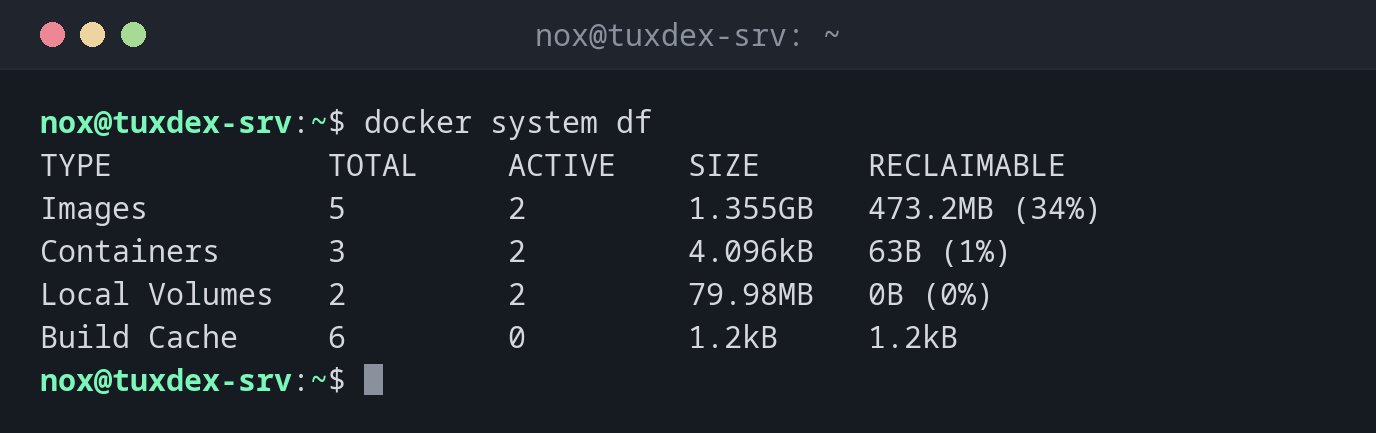
See how much space Docker uses:
docker system df
TYPE            TOTAL     ACTIVE    SIZE      RECLAIMABLE
Images          5         2         1.355GB   473.2MB (34%)
Containers      3         2         4.096kB   63B (1%)
Local Volumes   2         2         79.98MB   0B (0%)
Build Cache     6         0         1.2kB     1.2kB
RECLAIMABLE is what docker system prune -a could free.
Clean up:
docker system prune
WARNING! This will remove:
  - all stopped containers
  - all networks not used by at least one container
  - all dangling images
  - unused build cache

Are you sure you want to continue? [y/N] y
Deleted Containers:
7b2e91c4d0a3c5f18e6d2b4a9f0c3e7d1b5a8f2c6e4d0b9a3f7c1e5d8b2a6f04

Deleted Networks:
backend

Deleted build cache objects:
wkc9ai887k3osdzs7fehpx8mq
vtck2exxroz70diuwiw6hluh8
4shp7pqvwo9swmcs9qtiaeeie

Total reclaimed space: 8.255kB
Also remove all unused images, without asking:
docker system prune -a -f
Deleted Images:
untagged: nginx:1.27
deleted: sha256:5ed8fcc66f4ed123c9e4a7c15a1c8b0e6d2f9a4b7c3e8d1f5a0b6c2e9d4f7a18
untagged: status-page:1.0
deleted: sha256:ffca3ce5b5cf86259c01a40d9b80f53639c1feaed663882b7a3ab8ee30c75693

Total reclaimed space: 473.2MB
Key facts of the installation:
docker system info -f "{{.ServerVersion}}, {{.Driver}}, {{.Containers}} containers, {{.DockerRootDir}}"
29.9.2, overlayfs, 3 containers, /var/lib/docker
When do I need it?
- When
/var/lib/dockeris filling up the disk - As a regular cleanup job on build servers
- To check the Docker installation and its settings
Clean up regularly
Every update leaves the old image behind. A weekly
docker image prune -a -f --filter until=168h in a cron job removes images that have
been unused for more than a week.
prune -a removes images of stopped stacks
docker system prune -a also deletes the images of containers that are just stopped.
They will be downloaded again at the next start, which takes time and needs the registry
to be reachable.