ln
Creates links: symbolic links point to a path, hard links are a second name for the same file.
Syntax
ln [OPTION]... TARGET LINK_NAME
ln [OPTION]... TARGET... DIRECTORY
Options
| Option | Description |
|---|---|
-s, --symbolic |
Create a symbolic link instead of a hard link |
-f, --force |
Replace an existing link or file with the same name |
-n, --no-dereference |
Treat an existing link to a directory as a file (use with -f) |
-r, --relative |
Create a symbolic link with a relative path |
-v, --verbose |
Show every created link |
Symbolic link (ln -s) |
Hard link (ln) |
|
|---|---|---|
| Points to | a path | the data itself (same inode) |
| Works for directories | yes | no |
| Across file systems | yes | no |
| Target deleted | link is broken | data stays available |
Examples
Enable an nginx site with a symbolic link:
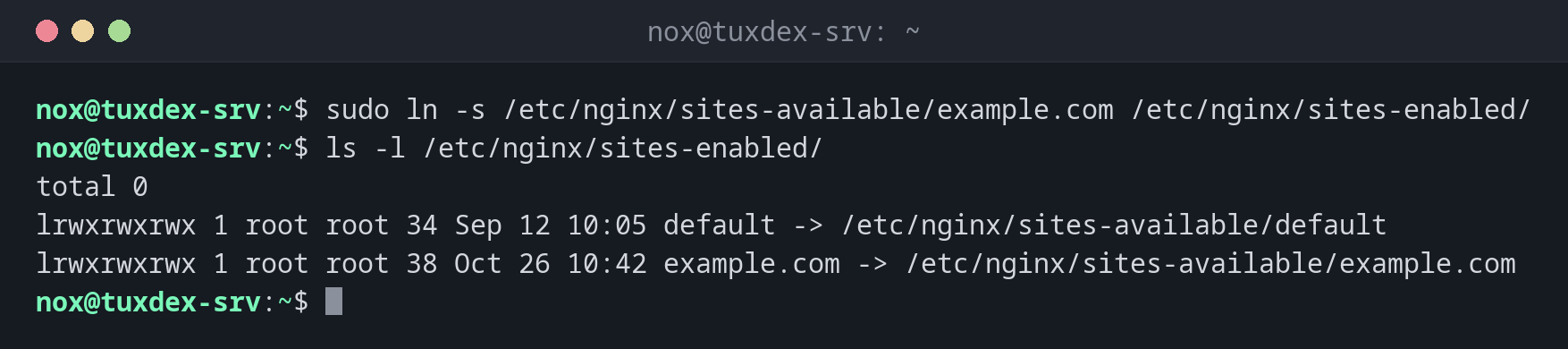
sudo ln -s /etc/nginx/sites-available/example.com /etc/nginx/sites-enabled/
ls -l /etc/nginx/sites-enabled/
total 0
lrwxrwxrwx 1 root root 34 Sep 12 10:05 default -> /etc/nginx/sites-available/default
lrwxrwxrwx 1 root root 38 Oct 26 10:42 example.com -> /etc/nginx/sites-available/example.com
Create a link and show it:
ln -sv releases/2026-10-20 current
'current' -> 'releases/2026-10-20'
Point an existing link to a new target:
ln -sfn releases/2026-10-26 current
ls -l current
lrwxrwxrwx 1 nox nox 19 Oct 26 10:42 current -> releases/2026-10-26
Create a hard link:
ln notes.txt notes-hard.txt
ls -li notes*.txt
1048602 -rw-r--r-- 2 nox nox 812 Oct 26 09:15 notes-hard.txt
1048602 -rw-r--r-- 2 nox nox 812 Oct 26 09:15 notes.txt
Both names have the same inode number (1048602), and the link count is 2.
A broken symbolic link:
ln -s /etc/app.conf app.conf
cat app.conf
cat: app.conf: No such file or directory
The link exists, but its target /etc/app.conf does not.
When do I need it?
- To enable sites and modules in nginx and Apache (
sites-enabled,mods-enabled) - For deployments:
currentpoints to the active release, and switching the link rolls out or rolls back a version in one step - To make a program or script available in
/usr/local/binwithout copying it - To keep a configuration in a Git repository and link it to the place where the service expects it
Check where a link points
ls -l shows the target after ->. realpath
follows the whole chain of links to the real file.
Relative targets are relative to the link
ln -s ../config/app.conf /etc/app.conf stores ../config/app.conf literally. The
path is resolved from the directory of the link (/etc), not from where you ran
the command. Use absolute paths or -r to avoid broken links.
Replacing a link to a directory
Without -n, ln -sf releases/2026-10-26 current does not replace current when it
points to a directory. It creates a new link inside that directory instead.
Always use ln -sfn to switch such links.