anacron
Runs daily, weekly and monthly jobs even if the server was switched off at the scheduled time: missed runs are caught up after booting.
Syntax
anacron [OPTION]...
Options
| Option | Description |
|---|---|
-T |
Check /etc/anacrontab for errors |
-f |
Force: run all jobs now, regardless of when they last ran |
-n |
Now: don't wait for the delay |
-d |
Run in the foreground and print messages |
Each line of /etc/anacrontab: period in days, delay in minutes, a name, the command. The time of the last run is kept in /var/spool/anacron/.
Examples
Show the configuration:
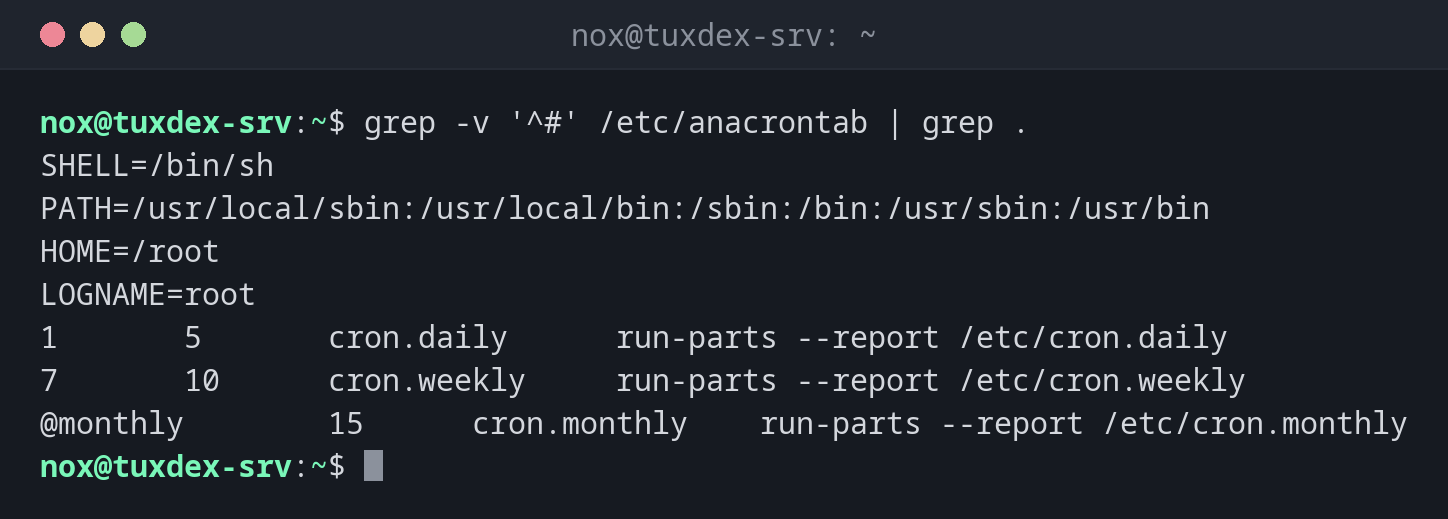
grep -v '^#' /etc/anacrontab | grep .
SHELL=/bin/sh
PATH=/usr/local/sbin:/usr/local/bin:/sbin:/bin:/usr/sbin:/usr/bin
HOME=/root
LOGNAME=root
1       5       cron.daily      run-parts --report /etc/cron.daily
7       10      cron.weekly     run-parts --report /etc/cron.weekly
@monthly        15      cron.monthly    run-parts --report /etc/cron.monthly
cron.daily runs if it hasn't run for one day, 5 minutes after anacron starts.
Check the configuration for errors:
sudo anacron -T && echo "anacrontab ok"
anacrontab ok
Show when the jobs last ran:
sudo head /var/spool/anacron/*
==> /var/spool/anacron/cron.daily <==
20261026

==> /var/spool/anacron/cron.monthly <==
20261001

==> /var/spool/anacron/cron.weekly <==
20261026
When do I need it?
- On servers and VMs that are not always running, e.g. test systems
- To make sure weekly and monthly jobs don't get lost after downtime
- To find out why daily jobs run at an unexpected time
Check when a job last ran
cat /var/spool/anacron/cron.daily shows the date of the last daily run, e.g.
20261026.
Distribution differences
| Debian | Ubuntu | RHEL | Arch | |
|---|---|---|---|---|
| Installed by default | no, package anacron |
no, package anacron |
yes, cronie-anacron |
with the package cronie |