apt-cache
Queries the package lists of Debian and Ubuntu: which versions are available from which repository, and which packages depend on each other.
Syntax
apt-cache COMMAND [PACKAGE]...
Options
| Command | Description |
|---|---|
policy PACKAGE |
Installed version, candidate and all available versions with their repositories |
madison PACKAGE |
All available versions, one per line |
depends PACKAGE |
What the package needs |
rdepends PACKAGE |
Which packages need this package (reverse dependencies) |
search WORD |
Search names and descriptions |
show PACKAGE |
Details of all available versions |
apt-cache only reads, so it doesn't need sudo.
Examples
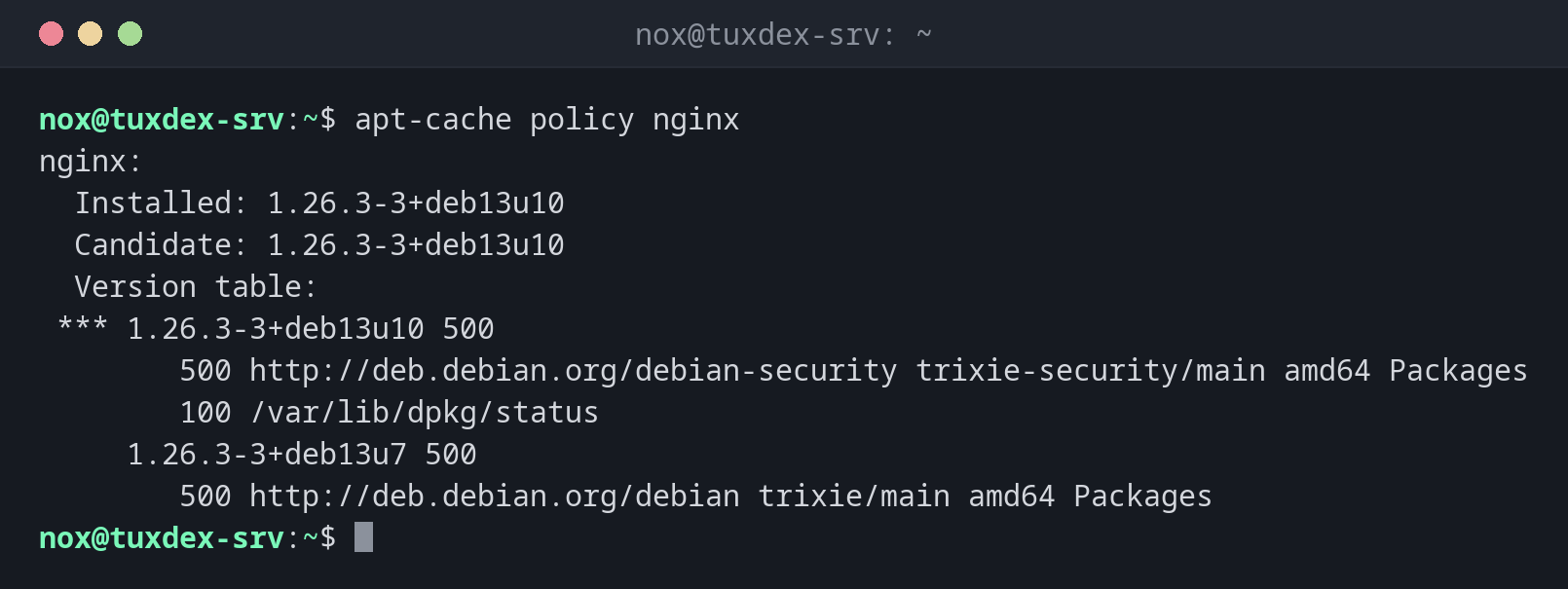
Show the installed and the candidate version:
apt-cache policy nginx
nginx:
  Installed: 1.26.3-3+deb13u10
  Candidate: 1.26.3-3+deb13u10
  Version table:
 *** 1.26.3-3+deb13u10 500
        500 http://deb.debian.org/debian-security trixie-security/main amd64 Packages
        100 /var/lib/dpkg/status
     1.26.3-3+deb13u7 500
        500 http://deb.debian.org/debian trixie/main amd64 Packages
| Line | Meaning |
|---|---|
Installed |
The version on the system |
Candidate |
The version apt install or apt upgrade would install |
*** |
Marks the installed version |
500, 100 |
Priority of the source: the higher one wins |
Show all available versions briefly:
apt-cache madison nginx
     nginx | 1.26.3-3+deb13u10 | http://deb.debian.org/debian-security trixie-security/main amd64 Packages
     nginx | 1.26.3-3+deb13u7 | http://deb.debian.org/debian trixie/main amd64 Packages
Show what a package needs:
apt-cache depends htop
htop
  Depends: libc6
  Depends: libncursesw6
  Depends: libtinfo6
  Suggests: lm-sensors
  Suggests: lsof
  Suggests: strace
Find out which installed packages need a library:
apt-cache rdepends --installed libncursesw6
libncursesw6
Reverse Depends:
  htop
Search for packages by name:
apt-cache search --names-only "^nginx-"
nginx - small, powerful, scalable web/proxy server
nginx-common - small, powerful, scalable web/proxy server - common files
nginx-core - nginx web/proxy server (standard version)
nginx-dev - nginx web/proxy server - development headers
nginx-doc - small, powerful, scalable web/proxy server - documentation
When do I need it?
- Before an update: which version would be installed, and from which repository?
- When a security update doesn't arrive: is the security repository configured?
- Before removing a library: which programs still need it?
Check the security repository
If policy shows no line with -security for an installed package, the security
repository is missing from the sources. Then the server gets no security updates.
Only the lists from the last update
apt-cache reads the local package lists. If they are old, run sudo apt update
first.
Distribution differences
| Debian | Ubuntu | RHEL | Arch | |
|---|---|---|---|---|
| Show available versions | apt-cache policy |
apt-cache policy |
dnf list --showduplicates |
pacman -Si |
| Reverse dependencies | apt-cache rdepends |
apt-cache rdepends |
dnf repoquery --whatrequires |
pacman -Qi (field Required By) |